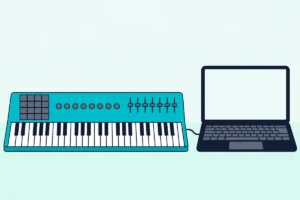
The best FL Studio MIDI keyboard is the Novation FLkey Mini, whose pads and knobs control the channel rack and mixer with no manual mapping.
The picks
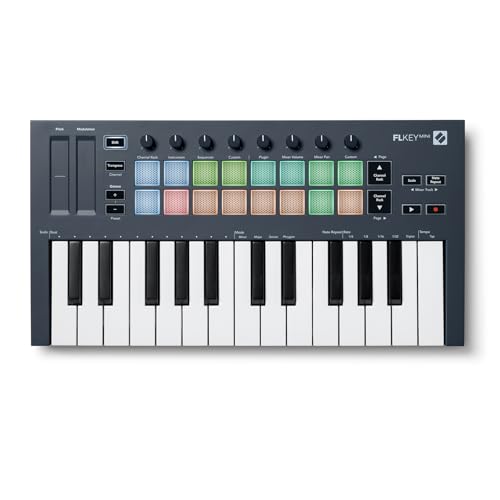
Novation FLkey Mini
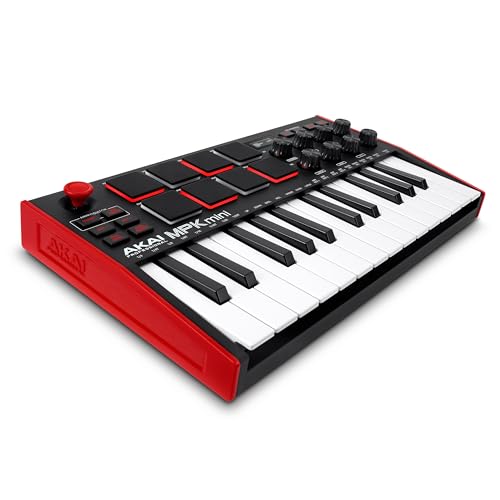
Akai Professional MPK Mini MK3
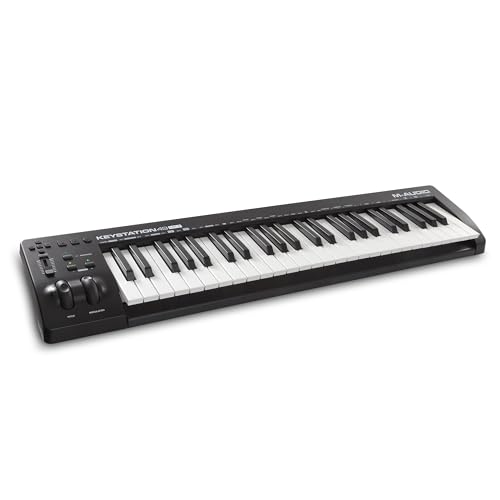
M-AUDIO Keystation 49 MK3
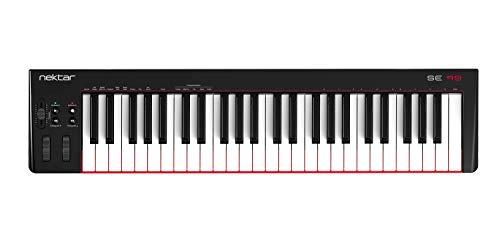
Nektar SE49
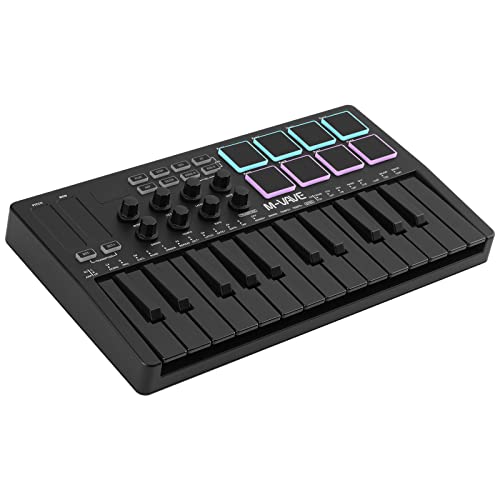
M-VAVE 25 Key MIDI Controller
midiplus AKM320
Picking the best FL Studio MIDI keyboard comes down to whether its pads and knobs reach the channel rack and mixer without linking each one by hand.
The problem most FL Studio producers hit is buying a generic MIDI keyboard that works but does not integrate. You plug it in, the keys play notes, and that is where the magic stops.
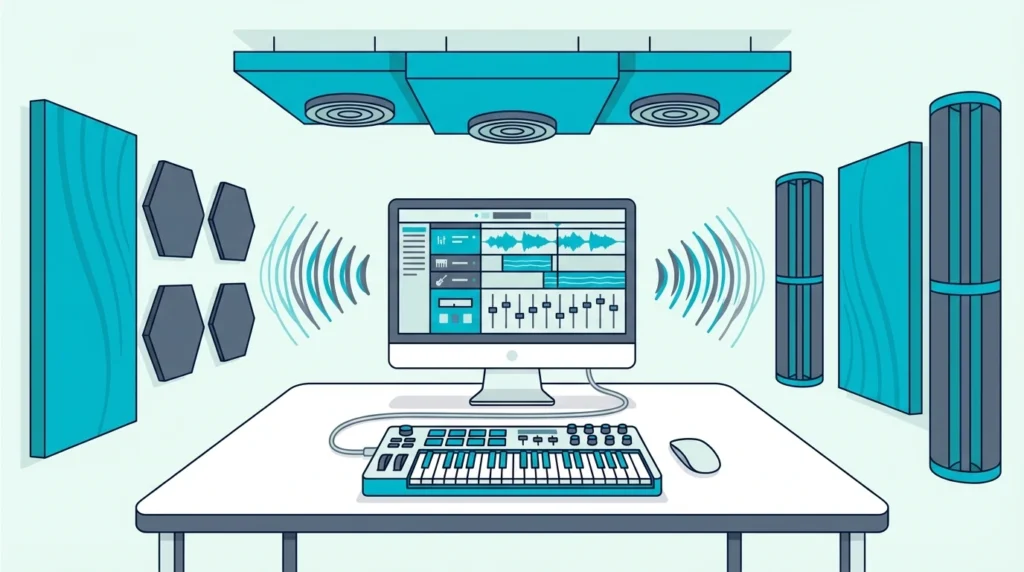
The channel rack, mixer, and piano roll sit untouched because the controller has no idea how FL Studio organizes its workflow.
Native integration changes everything. A controller built for FL Studio maps its controls to the channel rack, mixer faders, and transport automatically — so you spend time making beats instead of configuring MIDI learn assignments.
For a controller without native support, linking a knob to any FL Studio control takes a right-click and a twist of the knob.
The sections below cover why FL Studio’s channel rack calls for a different controller, the six keyboards from the FLkey Mini to the midiplus AKM320, and the setup each one needs.
Beyond the FLkey Mini, the M-AUDIO Keystation 49 MK3 adds 49 full-size keys, and the Akai MPK Mini MK3 maps to FL Studio through MIDI learn while working in other DAWs too.
| Pick | Best for | Why |
|---|---|---|
| Novation FLkey Mini | FL Studio first | Pads and knobs map to FL Studio |
| Akai Professional MPK Mini MK3 | FL Studio and other DAWs | Pads and knobs linked by hand |
| M-AUDIO Keystation 49 MK3 | Two-handed playing | 49 full-size, velocity-sensitive keys |
| Nektar SE49 | Nektar’s DAW controls | 49 full-size keys with velocity |
| M-VAVE 25 Key MIDI Controller | A phone or tablet | Bluetooth MIDI plus USB |
| midiplus AKM320 | Keys only | 32 mini keys |
The descriptions come from the makers’ manuals and spec pages. Every pick met Burton Acoustix’s rating, review and stock checks on 9 November 2026.
Why Does FL Studio Need a Different Kind of Keyboard?
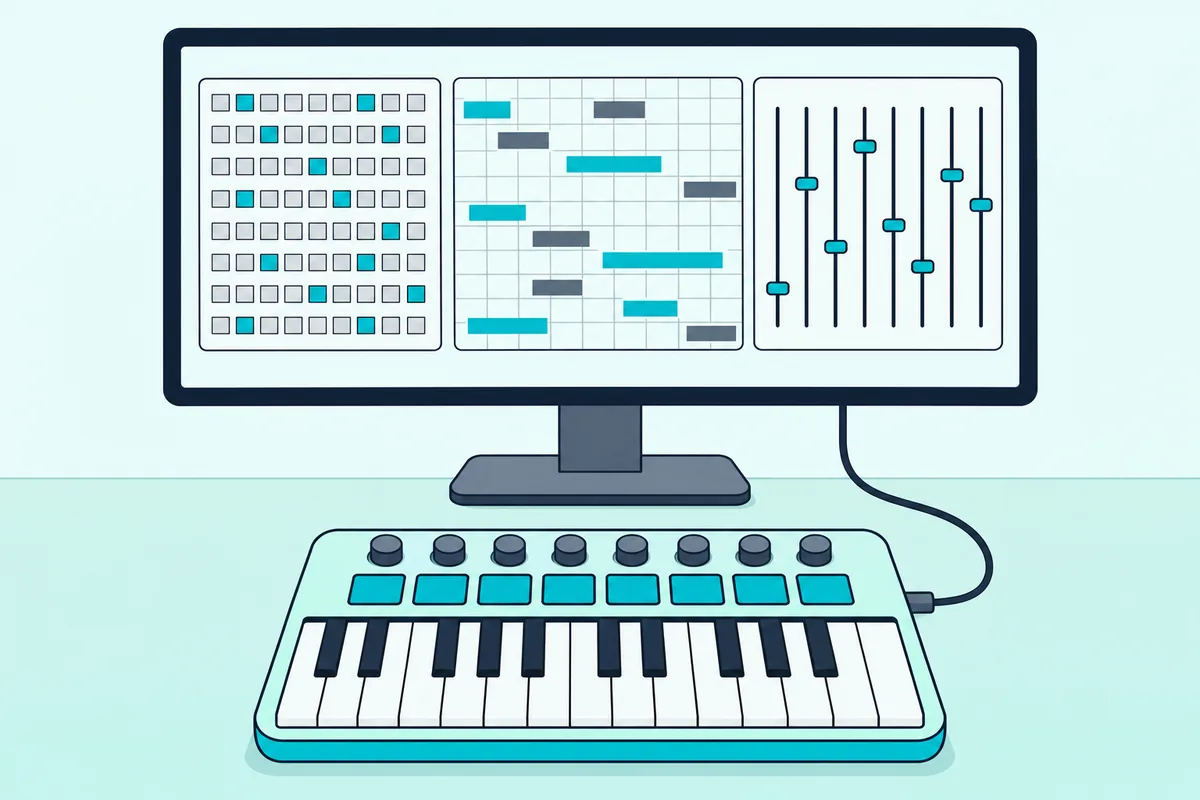
FL Studio’s workflow is fundamentally different from Ableton, Logic, or Cubase. Three parts of it matter for a controller: the channel rack, pattern-based songs and the piano roll.
The Channel Rack Changes Everything
FL Studio organizes instruments in a channel rack — a vertical list where each row is a different sound (kick, snare, hi-hat, synth lead). Most DAWs organize by horizontal tracks.
That architectural difference means a controller designed for track-based DAWs misses FL Studio’s primary navigation structure entirely.
A controller with native FL Studio integration maps its pads directly to channel rack slots. Press pad 1 and it triggers the kick.
Press pad 5 and it fires the synth. That direct connection eliminates the mouse-clicking that slows down pattern creation.
Pattern-Based Production
FL Studio builds songs from patterns, not linear arrangements. You create a 4-bar drum pattern, a separate bass pattern, a separate melody pattern, then arrange them in the playlist.
Controllers that understand this workflow let you switch between patterns from hardware.
A controller without an FL Studio script sends notes and knob messages, but each knob reaches the mixer or channel rack only once it is linked by hand.
Piano Roll Integration
FL Studio’s piano roll shows ghost notes from other channels, slide notes and per-note properties such as velocity, and it can snap notes to a chosen scale.
Each note keeps the velocity it was played at as a note property, and the velocity curve in MIDI Settings shapes the value FL Studio receives.
What Is the Best FL Studio MIDI Keyboard?
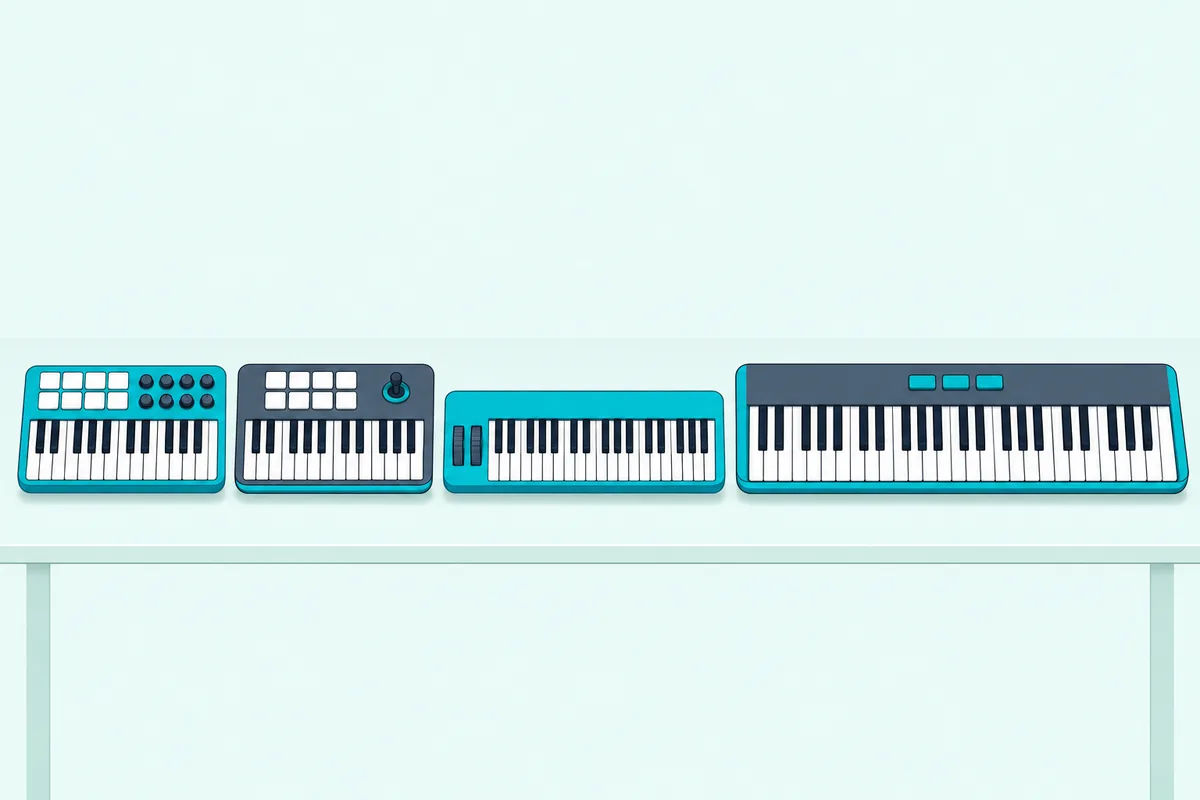
The six keyboards below run from one made for FL Studio’s channel rack and mixer to one with keys only.
The Novation FLkey Mini is Novation’s keyboard made for FL Studio. With FL Studio’s FLkey script loaded, the pads map to the channel rack, the knobs control the mixer, and the keys play whichever instrument is selected, with no manual mapping.
Novation FLkey Mini
The Akai Professional MPK Mini MK3 works in other DAWs as well as FL Studio. You lose native channel rack integration, but the 8 MPC-style pads and 8 knobs still map to FL Studio through MIDI learn.
Akai Professional MPK Mini MK3
For producers who need two-handed playing range, the M-AUDIO Keystation 49 MK3 delivers 49 synth-action keys with transport controls that work in FL Studio for play, stop, and record. The full-size keys make chord progressions and melody work significantly more comfortable than any 25-key mini controller.
M-AUDIO Keystation 49 MK3
The Nektar SE49 gives you 49 full-size keys for two-handed playing in FL Studio. Nektar’s DAW integration software handles basic mapping automatically.
Nektar SE49
The M-VAVE 25 Key MIDI Controller adds Bluetooth MIDI for tablets and phones (M-VAVE’s manual lists iOS and Android). USB mode works with desktop FL Studio for latency-critical recording.
M-VAVE 25 Key MIDI Controller
And the midiplus AKM320 is keys only, with no pads or knobs, but FL Studio’s built-in FPC drum plugin links each of its pads to a MIDI note, so the keys can play drums.
midiplus AKM320
How Much Setup Does Each Keyboard Need in FL Studio?
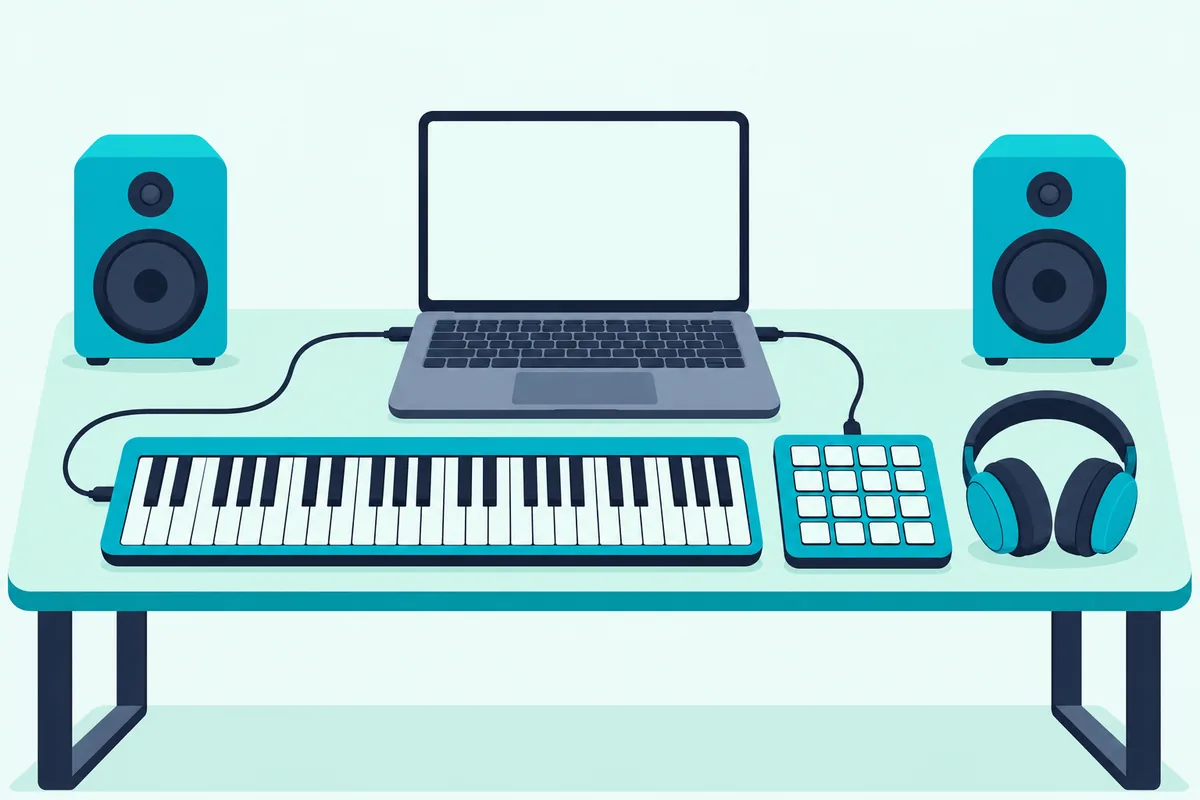
All six keyboards play FL Studio’s instruments once enabled in Options, then MIDI Settings, and since the 2026.1.6 update FL Studio offers to enable a new controller when it is plugged in. What differs is how many of their controls need linking by hand, and how to connect a MIDI keyboard to FL Studio covers each step.
MIDI Learn For Knobs And Faders
Right-click any knob or fader in FL Studio and select “Link to controller.” Then twist the knob or move the fader on your MIDI keyboard.
FL Studio captures the MIDI CC message and links that hardware control to the parameter; a permanent link needs the Multilink controllers switch with Override global links (Image-Line).
For an 8-knob controller like the MPK Mini MK3, link the controls you use most, typically mixer volume, pan and a few effect sends.
Novation FLkey Native Integration
The Novation FLkey series needs no manual mapping once FL Studio loads its script, and Novation says both FLkey generations integrate deeply with FL Studio’s essential tools and functions. If FL Studio does not select the FLkey script on its own, choose it from the Controller type menu in MIDI Settings.
Its Scale mode keeps what you play in key, and FL Studio’s own piano roll can also snap incoming MIDI notes to a chosen scale.
Novation’s FLkey page says FLkey 2 is more tightly integrated with FL Studio than the first generation, with dedicated controls for looping and for switching between Pattern and Song Modes.
Multi-Controller Setups
FL Studio supports multiple MIDI controllers simultaneously. A common setup pairs a 25-key controller with pads for beat making alongside a 61-key controller for melody and chord work.
Each controller gets its own MIDI port assignment in the settings. FL Studio treats them as independent input devices, so you can play keys on one while triggering samples on the other without any conflict.
If you also produce in Ableton Live or Logic Pro, using two MIDI controllers at once covers the same pairing there.
The Bottom Line
The Novation FLkey Mini is the clear winner for dedicated FL Studio producers — its native channel rack and mixer integration saves the manual mapping that controllers without an FL Studio script need. If you want one keyboard for several DAWs, the Akai MPK Mini MK3 maps to FL Studio through MIDI learn and works in other DAWs too.
For two-handed playing, the M-AUDIO Keystation 49 MK3 has 49 full-size, velocity-sensitive keys, and if you only need keys, the midiplus AKM320 plays FL Studio’s instruments without pads or knobs.
Frequently Asked Questions
Do I need a MIDI keyboard specifically designed for FL Studio?
No. FL Studio supports all generic MIDI controllers: one without its own driver is set to USB Audio Device (generic controller) under Controller type in MIDI Settings, and its knobs work once each is linked.
How many keys do I need for FL Studio?
Twenty-five keys handle beat making, synth programming, and one-handed melodies — the core FL Studio workflow for most producers. Upgrade to 49 keys if you play two-handed chord progressions or want to practice piano alongside production.
Can I use FL Studio Mobile with a MIDI keyboard?
Yes — FL Studio Mobile on iOS and Android supports USB and Bluetooth MIDI input. The M-VAVE controller’s Bluetooth connectivity pairs directly with FL Studio Mobile for cable-free production on tablets. For a wired controller, Image-Line says many Android and iOS devices need an OTG adapter for its USB-A plug and that not every mobile device can power a MIDI controller, in which case it won’t work.