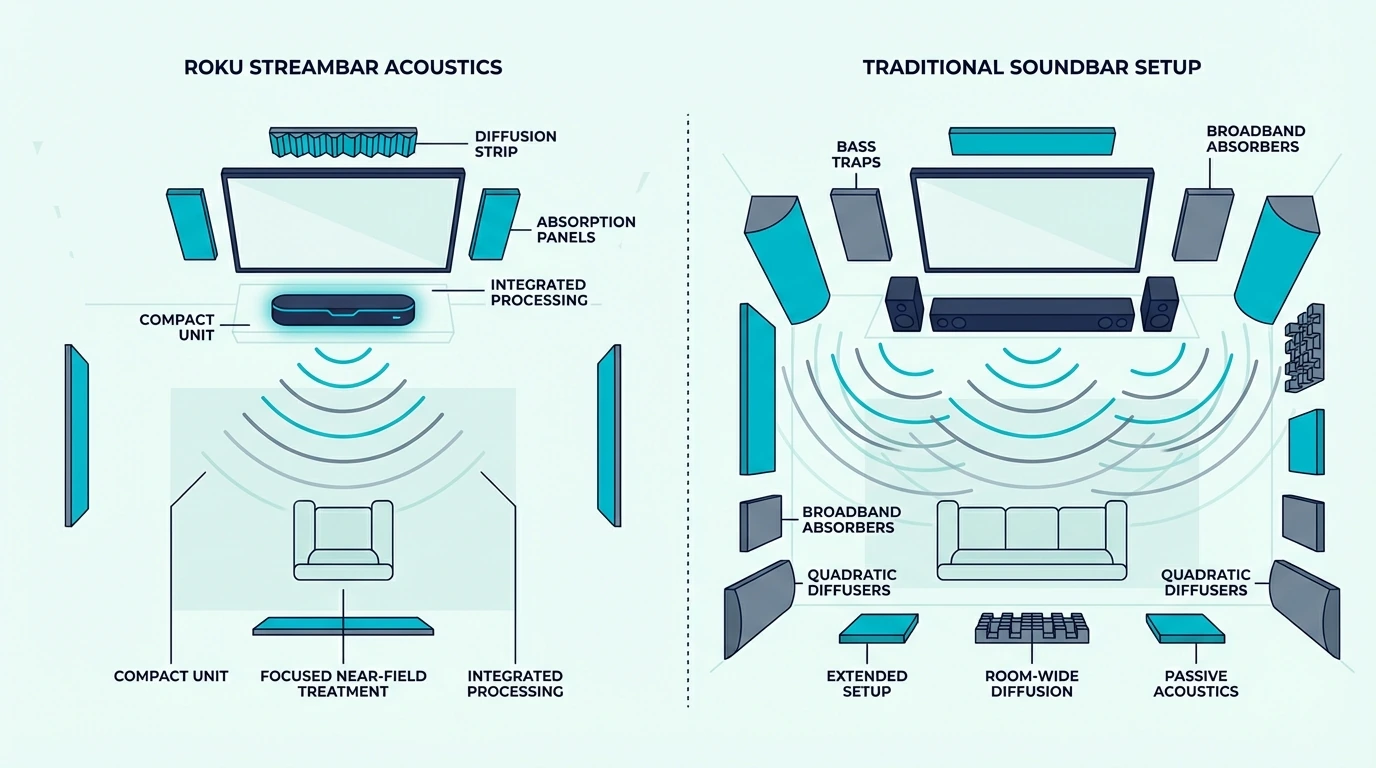
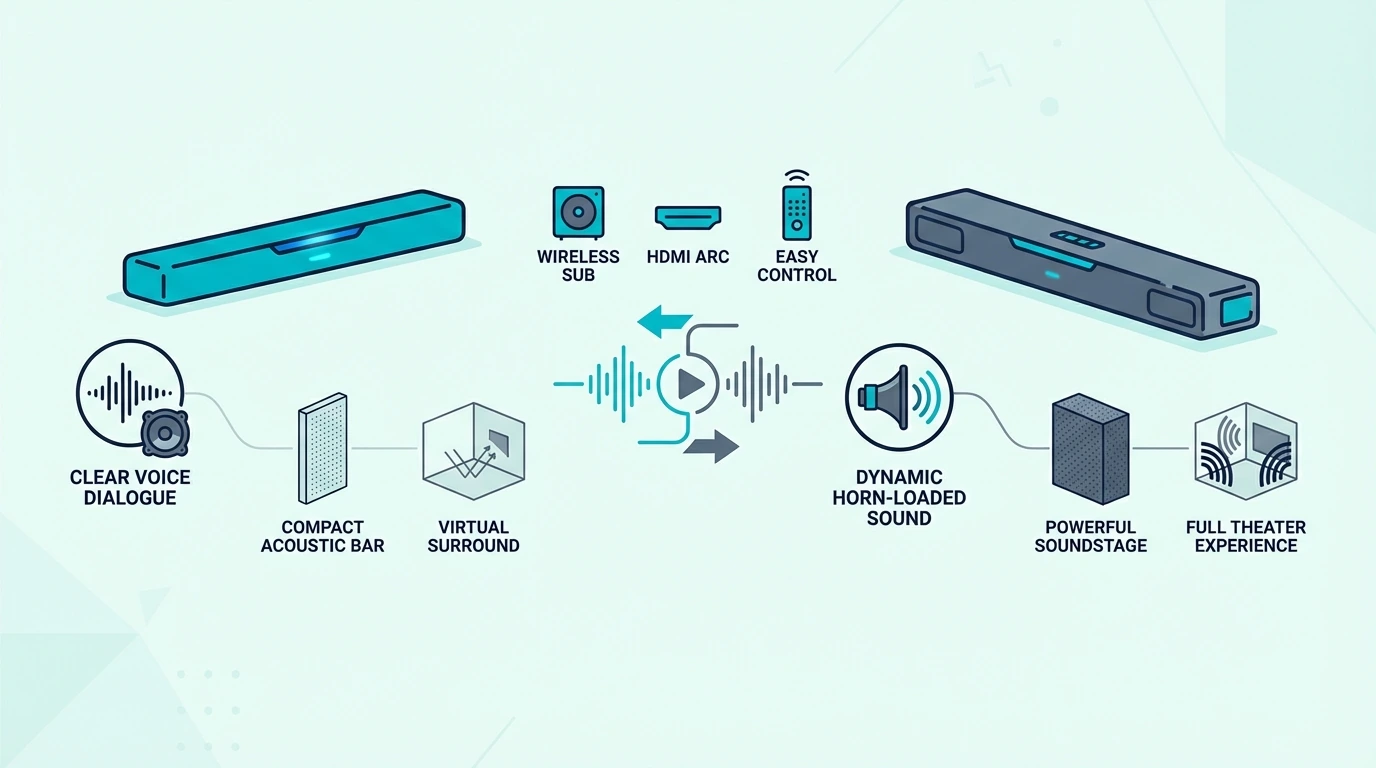
Can You Mount a Soundbar Above the TV? Yes, But… [2026]

If you’re asking can you mount a soundbar above the tv, the short answer is yes — but it’s not the ideal placement, and understanding why matters before you drill holes in your wall.

Every soundbar manufacturer designs their products to project audio from below or at the level of the TV screen, with center-channel drivers tuned for ear-level dialogue delivery and front-firing speakers aimed at seated listeners.

Mounting above the TV changes this projection angle, which can make dialogue sound like it’s coming from above the actors rather than from their mouths — a subtle but noticeable shift that affects immersion during movies and shows.

The problem is that many living room layouts force above-TV mounting as the only practical option.

A low-profile media console with no shelf space below the TV, a fireplace mantle setup where the TV sits high on the wall, or a bedroom where the TV mount leaves no room below for a soundbar.

Because these common situations make below-TV mounting impossible, knowing how to mount above the TV while minimizing the audio quality tradeoffs helps you get the best possible sound from a non-ideal position.

Whether you’re considering above-TV, below-TV, or wall-mounted placement, understanding how mounting position affects your soundbar’s audio projection helps you make the right choice.

You can avoid poor dialogue clarity and wasted Dolby Atmos performance from incorrect positioning.

Below, we’ll explain when above-TV mounting works, when it doesn’t, how to compensate for the audio tradeoffs, and the ideal mounting positions ranked from best to worst.

So you can pick the placement that delivers the best audio your room layout allows.

Quick Takeaway

You can mount a soundbar above the TV, but below the TV is still the better position for natural dialogue and more predictable sound.

If above-TV placement is your only realistic option, angle the bar downward and keep it close to the screen.

The goal is not perfection. It is minimizing the compromise.

Above vs Below TV: How Placement Affects Sound

Mounting a soundbar above a TV

The difference between above-TV and below-TV soundbar mounting isn’t just aesthetic preference.

It directly affects how dialogue, surround effects, and Dolby Atmos height channels reach your ears, and understanding the physics helps you compensate if above-TV is your only option.

Why Below-TV Is Always Better

Soundbar manufacturers tune their speaker arrays for below-TV placement because seated listeners’ ears are typically at or slightly below TV center height.

Placing the soundbar 4-6 inches below the TV’s bottom edge puts the center channel and front-firing drivers at the optimal angle for dialogue to sound natural and anchored to the on-screen action.

The center channel driver (responsible for 70-80% of movie dialogue) projects most clearly when positioned at or slightly below ear level.

For large-room movie use, a current example is Polk Audio Signa S2 Sound Bar for Smart TV with Subwoofer, which is a strong fit for TV and movies when you want fuller bass.

Below-TV placement also benefits Dolby Atmos soundbars with upward-firing drivers.

These drivers bounce sound off the ceiling to create overhead effects, and the standard below-TV height gives the sound the correct ceiling-bounce distance to arrive at your ears as convincing height audio.

Moving the soundbar higher shortens this ceiling distance, which can actually improve Atmos height effects in rooms with standard 8-foot ceilings.

Our soundbar fundamentals guide explains how soundbar speaker arrays work, and our soundbar vs surround sound guide covers how Dolby Atmos processing creates spatial effects.

When Above-TV Mounting Works

Above-TV mounting works acceptably in three scenarios: when you have no physical space below the TV (fireplace mantle, low console, bedroom wall mount).

You’re using a Dolby Atmos soundbar where the shorter ceiling distance for upward-firing drivers partially compensates for the non-ideal front-channel position.

When the TV is mounted high enough that the soundbar above it still sits near ear level for standing viewers in open-plan spaces.

If you must mount above the TV, angle the soundbar slightly downward toward your primary listening position.

Even a 5-10 degree downward tilt redirects the center channel and front drivers toward seated ear level, significantly improving dialogue clarity compared to a flat above-TV mount.

Many universal soundbar wall mounts include adjustable tilt brackets specifically for this purpose.

Our is a soundbar worth it guide evaluates the TV audio upgrade, and our soundbar to TV connection guide covers cable routing for wall-mounted setups.

Wall Mounting: Drywall, Studs, and Installation

When above-TV soundbar mounting works or hurts audio

Whether you mount above or below the TV, the physical installation into your wall determines whether your soundbar stays securely mounted — and the answer to “can drywall hold a soundbar” depends entirely on your mounting hardware.

Can Drywall Hold a Soundbar?

Standard drywall (1/2-inch thick) can hold most soundbars (typically 5-15 pounds) when you use proper drywall anchors rated for the weight.

But mounting into wall studs is always more secure and recommended for heavier soundbars or setups where the soundbar might get bumped.

Toggle bolts (also called butterfly anchors) are the strongest drywall-only mounting option, rated for 50+ pounds in 1/2-inch drywall, which far exceeds any soundbar’s weight.

Use a stud finder to locate wall studs behind your drywall — if studs align with your soundbar’s mounting bracket holes, wood screws into studs provide the strongest possible mount.

If studs don’t align, toggle bolts into drywall are your next best option — avoid plastic expansion anchors for overhead mounting because they can slowly pull out under sustained weight.

Our HDMI vs optical guide explains connection options for wall-mounted soundbars, and our do you need a soundbar for smart TV guide explains when your TV needs external audio.

Ideal Mounting Distance and Position

The ideal wall-mounted soundbar position is 4-6 inches below the TV’s bottom edge — close enough to feel visually integrated with the screen but far enough for proper ventilation and cable access behind both devices.

For above-TV mounting, maintain the same 4-6 inch gap above the TV’s top edge.

For this kind of small-room, dialogue-first setup, a current example is WALI Universal Soundbar Mount for TV, which is a strong fit for Budget TV speaker upgrade.

For large-room movie use, a current example is Amazon Fire TV Soundbar, which is a strong fit for Balanced TV and movie upgrade.

Our 2.1 vs 5.1 soundbar guide explains channel configurations, and our do you need a subwoofer with a soundbar guide covers when adding a sub matters for your setup.

Should Soundbars Be Mounted to TV or Wall?

Some soundbars include TV-mount brackets that attach the soundbar directly to the TV’s VESA mount.

This keeps the soundbar and TV as one unit, which is convenient for swivel mounts but adds weight to the TV arm and limits soundbar placement to directly below the screen.

Wall mounting separately gives you more positioning flexibility and doesn’t stress your TV mount with additional weight.

For most setups, wall mounting the soundbar independently 4-6 inches below the TV delivers the best combination of optimal audio placement, visual integration, and secure installation.

TV-mount brackets work best for smaller, lightweight soundbars under 8 pounds on robust full-motion TV mounts.

Our soundbar vs speakers comparison covers alternative audio setups, and our soundbar vs home theater comparison explains when full systems outperform wall-mounted soundbars.

The Bottom Line

Mount your soundbar below the TV whenever possible — it’s the position every soundbar is designed and tuned for, delivering the best dialogue clarity and surround performance.

If above-TV is your only option, angle the soundbar downward toward your listening position, choose a Dolby Atmos model to benefit from the shorter ceiling distance for height effects.

Use toggle bolts for drywall mounting or wood screws into studs for the most secure installation.

Our soundbar vs receiver comparison covers when AV receivers with separate speakers outperform mounted soundbar setups, and our Sonos vs Bose soundbar comparison covers premium wall-mountable options.

Frequently Asked Questions

How far below a TV should a soundbar be mounted?

Mount the soundbar 4-6 inches below the TV’s bottom edge — close enough to look visually integrated with the screen but far enough for ventilation, cable access, and optimal audio projection toward seated listeners at ear level.

Can drywall hold a soundbar?

Yes — standard 1/2-inch drywall can hold any soundbar (5-15 lbs) when using toggle bolts rated for 50+ pounds.

For the most secure mount, find wall studs with a stud finder and use wood screws directly into studs instead of drywall anchors.

Should soundbars be mounted to TV or wall?

Wall mounting independently gives you more positioning flexibility and better audio placement than TV-mount brackets.

TV-mount brackets work for lightweight soundbars under 8 pounds on robust full-motion TV mounts, but wall mounting separately is the more secure and acoustically optimal approach.

Can I mount a soundbar on the ceiling?

Technically yes, but it’s impractical — ceiling mounting reverses the soundbar’s designed audio projection direction, making dialogue sound like it comes from above rather than from the screen.

Above-TV wall mounting with a downward tilt is a much better alternative if below-TV placement isn’t possible.

Samsung Music Frame vs Soundbar: Which One Should You Buy? [2026]

Samsung Music Frame vs soundbar sounds like a comparison between two TV-audio upgrades from the same brand, but they are built for very different jobs.

The problem is that Samsung markets both inside the same ecosystem, and Q-Symphony makes the Music Frame look more like a soundbar alternative than it really is.

If you buy the Music Frame expecting it to replace a soundbar for TV use, you give up center-channel dialogue focus, bass weight, and the kind of front soundstage that movies and shows depend on.

Understanding that distinction helps you avoid paying decor-speaker money when you actually needed a TV-audio component.

Below, we’ll compare what the Music Frame is built to do, what a soundbar does better, and when owning both together makes sense.

Then we’ll narrow down which option fits TV-first buyers, music-first buyers, and Samsung users who want to lean into Q-Symphony.

Quick Takeaway

Choose a soundbar if your main goal is clearer dialogue, stronger bass, and a better movie-and-TV experience.

Choose the Samsung Music Frame if you want a premium wireless speaker that doubles as wall decor and you care more about music, aesthetics, and room integration than TV-first performance.

Choose both only if you already know the soundbar will stay primary and the Music Frame is there to add style, music playback, and extra spaciousness through Q-Symphony.

What Is the Samsung Music Frame Actually For?
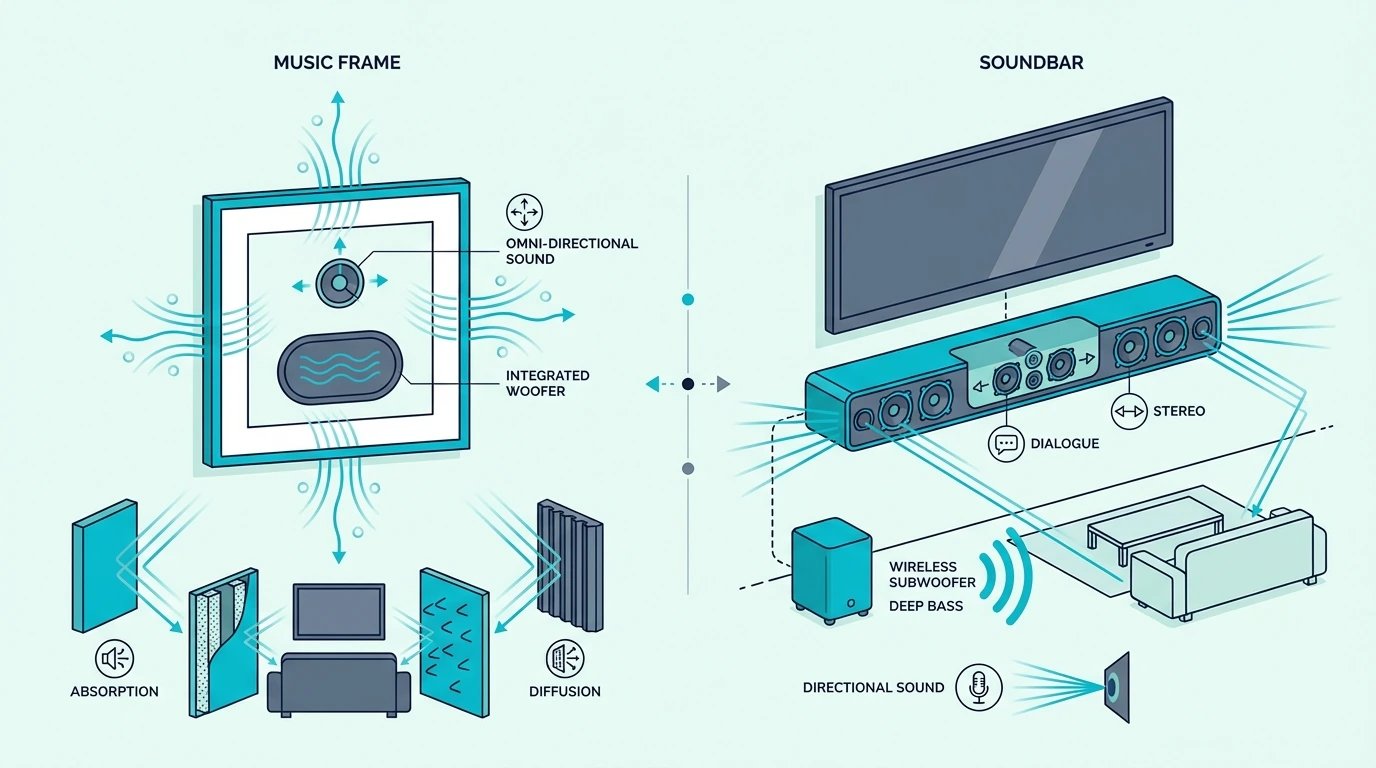
Samsung Music Frame compared with a soundbar

The Music Frame makes the most sense when you stop thinking of it as a soundbar substitute.

It is better understood as a lifestyle wireless speaker that happens to work inside Samsung’s TV ecosystem.

Samsung Music Frame: Decor-Friendly Wireless Speaker First

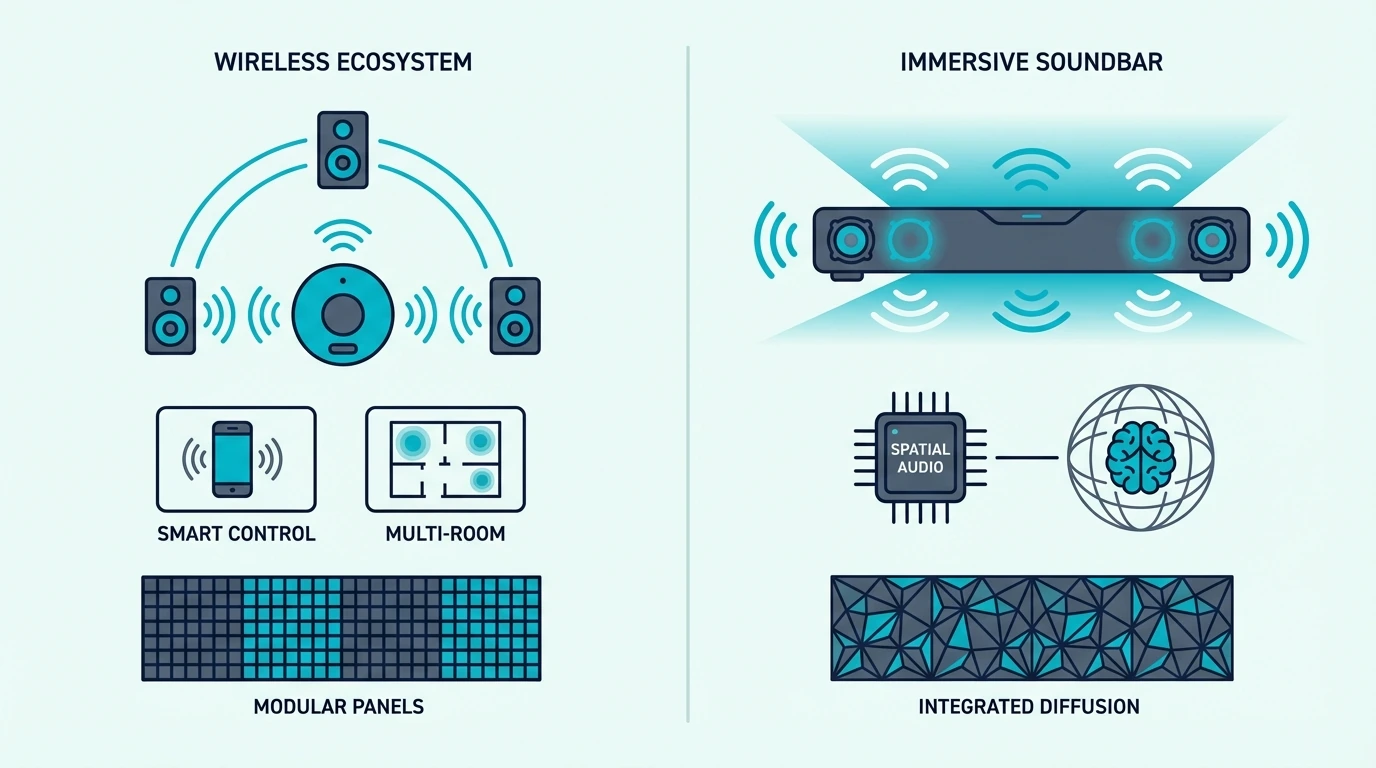
The Music Frame is designed to disappear into the room visually while still acting as a high-quality wireless speaker.

That is the core appeal.

It lets you display artwork or photos, stream music wirelessly, and keep the room looking more like a living space than an AV setup.

That makes it more appealing to buyers who care about design, multi-room audio, and background listening than to buyers chasing obvious TV-audio impact.

For casual music playback, podcasts, and ambient listening, that role can make perfect sense.

It is especially attractive in rooms where a visible speaker or bar feels intrusive.

That can include design-led living rooms, offices, hallways, and spaces where a normal speaker box would look out of place.

In those rooms, the visual benefit is part of the product value rather than a side perk.

The trouble starts when that design-first value gets confused with TV-first performance.

Where buyers get into trouble is assuming that beautiful design and Samsung branding automatically mean it can replace a dedicated TV speaker system.

It cannot.

If you want the broader category context first, the soundbar hub and the TV speaker vs soundbar comparison make the role difference much easier to see.

Soundbar: Dedicated TV Audio Replacement

A soundbar is built around TV use from the start.

That means better dialogue focus, a stronger front soundstage, and a clearer path to bass support or Atmos-style processing.

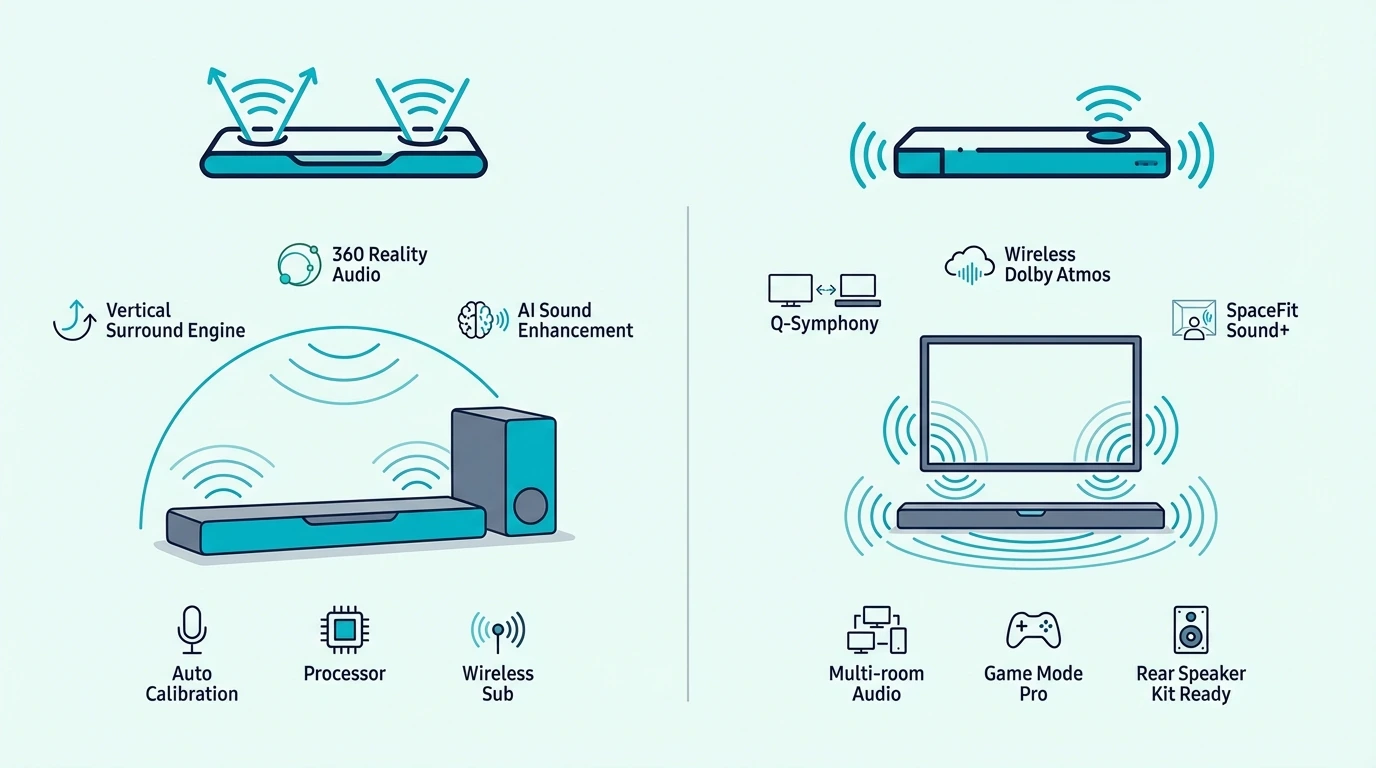
A current all-in-one Samsung example is the SAMSUNG S60D 5.0ch Soundbar w/Wireless Dolby Atmos Audio.

Even a bar like that is aimed at TV listening first, not room decor first.

That changes the result you get with movies, sports, and dialogue-heavy shows.

A soundbar also gives you a more familiar upgrade path if your TV setup changes later.

You can swap TVs and keep the bar doing the same job.

That matters for buyers who upgrade screens more often than they upgrade audio.

It also matters when multiple people in the house just want the TV to sound better without learning a new listening pattern or room setup.

A soundbar is usually the more obvious answer when convenience still matters, but TV performance is the real reason you are shopping.

If you are still comparing physical hookup choices, the soundbar to TV connection guide and the HDMI vs optical guide cover the basics.

When Should You Choose a Soundbar, the Music Frame, or Both?

When to use Samsung Music Frame instead of a soundbar

Once the roles are clear, the decision becomes much simpler.

The real question is whether you want better TV audio, better decor-friendly music playback, or a layered Samsung setup that uses both.

Choose a Soundbar for TV-First Viewing

If your priority is movies, shows, gaming, and everyday dialogue clarity, choose a soundbar.

That is the cleanest answer for most buyers.

A more affordable Samsung example is the SAMSUNG HW-S50B/ZA 3.0ch All-in-One Soundbar w/Dolby 5.1.

If you want fuller bass and a more cinematic feel without jumping all the way into a bigger flagship system, the Samsung Q-Series Soundbar HW Q600F 3.1.2 ch Subwoofer (2025 Model) shows what that next step looks like.

This is where the Music Frame falls behind.

It can add ambience, but it is not built to anchor TV audio the way even a midrange soundbar can.

If you want the next layer of buyer education, the 2.1 vs 5.1 soundbar guide and the soundbar vs receiver comparison explain what you gain as systems get more TV-focused.

Choose the Music Frame for Decor-Friendly Music

The Music Frame makes more sense when the room itself is part of the buying decision.

If you want something that blends into the wall, plays music throughout the day, and keeps the room visually clean, the Music Frame does something a soundbar does not.

That is a valid reason to buy it.

It is just a different reason.

For buyers who mostly listen to music, want a premium Samsung lifestyle product, and only care about TV sound as a secondary bonus, the Music Frame is easier to justify.

It is also easier to justify if you already own a competent soundbar and simply want to add a better-looking speaker elsewhere in the room or elsewhere in the home.

That is why the Music Frame usually works best as a complement, not a replacement.

In practical terms, it is closer to a design-forward wireless speaker purchase than to a home-theater purchase.

That framing makes the value proposition much easier to judge honestly.

Q-Symphony Works Best When the Soundbar Stays Primary

Q-Symphony is the strongest argument for owning both.

It lets compatible Samsung devices play together in a more coordinated way.

A current higher-end example of the soundbar side of that setup is the Samsung Q800F 5.1.2ch Q Series Soundbar + Subwoofer.

In a setup like that, the soundbar should still handle the heavy lifting for dialogue, impact, and overall TV presentation.

The Music Frame is most useful there as an added layer of spaciousness, decor value, and music playback flexibility.

That is a much stronger use case than expecting it to stand in for the soundbar on its own.

It is also the version of the Samsung ecosystem story that makes the price easier to defend, because each device is doing a different job instead of fighting for the same one.

If you are not interested in buying both pieces, that usually points you back to the simpler question: do you care more about TV sound or about decor-friendly music playback?

If you are already comparing Samsung ecosystem choices, the Samsung vs LG soundbar comparison and the soundbar setup guide are the next logical reads.

Which Buyer Profile Fits Each Option Best?

Choose a soundbar when TV content is the priority.

Choose the Music Frame when the room, decor, and music experience are the priority.

Choose both when you already understand that the soundbar stays primary and the Music Frame is there to extend the experience rather than replace it.

That buyer framing keeps the decision honest and usually prevents the most common disappointment.

The Bottom Line

Choose a soundbar if you want a better TV experience.

Our best Samsung soundbar guide covers the current Samsung picks at every budget.

Choose the Samsung Music Frame if you want a stylish wireless speaker that happens to integrate with Samsung TVs.

Choose both only when you specifically want the layered Samsung ecosystem effect and you are comfortable paying for two separate roles.

If you own a Samsung Frame TV specifically, our best soundbar for Samsung Frame TV guide covers the cleanest-looking pairings.

If you are still narrowing down the right soundbar tier, the 2.1 vs 5.1 soundbar guide and the soundbar setup guide are the best next steps.

Frequently Asked Questions

Is the Samsung Music Frame worth it?

The Samsung Music Frame is worth it if you want a premium wireless speaker that doubles as wall decor and you value its design as much as its sound.

It is not the right buy if you are mainly trying to fix weak TV audio.

Can the Music Frame replace a soundbar?

No.

It can supplement a compatible Samsung TV or soundbar setup, but it does not replace the TV-first job a soundbar is built to do.

What is the main benefit of the Music Frame?

The main benefit is that it combines room-friendly design, wireless music playback, and Samsung ecosystem integration in a way that looks far less like traditional AV gear.

That is what makes it interesting.

Can you use the Music Frame with a soundbar?

Yes.

That is usually the smartest way to use it if you want both better TV audio and the design or music benefits the Music Frame offers.
Polk Audio vs Bose Soundbar: Audiophile Value or Premium Lifestyle? [2026]

Polk Audio vs Bose soundbar looks like a simple brand matchup, but the real choice is between higher hardware value and a more premium lifestyle audio experience.

Polk usually gives you more channels, stronger bass hardware, and more theater-style impact for the money.

Bose usually gives you a wider, smoother presentation with better app control, streaming options, and premium finish.

The pain is that a spec sheet can make Polk look like the obvious winner while day-to-day convenience can still make Bose the better fit in the right room.

Once you separate sound character, hardware value, and smart features, the right brand gets much easier to choose.

The first move is to decide whether you care more about maximum performance per dollar or a cleaner premium ecosystem.

Quick Takeaway

Choose Polk if you want more speaker hardware, stronger bass value, and more home-theater performance for the money.

Choose Bose if you care more about a spacious presentation, easier smart streaming, and a more premium everyday ownership experience.

Polk usually wins on raw value. Bose usually wins on polish, app features, and room-friendly convenience.

How Do Polk and Bose Sound Different?

Polk Audio and Bose soundbars compared side by side

The biggest difference is not the logo.

It is the way each brand tries to make a room sound bigger and more satisfying.

Polk Audio: More Direct and Theater-Focused

Polk tends to sound more direct and more performance-focused.

Its better bars lean into clear channel separation, stronger bass support, and a presentation that feels closer to a compact home-theater system.

That usually plays well for action movies, sports, and listeners who want a soundbar to feel punchy instead of soft.

Dialogue stays more anchored, effects feel more deliberate, and the value case gets stronger when a wireless subwoofer is included in the box.

The Polk Audio MagniFi Max AX soundbar system shows that philosophy clearly.

It pushes hard toward movie impact, bigger bass, and a more traditional surround-minded feature set.

If you are still narrowing down what matters most in a purchase, our choose a soundbar guide and best Polk soundbar guide help frame that value-first approach.

Bose: Wider, Smoother, and More Lifestyle-Oriented

Bose aims for a more spacious and more polished presentation.

Instead of winning mostly through bigger included hardware, Bose tries to make compact bars sound larger than they look and easier to live with every day.

That can be appealing if you want a soundbar that feels refined at lower volumes and less aggressively home-theater-first.

Bose also benefits from room correction, cleaner app control, and stronger streaming convenience than Polk usually offers.

The Bose Smart Ultra Dolby Atmos Soundbar is a good example of that premium direction.

It is less about beating Polk on hardware per dollar and more about delivering a cleaner all-in-one Bose experience.

If dialogue clarity and premium brand polish matter more than raw value, our best Bose soundbar guide and best soundbar for dialogue guide are useful follow-ups.

Which sound signature usually fits better?

Pick Polk if you want the soundbar to feel closer to a budget-friendly theater system.

Pick Bose if you want the bar to disappear into the room and still sound wide, smooth, and easy to enjoy without much tweaking.

Polk usually makes more immediate sense in rooms where you want the system to sound obviously bigger than the TV.

Bose usually makes more sense when the room is shared, the bar will be used all day, and visual polish matters almost as much as sound.

That is also why room size and channel count matter.

A buyer comparing compact all-in-one bars is making a different decision from someone choosing between subwoofer-backed Atmos systems.

Our 2.1 vs 5.1 soundbar guide and best soundbar guide help put those tradeoffs in context.

Which Brand Gives You Better Value and Features?

Choosing between Polk Audio and Bose soundbars

Once sound character is clear, the next question is what you actually get for the money.

That is where Polk and Bose separate even harder.

Polk Usually Wins the Raw Hardware Value Argument

Polk’s strongest case is simple.

At comparable prices, it usually gives you more physical speaker hardware, more bass support, and a more obvious home-theater feature list.

The Signa S4 is a good example.

It made Polk look unusually strong because it brought Dolby Atmos and a wireless subwoofer to a price zone where Bose still leaned on simpler bar-first options.

That does not automatically make Polk better for every buyer.

It does mean Polk often wins if you judge value by channels, bass, and theater-style punch per dollar.

That advantage matters even more in medium and larger rooms.

Bar-only systems can sound clean there, but they can also feel lighter during movies, sports, and bass-heavy streaming mixes.

That does not mean Polk is only for enthusiasts.

It also makes sense for practical buyers who simply want the upgrade to feel obvious the first night they plug it in.

If your current TV sounds thin and you want more scale without spending luxury-brand money, Polk is often the easier recommendation.

If value is your main filter, our best budget soundbar guide and best Dolby Atmos soundbar guide show why Polk often looks strong on paper and in practice.

Bose Usually Wins the Smart Feature and Ease-of-Use Argument

Bose does not usually try to beat Polk spec for spec.

Instead, it wins buyers with the parts of ownership that matter after the unboxing ends.

The Bose app, streaming support, room correction, and cleaner lifestyle positioning can make a real difference if you use the soundbar every day for more than just movie night.

That matters if you want a bar that behaves like part of a broader home audio setup instead of a single-purpose TV upgrade.

It also matters if your household values convenience over squeezing every last bit of hardware out of the budget.

Bose also tends to make more sense for buyers who want fewer rough edges.

If setup flow, streaming polish, and premium finish affect satisfaction as much as bass output, Bose can justify the higher price better than a spec sheet suggests.

Connection quality still matters for both brands.

Our HDMI vs optical guide and soundbar to TV connection guide help you make sure either brand is actually set up to perform the way you expect.

Upgrade path matters too.

Bose buyers are more likely to care about app-driven ecosystem features and a smoother long-term ownership experience.

Polk buyers are more likely to care that the system sounds bigger right now without paying extra for lifestyle features they may not use.

Which brand feels more premium in the room?

Bose usually looks and feels more premium.

The industrial design, finish, and ecosystem polish are a real part of what you are paying for.

Polk is usually more utilitarian.

That is not a flaw if your priority is performance-first value.

It only becomes a drawback if you want the soundbar to feel like a luxury living-room product instead of a practical theater upgrade.

That makes the final decision pretty simple.

Buy Polk if you want more hardware and stronger movie value.

Buy Bose if you want the smoother premium ownership experience and are comfortable paying more for it.

That also means neither brand wins for everyone.

Polk is easier to recommend when value is the main goal.

Bose is easier to recommend when the buyer already knows they care about app quality, smart streaming, and premium fit-and-finish.

If you are the kind of buyer who keeps comparing features line by line, Polk will usually look stronger.

If you are the kind of buyer who wants the whole product to feel cleaner, calmer, and easier to live with, Bose will usually feel stronger.

The Bottom Line

Polk is the better pick if your first question is how much theater performance you can get for the money.

It usually delivers more bass hardware, more aggressive value, and a more obvious home-theater tilt.

Bose is the better pick if your first question is how refined, spacious, and easy the bar feels in real daily use.

It gives up some raw value, but it can make more sense for buyers who care about streaming convenience, room correction, and premium finish.

If you are still deciding whether either brand fits your budget and room, our best overall soundbar guide and best Bose soundbar guide are the next places to look.

Frequently Asked Questions

Is Polk better than Bose for sound quality?

Polk is often better for buyers who want more punch, more bass value, and a more theater-like presentation for the money.

Bose is often better for buyers who prefer a wider, smoother sound and a more premium overall experience.

Why is Bose more expensive than Polk?

Bose usually charges more for the combination of brand positioning, room correction, smart features, and premium industrial design.

Polk usually puts more of the budget into raw hardware value instead of a broader lifestyle ecosystem.

Is Polk or Bose better for movies?

Polk is usually stronger for movie buyers who want more bass impact and more obvious value from included hardware.

Bose can still be excellent for movies, but its advantage is more about spaciousness and polish than about winning the hardware-per-dollar fight.

Which brand is better for a living room TV upgrade?

Choose Polk if you want the most performance per dollar from a straightforward TV-and-movies setup.

Choose Bose if you want the bar to feel more premium, easier to stream to, and more integrated into daily living-room use.

LG vs Vizio Soundbar: Better Refinement or Better Hardware Value? [2026]

The lg soundbar vs vizio sound bar decision looks simple if you only compare channel counts and bundle contents, but that shortcut usually points buyers toward the wrong kind of value.

LG usually charges more for better fit and finish, steadier software behavior, and the warmer tuning that comes from its Meridian-led sound philosophy and tighter TV integration.

Vizio usually wins the raw hardware fight, because the brand packs subwoofers, rear speakers, and Dolby Atmos into cheaper packages than LG offers at the same price.

The problem is that people often get frustrated when the room, the content mix, and the day-to-day control experience matter more than the spec sheet.

If you know whether you care more about refined daily listening or maximum surround hardware per dollar, you can avoid paying for the wrong strengths.

That is usually where the decision gets easier: LG rewards buyers who want smoother everyday use, while Vizio rewards buyers who want a faster jump in movie-night impact.

Below, we’ll compare LG and Vizio soundbars across audio quality, included hardware, TV integration, and overall value so you can pick the brand that fits your room and budget.

Quick Takeaway

Choose LG if you want smoother dialogue and better software polish.

Choose Vizio if you want more bass and more speakers for the money.

How Do LG and Vizio Soundbars Differ in Audio Quality?

LG and Vizio soundbars compared side by side

The biggest listening difference between LG and Vizio is not that one works and the other does not. It is that LG usually sounds more polished, while Vizio usually sounds more dramatic for the price.

LG: Warmer and More Controlled

LG’s better bars tend to push voices forward without making them sharp. That helps dialogue sound more natural in bright living rooms where harsher tuning can get tiring.

The Meridian partnership also shows up in the way LG handles balance. Bass, mids, and treble usually feel a little more connected instead of sounding like separate effects layered on top of each other.

The LG S80TR soundbar system is a good current LG example.

It gives you Atmos, a subwoofer, and rear speakers in one package.

Even with that bigger layout, LG still sounds smoother than most value-first rivals.

That matters if your soundbar handles more than movie night.

LG usually sounds easier to live with across TV, streaming, and casual music.

Even lower in the lineup, LG often feels more predictable from scene to scene.

Volume jumps feel less abrupt, and speech enhancement feels less gimmicky.

Our choose-soundbar guide explains what matters before you compare brands, and our soundbar fundamentals guide covers how bar, subwoofer, and surround layouts affect what you hear.

Vizio: Bigger Effect for Less Money

Vizio’s appeal is easier to hear in action-heavy content than in quiet dialogue scenes. Even cheaper Vizio systems usually sound more immediately bassy and more obviously cinematic than entry LG bars.

That is why Vizio keeps showing up in value conversations. The brand is built around giving you a faster jump in impact, especially if your current TV speakers feel thin and flat.

For shoppers who want that step-up without paying premium-brand pricing, the VIZIO 2.1 Soundbar with Wireless Subwoofer, Dolby Atmos, and DTS:X is a good example.

It shows how Vizio builds around bass and feature value first, giving budget buyers a separate subwoofer and newer audio support before LG usually does.

That can feel like a huge step up if your current TV still sounds flat, small, and underpowered with movies.

It can feel less impressive if your room is bright and your first complaint is harsh dialogue rather than weak bass.

The tradeoff is refinement. Dialogue is usually less full through the midrange, and everyday TV can sound flatter or more processed once the initial bass boost stops impressing you.

Vizio also depends more on room setup to reach its ceiling. Because so much of the brand’s appeal comes from hardware layout, placement matters more than it does with a simpler dialogue-first LG setup.

Our best soundbar with subwoofer guide shows when surround hardware changes the experience, and our soundbar setup guide walks through the placement basics that help budget systems perform better.

Which Brand Gives You Better Hardware Value and TV Integration?

Choosing between LG and Vizio soundbars for value and features

Once you move past sound alone, LG and Vizio separate even more clearly. Vizio usually wins the box-content battle, while LG usually wins on polish and ecosystem fit.

Vizio’s Hardware Value Advantage

Vizio is strongest when you compare what arrives in the box. The brand has built its reputation on giving buyers a subwoofer and surround speakers at prices where competitors still sell a bar-only package.

That is a meaningful advantage for first-time buyers. Instead of adding a sub now and rears later, you can start with a fuller layout immediately and learn whether you even need to spend beyond that.

The VIZIO 5.1.2 Elevate Sound Bar with Dolby Atmos, 13 Speakers, Wireless Subwoofer, and Rotating Height Speakers is the kind of product that makes the Vizio pitch easy to understand.

It pushes you much closer to a living-room surround setup without forcing a second round of speaker purchases.

That value matters most in larger rooms and movie-first setups.

If you care more about slam, envelopment, and gaming impact than about software polish, Vizio usually gives you more obvious return on each dollar.

That also makes Vizio easier to justify in first apartments, rec rooms, and secondary TV spaces where value usually matters more than long-term polish.

Our best budget soundbar guide explains where cheaper surround bundles still make sense, and our guide to choosing a soundbar helps decide when a bundled surround package is enough.

LG’s Build Quality and TV Integration Advantage

LG’s stronger case starts after the first week of ownership. Cabinets tend to feel better finished, setup is usually calmer, and the software side is less likely to feel cheap or temperamental.

That polish matters more than spec sheets suggest. A soundbar that turns on cleanly, keeps its HDMI handshake, and behaves predictably with one remote often feels better than a cheaper system with more parts.

LG also gets more compelling if you already own an LG TV. WOW Orchestra, shared remote behavior, and cleaner on-screen coordination can make the whole system feel like one purchase instead of separate components stitched together.

The LG SC9S soundbar is a strong example.

It was built around LG OLED integration, and it reflects the brand’s push toward simpler control and more premium everyday use.

LG’s approach also tends to be easier for mixed households. One remote, cleaner HDMI-CEC behavior, and tighter TV menus reduce the friction that makes some surround systems feel annoying outside enthusiast use.

That is especially helpful when multiple people in the house use the same TV and nobody wants to troubleshoot inputs, menus, or handshake quirks.

Our HDMI ARC setup guide explains which connection path makes the most sense, and our soundbar to TV connection guide shows how to avoid the handshake issues that make cheaper systems frustrating.

Which Brand Fits Your Room Better?

LG makes more sense when the room is smaller, brighter, or used for a mix of TV, news, streaming shows, and music.

The smoother voicing usually matters more in those everyday conditions than a bigger parts list.

Vizio makes more sense when the room is larger and your priority is a bigger cinematic effect without stretching into Samsung, Sony, or Sonos pricing. That is where Vizio’s included hardware feels most valuable.

The same logic applies if you mainly buy soundbars for action movies, games, and weekend streaming rather than all-day TV use.

If your content is mostly sitcoms, sports, YouTube, and casual streaming, LG’s polish can matter more than the extra theatrics on the box.

If your nights revolve around action movies and games, Vizio’s included speakers and subwoofer often create the more obvious upgrade.

That is why two careful shoppers can land on opposite answers here. LG wins on living-with-it quality, while Vizio wins on how much surround hardware your money buys on day one.

Our best soundbar guide explains the broader field, and our LG vs Sony soundbar comparison shows how LG changes character against another premium movie-first rival.

The Bottom Line

Choose LG if you care more about refinement, cleaner dialogue, and better day-to-day polish than about squeezing the maximum number of speakers into the box.

Choose Vizio if your budget is tighter and your first priority is getting a subwoofer-and-surround package for the least money.

The right answer depends on whether you notice sound quality first or hardware quantity first.

If your room is used every day for mixed TV, streaming, and music, LG is usually the safer long-term pick.

If movie-night immersion per dollar matters most, Vizio still makes the sharper value argument.

Frequently Asked Questions

Which sound bar is better, LG or Vizio?

LG is better if you care most about audio quality, smoother dialogue, and better day-to-day reliability.

Vizio is better if you care most about getting a subwoofer-and-surround package for the lowest total cost.

Does Vizio have good sound bars?

Vizio makes competent soundbars with strong hardware value.

Its surround bundles are especially attractive for budget buyers, but the tradeoff is rougher software behavior and less refined processing than LG usually delivers.

Which one is better, Vizio or LG?

LG is better for refinement and reliability.

Vizio is better for bundle value and lower-cost surround impact.

What brand is best for soundbars?

No single brand is universally best.

LG is strong for warm tuning and polish, Sony for cinematic precision, Samsung for lineup breadth, Sonos for streaming ecosystems, and Vizio for budget surround value.

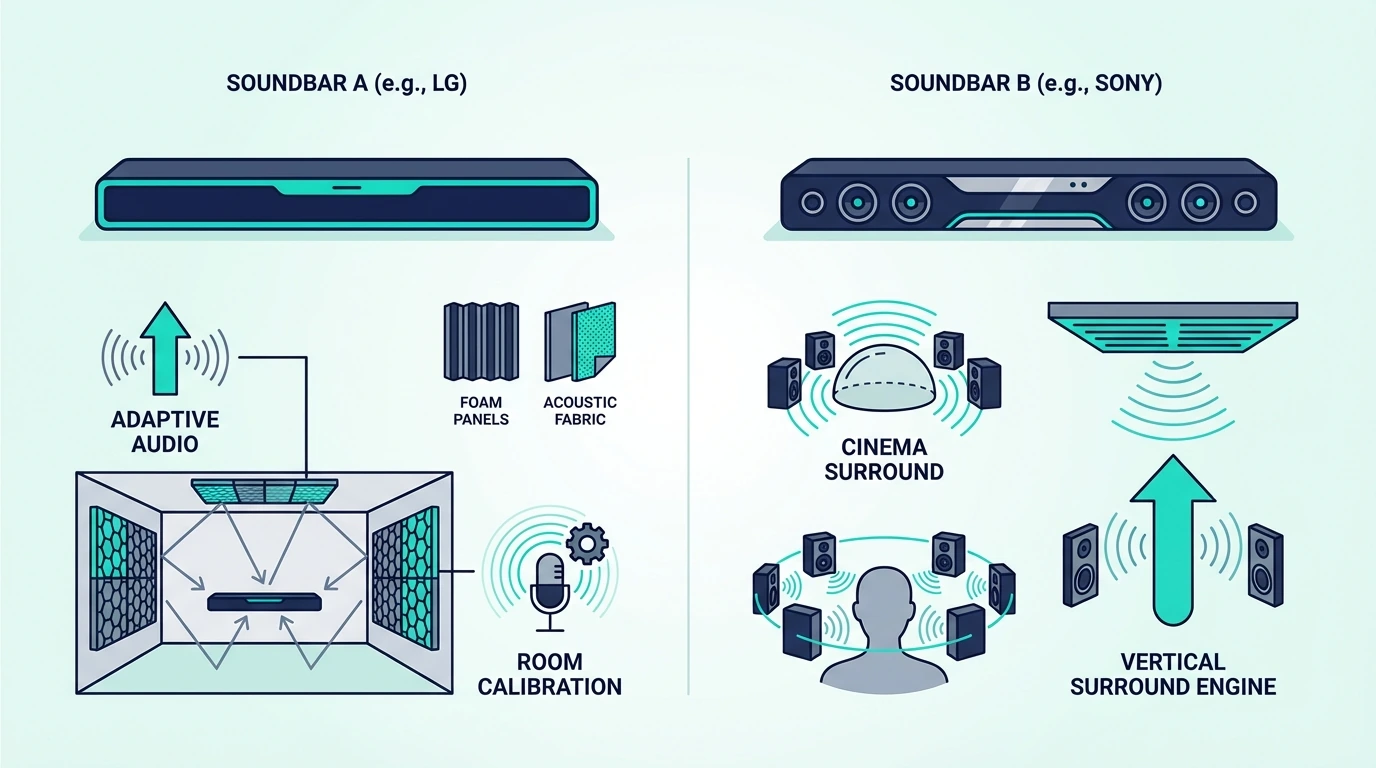
LG vs Sony Soundbar: Which Brand Matches Your Priorities? [2026]

The lg soundbar vs sony soundbar comparison seems like two major electronics brands competing on similar turf, but it actually reveals a fundamental difference in audio philosophy and product strategy.

LG builds soundbars tuned by Meridian Audio with warm, balanced sound across one of the broadest lineups in the category.

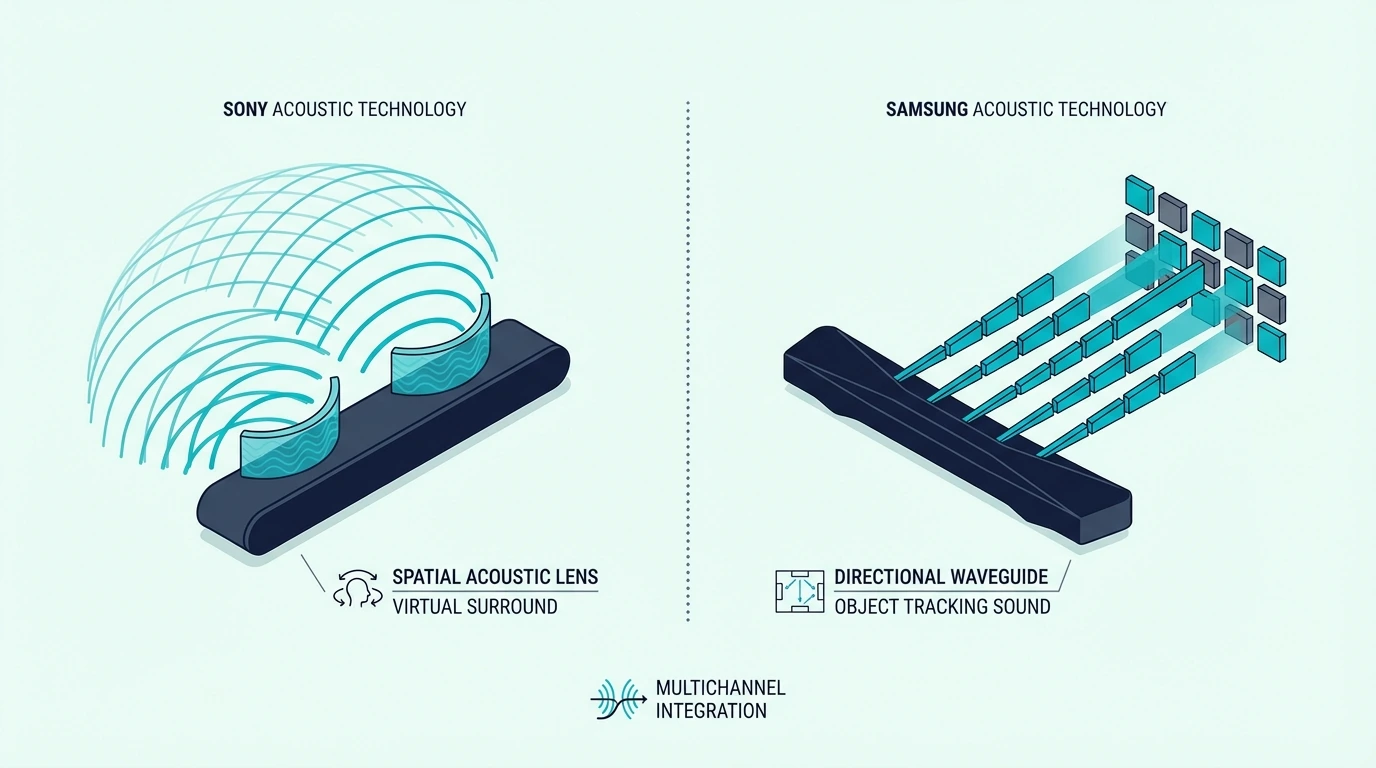
Sony builds a more focused lineup of premium soundbars engineered for cinematic Dolby Atmos precision, 360 Spatial Sound Mapping, and deep Bravia TV integration.

Choosing between them without understanding those differences means either missing LG’s value breadth and Meridian warmth or overlooking Sony’s more movie-first spatial accuracy.

The problem is that LG’s Meridian-tuned soundbars deliver warm, natural audio with excellent midrange reproduction that makes dialogue and music sound rich and engaging.

Sony’s cinema-focused approach, by contrast, chases more exact Dolby Atmos object placement and a more analytical presentation for dedicated movie watching.

Because Sony concentrates engineering resources into fewer, more premium models, it gives you fewer budget and mid-range options than LG.

Understanding whether you care more about warmer tuning and lineup breadth or about cinematic spatial precision helps you stop comparing spec sheets and start matching the right brand to your room, budget, and TV ecosystem.

Below, we’ll compare LG and Sony soundbars across sound character, product lineup, TV integration, and value so you can pick the brand that matches your listening priorities.

Quick Takeaway

Choose LG if you want warmer Meridian-style tuning, broader product selection across more price points, and strong LG TV integration.

Choose Sony if you prioritize cinematic Dolby Atmos precision, Bravia-specific features, and a more focused movie-first soundbar philosophy.

How Do LG and Sony Soundbars Differ in Sound Character?

LG and Sony soundbars compared side by side

The biggest difference between LG and Sony soundbars is how each brand voices the bar before you ever touch the EQ.

That matters because the better fit depends on whether you want a warmer all-rounder or a sharper movie-first presentation.

LG: Meridian Audio Tuning

LG’s partnership with Meridian Audio shapes every soundbar in LG’s lineup from budget models to flagships.

That tuning tends to sound warm, balanced, and rich through the midrange, which makes dialogue and music feel natural rather than clinical.

The flagship S95TR shows LG’s ceiling with a full 9.1.5-channel wireless surround system that includes rear speakers and a subwoofer in the box.

LG’s mid-range options like the S80TR bring that same Meridian-led sound philosophy down to lower price points.

That matters if you use your soundbar for everyday cable TV, YouTube, and casual Spotify listening rather than only for weekend movie nights.

LG’s warmer presentation usually sounds forgiving with compressed streaming audio, older sitcom mixes, and thinner broadcast dialogue.

If you care about long listening sessions, that softer upper-mid presentation can also feel less fatiguing in reflective living rooms.

It is not automatically more detailed than Sony, but it often sounds easier to live with when the room is bright or the source quality is inconsistent.

That is why LG often makes faster sense in rooms where multiple people watch very different kinds of content on the same day.

It does not demand perfect seating or movie-night discipline to sound enjoyable.

Our best LG soundbar guide shows how LG’s current lineup steps from entry-level bars to full Atmos systems, and our soundbar fundamentals guide explains how all soundbar types work.

Sony: 360 Spatial Sound Mapping

Sony engineers its soundbars for cinematic spatial precision.

The Sony BRAVIA Theater Bar 8 Soundbar for TV Surround Sound Home Theater 11 Speaker is a strong premium example, using physical driver layout and Sony’s latest Bravia-focused processing to create more exact Dolby Atmos object placement for dedicated movie watching.

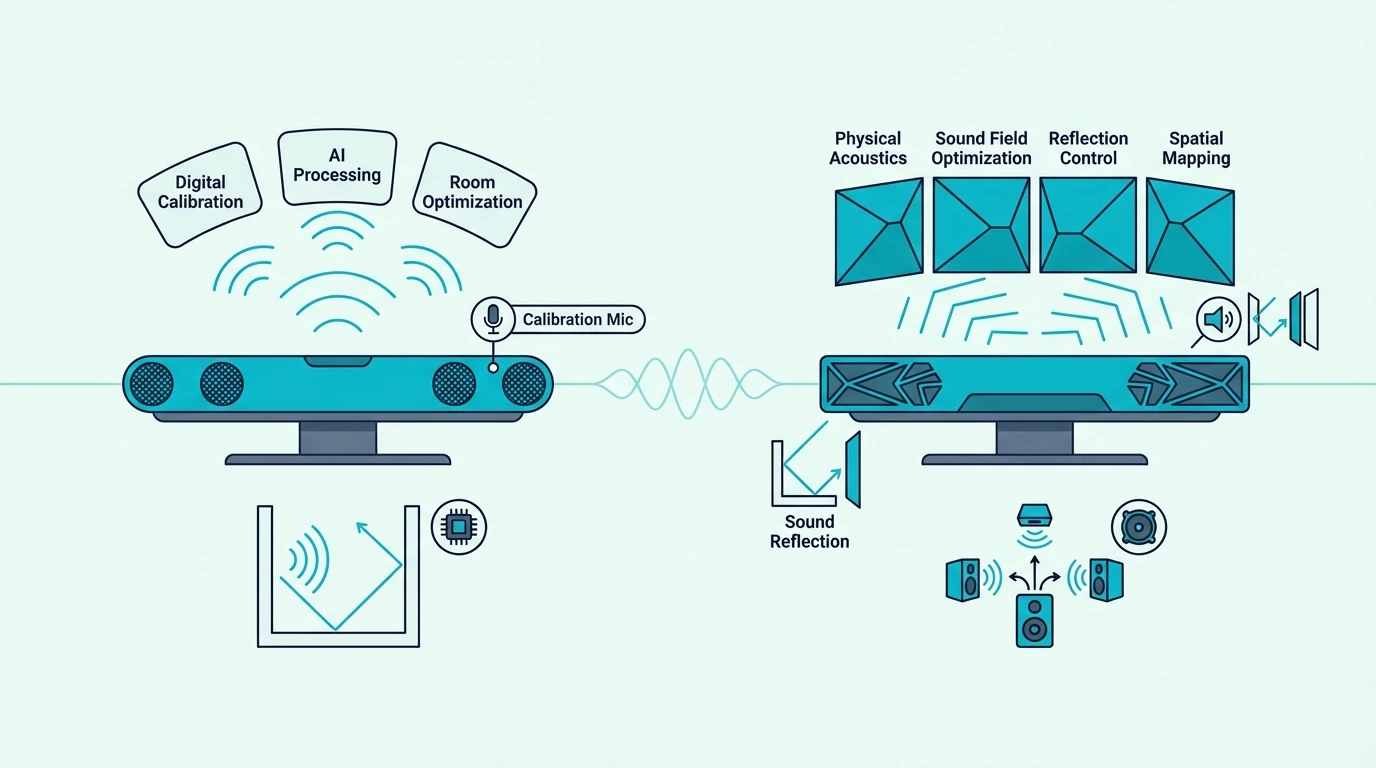
Sony’s 360 Spatial Sound Mapping uses built-in microphones to measure your room and create virtual speaker positions throughout the space.

That makes Sony’s presentation feel more analytical and location-precise than LG’s warmer, more diffuse approach.

Sony’s HDMI passthrough also gives some buyers a connectivity advantage, especially if they want to route 4K HDR sources through the bar.

That precision tends to pay off most when you sit centered, use newer Atmos mixes, and want effects to track more distinctly around the room.

If most of your listening is background TV or casual music, Sony’s strengths can feel more specialized than universally better.

Sony’s smaller lineup also means less choice if you want a very specific price band or a gentler step-up path.

You may end up comparing one Sony model against two or three plausible LG alternatives at the same spend.

That narrower focus can actually help if you shop almost entirely around movies, Atmos discs, and Bravia integration.

You spend less time sorting through filler models and more time deciding how much theater performance you want.

For dedicated movie watching where spatial accuracy transforms the experience, Sony’s precision-first approach delivers the stronger case.

Our best Sony soundbar guide covers Sony’s broader lineup, and our best Dolby Atmos soundbar guide shows where Sony’s movie-first bars fit against the wider field.

Which Brand Gives You Better Lineup Value and TV Integration?

Choosing between LG and Sony soundbars for TV audio

Once sound character is clear, the next question is how much flexibility each brand gives you at your budget.

This is where lineup depth, TV-specific features, and long-term value start to matter more than headline specs.

LG’s Lineup Advantage

LG offers soundbars from roughly $150 budget bars to the $1,500 S95TR flagship.

That range gives buyers Meridian-tuned options at almost any budget.

For buyers who want a simpler budget LG upgrade, a current example is LG Soundbar SK1 2.0 ch Compact Sound Bar with Bluetooth, which is a better fit for smaller rooms and straightforward TV audio upgrades than for full Atmos-heavy setups.

At the top end, LG’s flagship S95TR includes wireless rear speakers and a wireless subwoofer in the box.

That all-in-one 9.1.5-channel package is more complete out of the gate than Sony’s Theater Bar 8, where rear speakers and a subwoofer are separate add-ons.

LG’s mid-range S80TR and S70TR also give budget-conscious buyers more Atmos options than Sony typically offers in the same band.

That breadth matters because buyers do not all need the same subwoofer output, surround expansion, or HDMI feature set.

LG gives you more on-ramps if you want to stay inside one brand as your budget grows.

It also makes LG easier to recommend for a family room, guest room, or secondary TV where simplicity matters more than flagship theatrics.

Sony can still win on performance, but it usually asks for a more deliberate budget and a more movie-first use case.

That upgrade ladder matters if you want to start with a simpler bar in a bedroom and later move into a main-room Atmos system without abandoning the brand.

LG gives buyers more stepping-stones between just better than TV speakers and full surround package in one box.

Our guide to choosing a soundbar explains which features matter at each budget, and our best soundbar with subwoofer guide covers when bundled bass and bigger systems change the experience most.

TV Integration: Match Your TV Brand

If you own an LG TV, LG soundbars deliver WOW Orchestra.

That feature synchronizes the TV’s built-in speakers with the soundbar to create a taller, wider soundstage that feels more integrated.

LG’s TV remote also controls the soundbar cleanly through the TV interface.

If you own a Sony Bravia TV, Sony soundbars deliver an equally deep integration story.

For a current Sony example with deeper Bravia integration and bundled bass, the Sony BRAVIA Theater Bar 6, 3.1.2ch soundbar with Powerful Wireless subwoofer is a strong fit if you want Dolby Atmos, more low-end weight, and a cleaner path into Sony’s TV-centered ecosystem.

Sony’s acoustic center sync can use the TV speakers alongside the soundbar, and Sony keeps control inside a unified Bravia workflow.

LG’s WOW Orchestra and Sony’s acoustic center sync are both convenience multipliers, not magic fixes for poor placement.

You still need eARC, sensible positioning, and realistic expectations about how much virtual surround a single bar can create.

Neither brand becomes a bad choice if you mix TV brands, but the convenience features are strongest when the bar and TV stay inside the same ecosystem.

That matters most if you want one remote workflow and fewer audio-menu quirks during setup.

If you plan to keep your current TV for years, that ecosystem convenience is worth more than it looks on a spec sheet.

Fewer menu quirks and cleaner control logic make the soundbar feel easier to live with every day.

Our HDMI ARC setup guide explains the connection path most buyers should use, and our soundbar to TV connection guide covers setup for both brands.

Value and the Neutral Alternative

At the same price point, LG usually delivers more features and broader product selection, while Sony delivers more precise spatial audio and a more cinematic movie-first presentation.

That means LG often feels safer for mixed TV-and-music households, while Sony makes more sense for buyers building a room around immersive Atmos playback.

If you split time evenly between shows, news, sports, and playlists, LG often feels like the more flexible default recommendation.

If you mostly care about movie nights, Atmos effects, and a more cinematic front soundstage, Sony earns its narrower focus.

For buyers outside either TV ecosystem, the safer question is not which brand is better but which compromise bothers you less.

If you want broader choice and easier value shopping, lean LG; if you want a more premium home-theater personality, lean Sony.

Our guide to choosing a soundbar helps evaluate the overall upgrade, and our best soundbar roundup shows how LG and Sony stack up against the wider market.

The Bottom Line

Choose LG if you want Meridian Audio-tuned warmth, the broadest product selection at more price tiers, and stronger out-of-the-box surround value at the flagship level.

Choose Sony if you want cinematic Dolby Atmos precision, 360 Spatial Sound Mapping, HDMI passthrough, and Bravia-specific integration that better serves dedicated movie watching.

Another way to frame it is simple: LG is usually the easier all-rounder, while Sony is the sharper specialist.

The better brand is the one whose compromises line up with how you actually use your TV, not the one with the flashier headline spec.

Brand matching helps, but it should not overrule room size, seating position, and the kind of content you play most often.

The right answer usually appears once you decide whether daily flexibility or movie-first precision matters more in your room.

Our best soundbar guide covers broader alternatives across every budget, and our soundbar setup guide helps you get the most from whichever brand you choose.

Frequently Asked Questions

Which soundbar is better, Sony or LG?

Neither is universally better.

Sony is better for buyers who want more precise cinematic Atmos and Bravia integration, while LG is better for buyers who want warmer tuning and more options at more price points.

What brand is better, LG or Sony?

LG is better for buyers who want warm, natural Meridian-tuned audio across a wider lineup.

Sony is better for buyers who want more exact spatial precision and deeper Bravia-specific integration.

Which LG sound bar is the best?

The LG S95TR is LG’s top soundbar if you want its most immersive surround package with rear speakers and a subwoofer included.

For better value, the LG S80TR brings the same general tuning philosophy down to a more approachable price.

Do You Need a Subwoofer With a Soundbar? It Depends [2026]

Do you need a subwoofer with a soundbar seems like a simple yes-or-no question, but the answer actually depends on a tradeoff most buyers don’t consider.

Yes, a subwoofer transforms movie explosions, music bass lines, and gaming rumble from thin audio into deep, room-filling impact you physically feel.

It’s genuinely unnecessary for dialogue-focused content like news, talk shows, and casual TV where midrange clarity matters more than low-frequency depth.

Most soundbar marketing pushes subwoofers as essential accessories.

The reality is that many viewers get excellent audio from a bar-only system because their content simply doesn’t demand the deep 20-80Hz bass that only a dedicated subwoofer can reproduce.

For large-room movie use, a current example is Amazon Fire TV Soundbar Plus (newest model) with built-in subwoofer, which is a strong fit for Atmos movies and TV with stronger bass.

For large-room movie use, a current example is Polk Audio Signa S2 Sound Bar for Smart TV with Subwoofer, which is a strong fit for TV and movies when you want fuller bass.

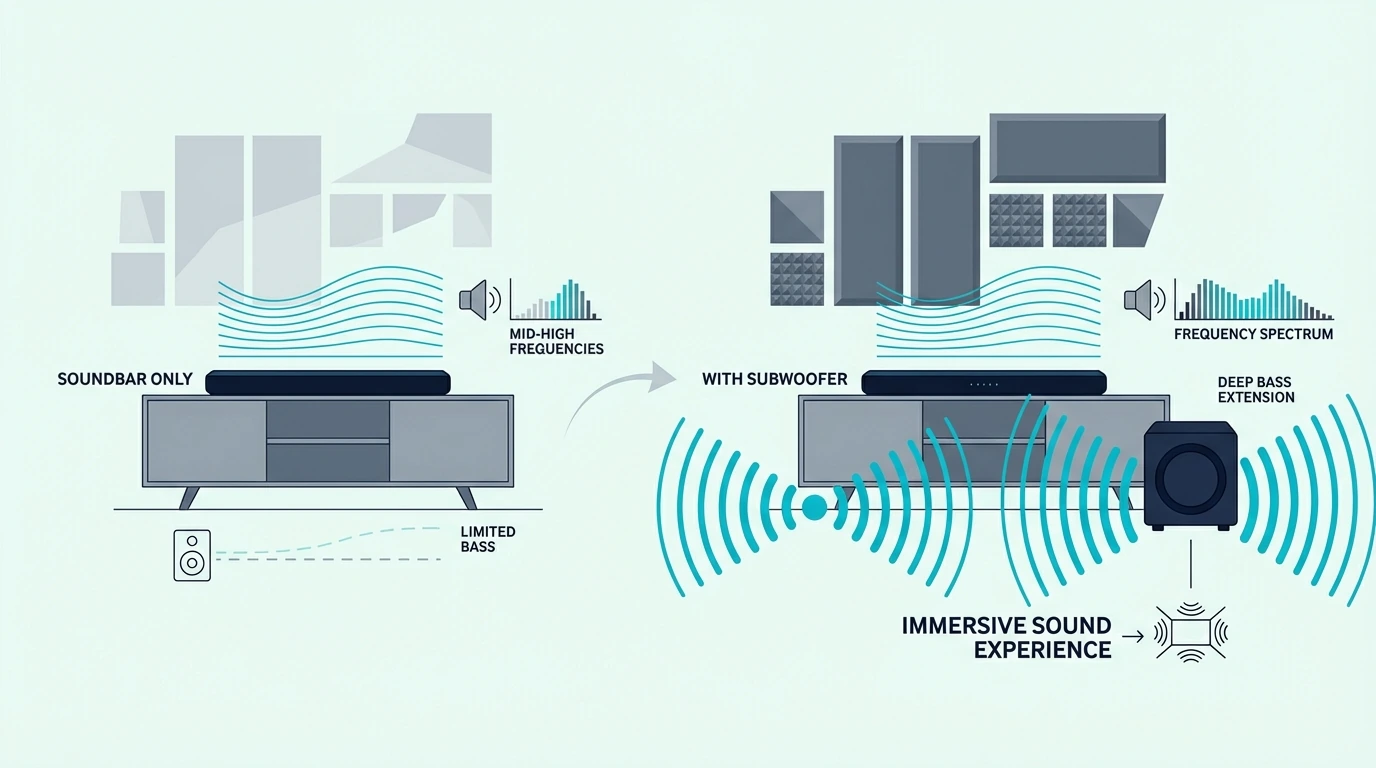
The problem is that soundbar speakers are physically too small to produce deep bass effectively. The small drivers inside a soundbar enclosure can reproduce midrange frequencies and treble with impressive clarity.

Bass frequencies below approximately 80Hz require larger drivers and bigger enclosures that move enough air to create the chest-thumping low-end impact that makes movies and music feel immersive.

Soundbars without subwoofers compensate by boosting upper bass frequencies between 80 and 200Hz to create the impression of deeper bass.

The result sounds fuller than TV speakers but still lacks the genuine deep bass foundation that a dedicated subwoofer delivers for bass-heavy content.

Understanding when a subwoofer genuinely improves your audio experience versus when it adds unnecessary cost and room clutter helps you make a confident purchase decision.

You can avoid spending on a subwoofer you don’t need or missing the bass that would transform your movie nights.

Below, we’ll explain exactly when you need a subwoofer with your soundbar, when a bar-only system is the better choice, and how to decide based on your content, room, and living situation.

Quick Takeaway

You need a subwoofer if movies, bass-heavy music, or immersive gaming are central to how you use your TV audio.

You probably do not need one if your listening is mostly dialogue-first content, apartment-friendly viewing, or simple everyday TV.

The right answer depends more on your habits and room than on marketing checklists.

When You Need a Subwoofer With Your Soundbar

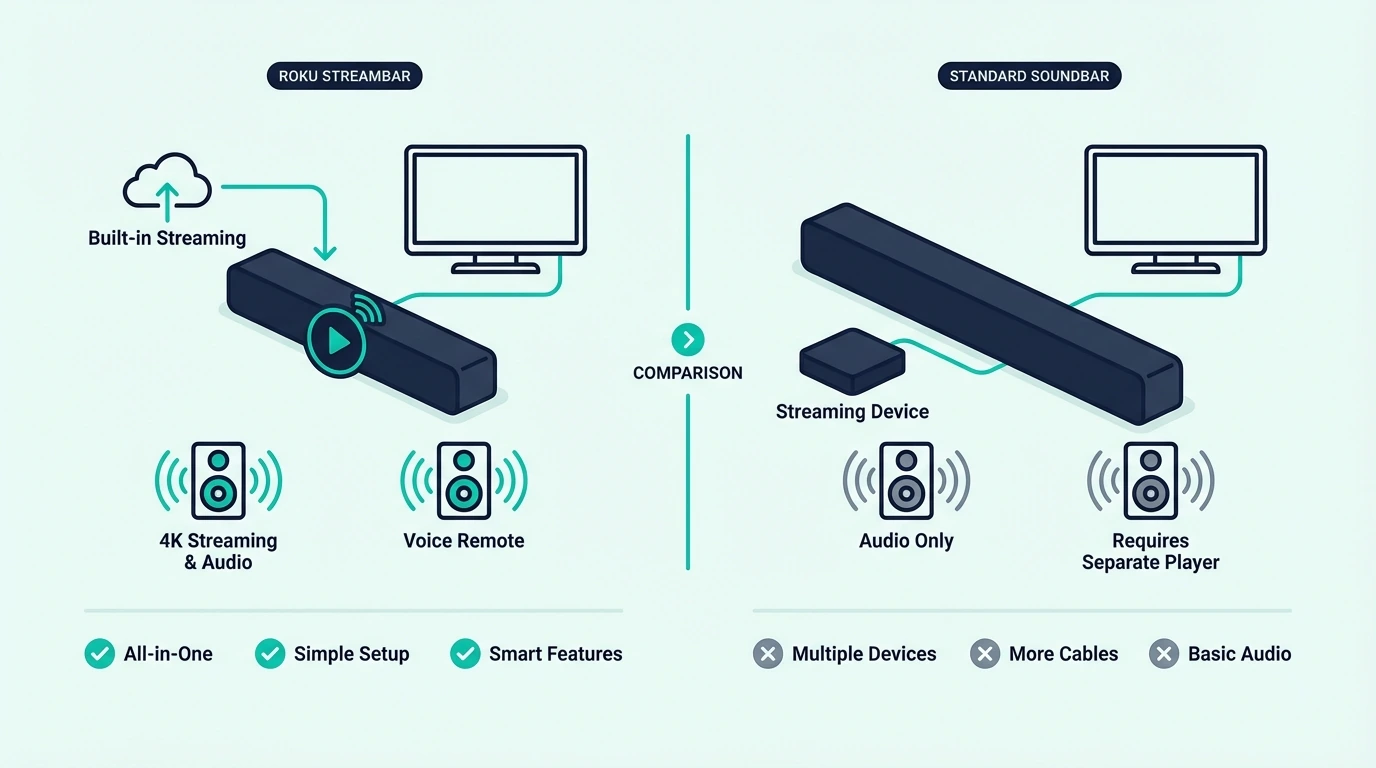
Soundbar setup with and without a subwoofer compared

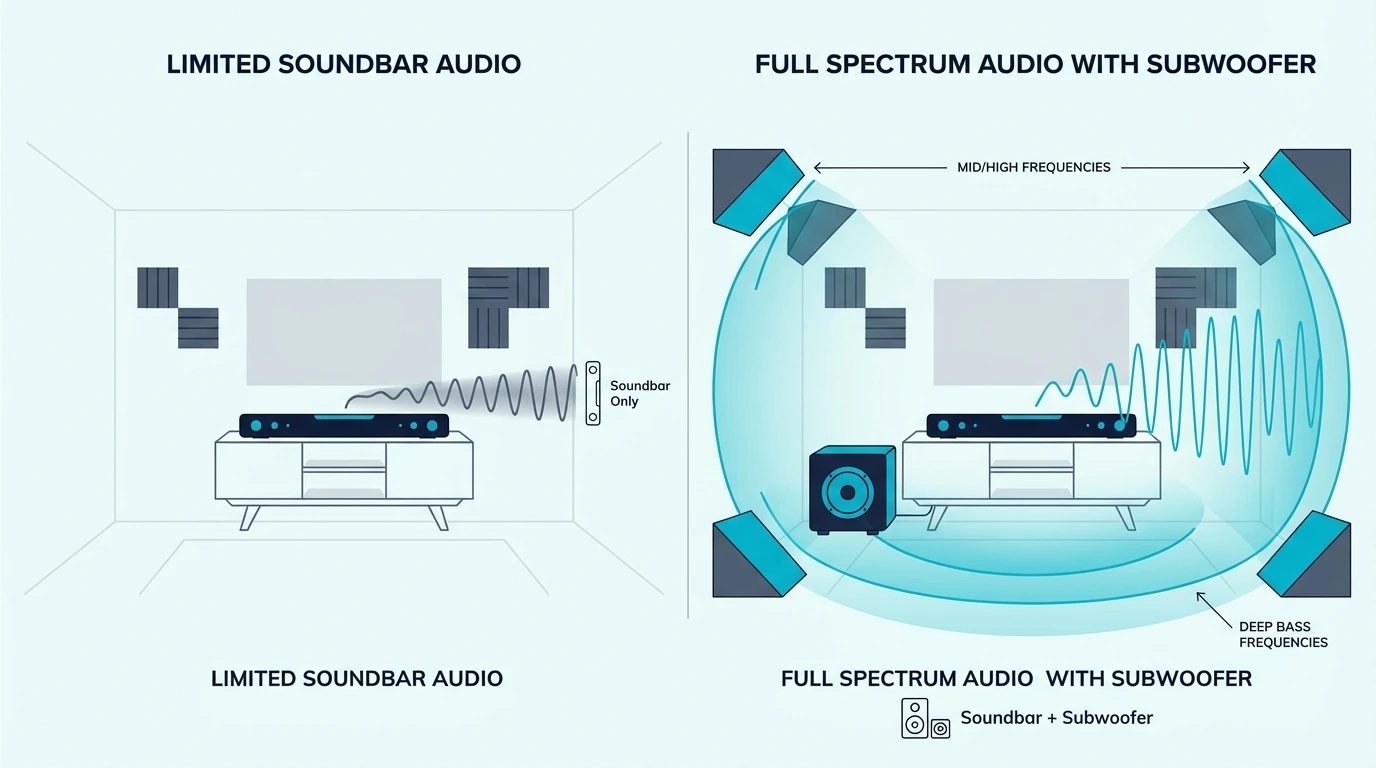
A subwoofer isn’t a luxury add-on for every soundbar buyer — for certain content types and listening priorities, it’s the single component that transforms your soundbar from a TV speaker upgrade into a genuine home audio system.

Movies and Action Content

Movies are the strongest case for adding a subwoofer to your soundbar.

Film soundtracks are mixed with deep bass effects for explosions, impacts, rumble, and atmospheric tension that exist in the 20-80Hz range where soundbar speakers simply cannot reach.

Without a subwoofer, your soundbar reproduces dialogue, music, and higher-frequency effects clearly but misses the entire low-frequency foundation that filmmakers designed to create physical impact and immersion during action sequences.

The difference is dramatic during scenes like spaceship launches, thunder, car chases, and battle sequences.

With a subwoofer, you physically feel the bass in your chest and furniture; without one, those same scenes sound clear but fundamentally incomplete because the deepest frequencies are missing entirely.

Our what does a subwoofer do for a soundbar guide explains the specific frequencies a subwoofer handles, and our soundbar vs home theater comparison covers when full systems outperform soundbar configurations.

Music With Bass

Music genres with prominent bass lines — hip-hop, EDM, R&B, pop, rock, jazz with upright bass.

Benefit significantly from a subwoofer because the fundamental frequencies of bass instruments and kick drums sit in the range that soundbar speakers cannot reproduce with authority.

A soundbar without a subwoofer makes these genres sound clear in the midrange and treble but thin and lacking in the low end where the rhythmic foundation of bass-heavy music lives.

For large-room movie use, a current example is Amazon Fire TV Soundbar, which is a strong fit for Balanced TV and movie upgrade.

Our soundbar vs speakers comparison covers when dedicated speakers outperform soundbar systems for music, and our is a soundbar worth it guide evaluates the overall soundbar investment.

Gaming

Gaming benefits from a subwoofer for the same reasons as movies — game audio designers mix deep bass for explosions, vehicle rumble, environmental atmosphere, and haptic audio cues that create immersive gameplay experiences.

Open-world games, racing titles, and first-person shooters all use low-frequency rumble to create a sense of physical presence that soundbar speakers alone cannot reproduce.

Competitive gamers may actually prefer a bar-only setup for its tighter, faster audio response without the slight lag that some wireless subwoofers introduce.

Casual and immersive gamers who play story-driven or action titles get significantly more atmospheric immersion from subwoofer bass.

That tradeoff is real.

Room size matters too. So does placement.

Always. Really.

Our 2.1 vs 5.1 soundbar guide explains channel configurations including the 2.1 bar-plus-sub setup, and our soundbar vs surround sound guide covers broader surround options for gaming.

When You Don’t Need a Subwoofer

When a soundbar subwoofer is worth adding

Not every soundbar buyer benefits from a subwoofer — several common scenarios make a bar-only system the smarter, more practical choice that delivers everything you actually need without unnecessary cost or room clutter.

Dialogue-Focused Content

If you primarily watch news, talk shows, sitcoms, dramas, and documentary content where clear dialogue is the priority, a subwoofer adds very little value to your listening experience.

These content types have minimal deep bass in their audio mix, and a quality bar-only system delivers the midrange dialogue clarity and virtual surround that makes this content sound excellent.

For large-room movie use, a current example is Amazon Fire TV Soundbar, which is a strong fit for Balanced TV and movie upgrade.

Our soundbar fundamentals guide covers how all soundbar types work, and our do you need a soundbar for smart TV guide helps evaluate whether your TV needs audio improvement at all.

Apartment Living and Shared Walls

Bass frequencies travel through walls, floors, and ceilings far more effectively than midrange and treble.

A subwoofer in an apartment building can disturb neighbors in adjacent units even at moderate volume levels because low-frequency sound waves pass through building materials with minimal attenuation.

If you live in an apartment, condo, or any shared-wall living situation, a bar-only system delivers excellent audio improvement without the neighbor-disturbing bass that subwoofers inevitably produce.

Our soundbar vs receiver comparison covers the broader home audio upgrade path, and our HDMI vs optical guide explains connection options.

Space Constraints and Simplicity

A subwoofer requires floor space (typically a cube 8-14 inches on each side), a power outlet, and either a wireless connection or audio cable to the soundbar.

Considerations that matter in smaller rooms, minimalist setups, and entertainment centers where every component needs to fit a specific space.

Bar-only systems eliminate the subwoofer footprint entirely while still delivering dramatically better audio than built-in TV speakers.

For many buyers, that cleaner setup and easier placement are worth more than the last layer of low-end impact.

Our soundbar to TV connection guide covers setup for both bar-only and bar-plus-sub systems, and our soundbar setup guide covers optimal placement.

The Bottom Line

You need a subwoofer if movies, bass-heavy music, or immersive gaming are your primary content.

The deep bass a subwoofer delivers transforms these experiences from clear-but-thin audio into physically immersive, full-range sound that soundbar speakers alone cannot produce.

You don’t need a subwoofer if dialogue-focused content dominates your viewing, you live in a shared-wall apartment where bass disturbs neighbors, or you prefer the simplicity and compact footprint of a bar-only system.

Our what soundbar channels mean guide explains 2.0, 2.1, 5.1, and other configurations, and our soundbar vs home theater comparison covers when full systems outperform soundbar setups.

Frequently Asked Questions

Is it okay to use a soundbar without a subwoofer?

Absolutely — a quality bar-only soundbar delivers excellent dialogue clarity, virtual surround, and dramatically better audio than built-in TV speakers without requiring a subwoofer.

You’ll miss deep bass below 80Hz, but for dialogue-focused content, news, TV shows, and casual viewing, a bar-only system provides everything most viewers need.

For large-room movie use, a current example is Amazon Fire TV Soundbar, which is a strong fit for Balanced TV and movie upgrade.

Do I really need a subwoofer?

You need a subwoofer if you watch movies, listen to bass-heavy music, or play immersive games and want to feel the deep bass impact that filmmakers and musicians designed into their content.

You don’t need one if you primarily watch dialogue-focused content, live in an apartment where bass disturbs neighbors, or prefer a simpler, more compact setup.

How does a subwoofer connect to a soundbar?

Most modern soundbar subwoofers connect wirelessly via proprietary protocols — the sub pairs automatically with the soundbar when both are powered on, requiring only a power outlet for the subwoofer with no audio cables between the two devices.

Some budget systems use a wired connection via RCA or 3.5mm cable from the soundbar to the subwoofer.

Sony vs Samsung Soundbar: Which Brand Gives Better Value? [2026]

Sony vs Samsung soundbar looks like a straight flagship duel, but the real tradeoff is cinematic precision at the top versus variety and value at every other price point.

Sony builds a focused lineup of premium soundbars tuned for cinematic Dolby Atmos and deep Bravia TV integration.

Samsung builds the broadest soundbar lineup in the industry. It spans budget to flagship with Q-Symphony TV integration.

The wrong choice means overpaying for Sony’s premium approach or settling for Samsung when Sony’s precision would transform your movie watching.

Sony’s premium-focused lineup means fewer choices at mid-range and budget prices. Samsung’s lineup starts Dolby Atmos bars well under $300.

Budget-conscious buyers often get more features per dollar from Samsung. Samsung’s processing still does not match Sony’s cinematic precision at the flagship level.

Knowing whether you prioritize cinematic Atmos precision or product variety at every tier helps you avoid overpaying for the wrong brand strategy.

Below, we’ll compare Sony and Samsung across sound philosophy, product lineup, and TV integration.

The goal is to pick the brand that matches both your ears and your budget.

Quick Takeaway

Choose Sony if your main priority is cinematic Atmos precision and deeper Bravia TV integration. Choose Samsung if you want more choices at every budget, stronger mid-range value, and Q-Symphony with a Samsung TV.

Sony is the movie-first pick. Samsung is the broader value-and-ecosystem pick.

Sound Philosophy: Cinematic Precision vs Adaptive Processing

Sony and Samsung soundbars compared side by side

The core difference between Sony and Samsung soundbars isn’t just sound quality — it’s the engineering philosophy that shapes how each brand designs audio processing across their entire lineup.

Sony: Cinematic Atmos Precision

Sony engineers its soundbars as dedicated home theater components. The flagship Bravia Theater Bar 9 ($899) uses 13 speakers arranged for precise Dolby Atmos object placement.

Audio objects move through three-dimensional space with accuracy that makes movies feel genuinely cinematic.

Sony’s 360 Spatial Sound Mapping uses built-in microphones to measure your room and create virtual speaker positions throughout the space. It optimizes spatial audio for your specific listening environment.

Sony’s HDMI passthrough allows 4K HDR sources to connect directly through the soundbar to the TV. Samsung’s mid-range lineup often lacks this, making Sony the better choice for setups with multiple HDMI sources.

For large-room movie use, a current example is JBL Bar 300MK2-5.0 Channel All-in-one soundbar with Dolby Atmos, which is a strong fit for Atmos streaming and immersive TV audio.

Our Sonos vs Sony soundbar comparison covers how Sony competes with Sonos’s ecosystem, and our soundbar fundamentals guide explains how all soundbar types work.

Samsung: Adaptive Processing and Product Breadth

Samsung engineers its soundbars as TV ecosystem accessories designed to work seamlessly with Samsung TVs through Q-Symphony. This proprietary feature synchronizes the TV’s speakers with the soundbar to create a wider, taller soundstage than either produces alone.

Samsung’s adaptive sound processing analyzes audio in real-time. It adjusts EQ, surround width, and dialogue enhancement based on content type.

It optimizes for movies, music, news, and gaming without manual mode switching.

For large-room movie use, a current example is Polk Audio Signa S4 TV Sound Bar with Subwoofer, which is a strong fit for Atmos movies and TV with stronger bass.

A current value example is JBL Bar 300MK2-5.0 Channel All-in-one soundbar with Dolby Atmos, which is a strong fit for Atmos streaming and immersive TV audio.

Our Samsung vs LG soundbar comparison covers how Samsung competes with LG, and our is a soundbar worth it guide evaluates the overall soundbar investment.

Product Lineup, TV Integration, and Value

Choosing between Sony and Samsung soundbars for TV audio

Beyond sound philosophy, Sony and Samsung differ dramatically in how many options you get at each price tier and how deeply each brand integrates with its own TV ecosystem.

Samsung’s Lineup Advantage: Options at Every Budget

Samsung offers soundbars from roughly $100 to the $1,800 HW-Q990D flagship surround system. That is an unmatched range with a competitive option at virtually any budget.

Sony’s lineup is smaller and more premium-focused, with fewer mid-range and entry-level options.

For buyers who want Dolby Atmos under $300, Samsung’s selection is significantly broader — this price tier is Samsung’s strongest advantage. At the flagship level above $800, Sony’s Bravia Theater Bar 9 competes more directly.

But Samsung’s HW-Q990D offers a full 11.1.4-channel wireless surround system with rear speakers included.

Our soundbar vs home theater comparison covers when full systems outperform single bars, and our 2.1 vs 5.1 soundbar guide explains channel configurations at every price point.

TV Integration: Match Your TV Brand

If you own a Samsung TV, Samsung soundbars deliver Q-Symphony integration no other brand can match.

The TV speakers and soundbar work as a unified audio system. They create a taller, wider soundstage.

Samsung’s OneRemote also controls the soundbar seamlessly through the TV interface.

If you own a Sony Bravia TV, Sony soundbars deliver equivalent deep integration. Acoustic center sync uses the TV speakers alongside the soundbar, and the TV remote controls everything through a unified interface.

For non-Samsung and non-Sony TV owners, neither brand’s ecosystem advantage applies. The decision becomes purely about sound quality and value.

In mixed-brand setups, Samsung’s broader lineup usually wins on sheer price choice. Sony wins only when you are specifically chasing Atmos precision on a 4K HDR TV.

That shift happens more often than buyers expect. Many households assume brand matching is the whole point, but the TV-side ecosystem perks rarely change daily listening much on bars under $400.

Below $400, the decision is mostly about price and channel count.

Above $800, the decision swings back to Sony for cinema and Samsung for full surround packages.

For large-room movie use, a current example is JBL Bar 300MK2-5.0 Channel All-in-one soundbar with Dolby Atmos, which is a strong fit for Atmos streaming and immersive TV audio.

Our HDMI vs optical guide explains connection options, and our soundbar to TV connection guide covers setup for both brands.

Sound Quality vs Value: The Real Tradeoff

At the same price point, Sony typically delivers more precise spatial audio and cinematic Atmos.

Samsung delivers more features, broader connectivity, and adaptive processing convenience.

Sony’s fewer, more focused models mean each represents their best engineering at that price tier. Samsung’s broader lineup means more internal competition but also more variety for buyers.

Our soundbar vs surround sound guide covers broader surround options, and our soundbar vs speakers comparison explains when dedicated speakers outperform soundbar systems from either brand.

Subwoofer and Expansion Options

Both brands offer wireless subwoofer and surround speaker expansion. Samsung’s Q-series flagships include wireless rear speakers in the box, creating a complete surround system.

Sony’s expansion requires buying surround speakers separately, adding to total system cost.

Our soundbar vs receiver comparison covers when dedicated AV receivers with separate components outperform integrated soundbar ecosystems, and our what does a subwoofer do for a soundbar guide explains the bass benefit.

The Bottom Line

Choose Sony for cinematic Dolby Atmos precision with 360 Spatial Sound Mapping, HDMI passthrough, and deep Bravia TV integration. Sony delivers the most spatially accurate soundbar audio for dedicated movie watching.

Our best Sony soundbar guide ranks the current Sony picks by room type.

Choose Samsung for the broadest product selection at every price, Q-Symphony TV integration, and unmatched mid-range value. Samsung’s extensive lineup means there is an excellent option at any budget.

Our best Samsung soundbar guide covers the top Samsung picks at every budget.

Our do you need a soundbar for smart TV guide helps evaluate whether either brand is the right upgrade, and our soundbar setup guide covers optimal placement.

Frequently Asked Questions

Which sound bar is best, Sony or Samsung?

Neither is universally best. Sony delivers superior cinematic Dolby Atmos precision with 360 Spatial Sound Mapping for dedicated movie watching.

Samsung delivers more variety, better mid-range value, and Q-Symphony TV integration for everyday viewing. Choose Sony for cinema precision; choose Samsung for value and breadth.

Which one is better, Sony or Samsung?

Sony is better for cinematic home theater audio with precise spatial processing and Bravia TV integration. Samsung is better for everyday value with adaptive sound, broader selection, and Q-Symphony with Samsung TVs.

Your TV brand and budget often determine which delivers more value.

Do Sony TVs have better sound than Samsung?

Sony TVs generally deliver slightly better built-in speaker audio than Samsung at comparable price points. Sony’s Acoustic Surface Audio (on OLED models) uses the screen itself as a speaker for more natural sound.

However, both brands benefit dramatically from adding a soundbar — the soundbar upgrade is far greater than any difference between TV speakers.

What brand has the best soundbars?

No single brand dominates all categories. Sony leads in cinematic spatial precision.

Samsung leads in product variety and mid-range value. Sonos leads in multi-room streaming.

Bose leads in compact room-filling sound. The best brand depends on your specific priority: cinema quality, TV integration, or budget.

For this kind of small-room, dialogue-first setup, a current example is Sonos Beam Gen 2, which is a strong fit for Atmos streaming and immersive TV audio.

Sonos vs Sony Soundbar: Which Premium Brand Fits Better? [2026]

Sonos vs Sony soundbar looks like a straight premium-brand showdown, but the real choice is whether you want the best streaming ecosystem or the best cinematic home theater.

Sonos builds soundbars as the centerpiece of a whole-home streaming system with the most polished multi-room app in the industry.

Sony builds soundbars as premium home theater components with cinematic Dolby Atmos and deep Bravia TV integration.

The real decision isn’t which sounds better. It’s whether you prioritize streaming or cinema.

The Sonos Arc Ultra at $999 delivers exceptional multi-room streaming with Trueplay room calibration and seamless expansion.

Its closed ecosystem means every expansion component must be Sonos hardware at Sonos prices. Your upgrade path is locked to one brand.

Sony’s Bravia Theater Bar 9 at $899 leverages 360 Spatial Sound Mapping, HDMI passthrough, and deep Bravia TV integration.

Movie enthusiasts get cinematic spatial audio that Sonos’s music-first approach does not prioritize. Sony’s multi-room ecosystem is less polished than Sonos’s.

Understanding whether multi-room streaming or cinematic Dolby Atmos better matches your daily use helps you avoid overpaying at these premium prices.

You will avoid paying for Sonos’s ecosystem when movies are your priority. You will also avoid missing Sonos’s streaming polish by defaulting to Sony.

Below, we’ll compare Sonos and Sony soundbars across audio performance, ecosystem integration, and expansion options.

The goal is to pick the premium brand that matches your listening priorities.

Quick Takeaway

Choose Sonos if you care most about multi-room streaming, app polish, and gradual ecosystem expansion.

Choose Sony if you want cinematic Atmos performance, HDMI passthrough, and tight Bravia TV integration.

Sonos is the stronger music-and-ecosystem play. Sony is the stronger movie-first option.

Audio Performance: Streaming vs Cinema

Sonos and Sony soundbars compared side by side

Both the Sonos Arc Ultra and Sony Bravia Theater Bar 9 are premium flagships with exceptional audio. Their tuning priorities differ in ways that matter depending on whether you primarily stream music or watch movies.

Sonos Arc Ultra: Music-First Excellence

For large-room movie use, a current example is Amazon Fire TV Soundbar Plus with built-in subwoofer, which is a strong fit for Atmos movies and TV with stronger bass.

Its sound signature prioritizes musical clarity and vocal presence. The warm, detailed presentation makes streaming music sound genuinely engaging.

Trueplay room calibration uses your iPhone’s microphone to measure your room’s acoustics. It then adjusts the output to compensate for reflections and standing waves.

The result is a sound profile optimized for your exact environment rather than a generic EQ preset.

For music listening, this calibration makes a dramatic difference.

The Arc Ultra handles Dolby Atmos competently, but its spatial processing prioritizes wide, enveloping sound over precise overhead object placement. Movies sound immersive and expansive but slightly less spatially precise than Sony’s cinema-focused approach.

Our Sonos vs Bose soundbar comparison covers how Sonos competes with another ecosystem-focused brand, and our soundbar fundamentals guide explains how all soundbar types work.

Sony Bravia Theater Bar 9: Cinema-First Power

The Sony Bravia Theater Bar 9 uses 13 speakers — seven tweeters and six midrange drivers — arranged for precise Dolby Atmos object placement. Sounds move through three-dimensional space with accuracy that makes movies feel genuinely cinematic.

Sony’s 360 Spatial Sound Mapping uses built-in microphones to measure your room and create virtual speakers throughout the space.

The surround immersion is specifically engineered for movie watching.

Sony’s sound signature emphasizes dynamic range and cinematic impact.

Explosions hit harder. Dialogue anchors precisely to the center of the screen.

Overhead Atmos effects render with clearer height placement than Sonos’s more diffuse approach.

For dedicated Dolby Atmos movie watching, Sony delivers a more theatrical experience.

If the Bar 9 price is out of range, a current step-down example is the Sony HT-S40R 5.1ch home theater soundbar system, which still gives a bundled-surround Sony package at a much lower price.

The Bar 9 also includes HDMI input passthrough for 4K HDR game consoles and media players. Sonos lacks this entirely, making Sony the better choice for setups with multiple HDMI sources.

Bravia-branded TVs also unlock Acoustic Center Sync. The TV’s own speakers handle the center channel, which helps dialogue lock onto the screen.

That one feature alone can outweigh a few dollars of price difference if you watch a lot of dialogue-heavy content.

For broader context on how channel layouts affect that experience, see our what soundbar channels mean guide.

Ecosystem, Expansion, and Value

Choosing between Sonos and Sony soundbars for home audio

Beyond raw audio performance, Sonos and Sony differ dramatically in expansion options and app quality. These factors often matter more than sound quality for daily satisfaction.

A polished app turns a good soundbar into a platform you actually want to use every night. A clunky app turns a great soundbar into a box you poke at through the remote.

Sonos owns this daily-use experience. Sony owns the TV-side experience instead.

Sonos Ecosystem: Unmatched Multi-Room

Sonos’s biggest advantage is its multi-room streaming ecosystem.

The Arc Ultra connects seamlessly with Sonos speakers in every room through the Sonos app.

You can play the same music everywhere, group rooms, or play different content in each room.

Adding Era 300 speakers as wireless surrounds and a Sonos Sub turns the Arc Ultra into a full Atmos surround system without any wire runs.

The Sonos app is consistently rated as the most polished multi-room control interface in the industry.

It integrates directly with Spotify, Apple Music, and Amazon Music.

For households that value music throughout the home, Sonos’s ecosystem is unmatched.

The tradeoff is cost. Sonos Sub runs $799 and Era 300 surrounds cost $449 each.

The ecosystem only works with Sonos hardware, locking you into one brand for every expansion.

That lock-in is not necessarily a bad thing for buyers who value consistency. It becomes a problem only if you want to mix brands or hunt for deals on third-party bass and surround hardware.

For shoppers who want the option to swap or resell gear without replacing the whole system, that constraint is worth factoring into the long-term cost.

Sony Ecosystem: TV Integration Focus

Sony’s ecosystem strength is Bravia TV integration rather than multi-room expansion. The Bar 9 communicates with Sony Bravia TVs through proprietary protocols that enable acoustic center sync, automatic sound mode switching, and seamless remote control.

For Sony TV owners, the soundbar and TV work as one unified system.

Sony offers wireless surround speakers and a subwoofer for expansion.

The multi-room streaming experience is less polished. Sony’s app lacks the intuitive elegance and broad streaming integration that define Sonos.

If whole-home audio is not a daily priority, that gap rarely matters. Most Sony buyers are building a single-room movie system, not a multi-room audio platform.

For help deciding whether a bigger surround build is worth it, our soundbar vs home theater guide covers the tradeoffs.

The Bottom Line

Choose Sonos for multi-room streaming excellence, the most polished audio app, and Trueplay calibration. The Arc Ultra delivers exceptional music streaming with warm musical clarity.

Sonos also wins when you expect to keep growing the system. Every added speaker behaves the same way and the app does not change on you.

Our best Sonos soundbar guide ranks every current Sonos bar by room size and budget.

Choose Sony for cinematic Dolby Atmos precision, 360 Spatial Sound Mapping, and deep Bravia TV integration. The Bar 9 delivers spatial audio and movie immersion that edges out Sonos for dedicated home theater setups.

Sony is also the safer pick if your daily use is mostly streaming services on a 4K TV. The HDMI passthrough and Bravia sync features add up quickly.

Our best Sony soundbar guide covers the current Sony picks by room type.

If you are still unsure whether any premium bar is worth the spend, our with vs without a soundbar guide compares TV-speaker sound with bar sound in plain terms.

Our do you need a soundbar for smart TV guide helps evaluate whether either premium brand justifies its investment, and our soundbar setup guide covers optimal placement for premium soundbar systems.

Frequently Asked Questions

Are Sonos soundbars better than Sony?

Neither is universally better. Sonos excels at multi-room streaming, ecosystem expansion, and music listening with the most polished app experience.

Sony excels at cinematic Dolby Atmos precision, HDMI passthrough, and Bravia TV integration. Choose Sonos for music and multi-room; choose Sony for movies and spatial audio.

Is Sonos Arc Ultra better than Sony Bravia soundbar?

The Sonos Arc Ultra delivers superior multi-room streaming and a more polished app. It also has warmer music reproduction.

The Sony Bar 9 delivers more precise Dolby Atmos spatial audio.

It also adds HDMI passthrough and deeper Bravia TV integration for Bravia owners.

For music-first listeners, Sonos wins; for movie-first viewers, Sony wins.

For large-room movie use, a current example is Amazon Fire TV Soundbar Plus with subwoofer (newest model), which is a strong fit for Atmos movies and TV with stronger bass.

What brand is best for soundbars?

No single brand is best for everyone. Sonos leads in multi-room ecosystem.

Sony leads in cinematic spatial audio. Samsung leads in TV integration and variety.

Bose leads in compact room-filling sound. JBL leads in mid-range value.

The best brand depends on your priorities and budget.

For most buyers, the smart first move is to name one priority. Name the thing you will use every day, then choose the brand that owns that priority.

That framing saves hours of spec-sheet comparisons and usually leads to a cleaner ownership experience. For a broader look at how soundbars fit into an audio setup, our soundbar fundamentals guide helps set expectations.

Roku Streambar vs Soundbar: Is the Combo Device Worth It? [2026]

Roku Streambar vs soundbar sounds like a close matchup, but the real question is whether you need one compact box that handles streaming and audio or whether you just need better TV sound.

The problem is that the Roku Streambar spends part of its budget on Roku OS and streaming hardware.

If your TV already streams well, that convenience can turn into redundant hardware while a dedicated soundbar gives you fuller bass, cleaner dialogue, and more upgrade headroom for similar money.

Understanding that tradeoff helps you avoid overbuying convenience or underbuying audio performance.

Below, we’ll compare the Roku Streambar, larger Roku-style streaming bars, and dedicated soundbar alternatives step by step.

Then we’ll narrow down which option makes the most sense for older TVs, secondary rooms, and main living-room movie use.

Quick Takeaway

Choose the Roku Streambar if you have an older TV, need a streaming platform, and want the simplest one-box way to improve weak TV sound.

Choose a larger Roku-style streaming soundbar if you like the all-in-one idea but want more output and a wider front soundstage than a compact Streambar can deliver.

Choose a dedicated soundbar if your TV already streams well and your real goal is stronger dialogue, deeper bass, and better long-term audio value.

How Does the Roku Streambar Compare Inside Roku’s Own Lineup?

Roku Streambar compared with a standard soundbar

Before comparing the Streambar to dedicated bars, it helps to place it inside Roku’s own ecosystem.

The Streambar is the smallest and most convenience-driven option in the group.

Roku Streambar: Compact Streaming-First Device

The Roku Streambar SE is a compact bar that combines a Roku streaming device and a modest TV-speaker upgrade in one chassis.

Its biggest appeal is not raw sound.

Its biggest appeal is that it can modernize an older TV and clean up the setup at the same time.

It connects over HDMI, runs Roku OS, and can keep everything on one remote when the TV cooperates through CEC.

Because the enclosure is small, the sound stays narrow and bass-light compared with a standard dedicated bar.

That tradeoff is easier to accept in a bedroom, kitchen TV, dorm, or guest room than in a main movie room.

For buyers with an aging TV that has slow apps or no streaming at all, that convenience is real.

For buyers with a current smart TV, it is much easier to pay for hardware they no longer need.

That is why the Streambar tends to feel better as a problem-solver than as a pure sound upgrade.

It fixes two needs at once, but it rarely feels generous if audio is the only need left.

If you already like how your TV handles apps, the Streambar’s main argument gets much weaker.

If you want the broader category context, the soundbar hub and the soundbar to TV connection guide help frame where a Streambar fits.

Larger Roku-Based Streaming Bars: Better Sound, Same Convenience Tradeoff

Once you move above the compact Streambar, a larger streaming bar starts to make more sense.

A current example in that lane is the onn. Roku Smart Soundbar with Built-in 4K Streaming Media Player (Renewed).

A bigger cabinet gives you more output, a wider front soundstage, and more breathing room for dialogue than the compact Streambar can manage.

That makes a larger Roku-based streaming bar the better pick if you are committed to the all-in-one idea but do not want the smallest possible speaker package.

The convenience tradeoff still remains.

You are still spending part of the budget on built-in streaming instead of pure audio hardware.

That is easier to justify when you are starting from an older non-smart TV.

It is harder to justify when your TV already handles apps smoothly and you mostly want a better movie experience.

If you want to compare hookup options before buying, the HDMI vs optical guide and the TV-to-soundbar Bluetooth guide show where convenience gains start to disappear.

Why Do Dedicated Soundbars Usually Sound Better?

Streaming and audio differences between Roku Streambar and soundbar

Dedicated soundbars usually win because their entire design budget goes into audio instead of splitting priorities with a streaming platform.

That changes what you get for the money.

The Audio Quality Gap Is Real

A dedicated bar can put more budget into drivers, amplification, channel layout, and bass support.

That matters in everyday viewing, not just in demo scenes.

For a main-room upgrade, a current example is the Amazon Fire TV Soundbar Plus with subwoofer.

Even before you focus on specs, a setup like that tends to sound fuller and more grounded than a compact Streambar because the low end and center presence have more weight.

The gap widens further when you step into larger Atmos-ready systems.

For bigger-room movie use, a current example is the Klipsch Flexus CORE 210 Dolby Atmos 44″ SoundBar + 10″ Subwoofer.

That kind of system makes the Streambar’s limits obvious once you care about impact, scale, and a more theater-like presentation.

You hear the difference most in everyday dialogue, bass weight, and how relaxed the system sounds when the volume goes up.

That matters even on regular streaming shows, because fuller sound and more headroom improve the experience long before you get to a blockbuster movie mix.

If you want the next-step buyer education, the 2.1 vs 5.1 soundbar guide and the soundbar vs receiver comparison explain where simple bars end and bigger upgrade paths begin.

Can You Use the Roku Streambar as Just a Soundbar?

Yes.

The Roku Streambar connects over HDMI ARC and can work like a normal TV audio device.

The issue is value, not compatibility.

If you never use the streaming side, part of what you paid for is effectively sitting idle.

That is why the Streambar makes more sense as a combo purchase than as an audio-only purchase.

If your goal is only to improve TV sound, a standard soundbar at similar pricing usually does the job better.

The soundbar to TV connection guide and the soundbar setup guide are the better follow-up reads when you are leaning toward a normal bar.

Which Buyer Profile Fits Each Option Best?

Choose the Roku Streambar when the TV itself is the problem.

That means an older display, slow built-in apps, or a room where simplicity matters more than immersion.

It is also the easier choice when the setup is for guests, kids, or light everyday viewing where convenience beats performance.

Choose a larger Roku-based streaming bar when you still want the one-box Roku experience but need better output than the compact Streambar can provide.

Choose a dedicated 2.1 or 3.1 soundbar when dialogue clarity, bass, and everyday TV/movie use matter more than built-in streaming.

That is the sweet spot for most people with modern smart TVs.

Choose a larger Atmos-ready system when the room is bigger and movie impact matters enough to justify more box size and budget.

If you want a simpler comparison point outside the Roku ecosystem, the TV speaker vs soundbar comparison shows how quickly audio-first products change the experience.

Universal Compatibility Still Matters

The Streambar is more universal than Roku’s wireless speakers because it uses HDMI.

That is a real advantage.

But universal connection does not automatically mean best value.

A normal HDMI ARC soundbar also works across TV brands, and it does so without asking you to pay for another streaming layer.

That matters if you plan to keep the soundbar longer than the TV.

It also matters if more than one person in the house uses the setup and simply wants the TV to sound better without changing how apps are handled.

In that kind of household, keeping streaming and audio as separate decisions often leads to fewer compromises over time.

For the practical side of that move, the HDMI vs optical guide and the soundbar setup guide cover the main setup choices.

The Bottom Line

Choose the Roku Streambar if you need to add modern streaming and somewhat better TV sound to an older TV in one affordable device.

Choose a dedicated soundbar if your TV already streams well and you want the purchase to prioritize audio first.

Our best soundbar for Roku TV guide ranks the current picks that pair cleanly with any Roku TV.

For most smart TV owners, that is the better value.

Our best soundbar for TV guide covers the top universal picks by room size and budget.

If you are still comparing room size, channel layout, and setup complexity, the 2.1 vs 5.1 soundbar guide and the soundbar setup guide are the best next steps.

Frequently Asked Questions

What is the difference between Roku Soundbar and Streambar?

The Streambar is the smaller combo device.

It focuses on adding Roku streaming plus a basic audio upgrade in a compact form.

A larger Roku-based streaming soundbar gives you more output and a wider front stage because the enclosure has more room for drivers.

Can I use the Roku Streambar as just a soundbar?

Yes.

It works over HDMI ARC like a normal soundbar.

The catch is that you are still paying for built-in Roku streaming even if you never touch it.

Is the Roku Streambar worth it if I already have a smart TV?

Usually no.

If your smart TV already runs the apps you use without frustration, the Streambar’s main advantage is gone.

At that point, a dedicated soundbar is usually the better audio purchase.

Who should avoid the Roku Streambar?

Buyers who want deep bass, a wide movie soundstage, or the best audio value for a main living-room TV should usually skip it.

Those priorities point much more clearly toward a dedicated soundbar.

Roku Speakers vs Soundbar: Which Makes More Sense for Your TV? [2026]

Roku speakers vs soundbar sounds like a simple Roku-vs-Roku choice, but the real decision is whether you want Roku-only convenience or a TV audio upgrade that stays flexible later.

The pain is that both paths keep you tied to the Roku ecosystem.

That becomes a problem when you want better bass, broader compatibility, or a cleaner next upgrade, because Roku designed these products around platform simplicity first.

Understanding that tradeoff helps you avoid paying for lock-in when a traditional soundbar may sound better and keep working with your next TV.

Below, we’ll compare Roku Wireless Speakers, the Roku Soundbar, and traditional soundbar alternatives step by step.

Then we’ll narrow down which option makes the most sense for music, movies, and long-term value.

Quick Takeaway

Choose Roku Wireless Speakers if you specifically want true stereo separation, simple Roku TV control, and the easiest speaker-pair experience inside the Roku ecosystem.

Choose a Roku soundbar if you want a single-bar upgrade with built-in Roku streaming and somewhat fuller bass than the Wireless Speakers can deliver.

If your priority is better movie sound, deeper bass, and long-term flexibility, a traditional HDMI ARC soundbar from a dedicated audio brand is still the better buy.

How Do Roku Wireless Speakers and a Roku Soundbar Compare?

Roku wireless speakers compared with a soundbar

If you’re committed to the Roku ecosystem, understanding how the Wireless Speakers and Roku Soundbar differ helps you pick the right product.

Each has genuine advantages for specific Roku TV use cases.

Roku Wireless Speakers: True Stereo Separation

The Roku Wireless Speakers are a stereo pair that connect wirelessly to your Roku TV and use your existing Roku remote.

Their main advantage is true stereo separation.

Because the speakers sit on opposite sides of the TV or room, they create a wider soundstage than a single bar can.

That gives music and TV a broader left-right spread.

The limitations are still significant.

The speakers lack a dedicated subwoofer for deep bass. They also offer no Dolby Atmos or advanced surround processing.

They’re best viewed as a simple upgrade over built-in TV speakers.

They make the most sense in a bedroom, apartment, or secondary TV room where you want cleaner sound and wider stereo without adding extra boxes.

They are also a better fit for casual music listening than they are for action-heavy movie nights.

If you mainly watch sports, news, sitcoms, and YouTube content, that tradeoff can still feel worthwhile.

If you want stronger dialogue anchoring, deeper bass, or a more cinematic front soundstage, the limitations show up much faster.

If you want the broader TV audio upgrade path, the soundbar hub and the soundbar to TV connection guide are useful next steps.

Roku Soundbar: Streaming Device Plus Audio

The Roku Streambar SE serves double duty as a soundbar and full Roku streaming device.

It adds Roku OS to any TV with HDMI input.

The single-bar design delivers stronger bass than the Wireless Speakers and adds virtual surround processing.

That makes it the better Roku-native choice for buyers who want one compact box.

Its audio quality is still modest compared with dedicated soundbar brands.

It upgrades TV speakers, but it lacks Dolby Atmos, a wireless subwoofer, and the multi-channel processing found on similarly priced dedicated bars.

That means the Roku soundbar is easiest to justify when you want to simplify a second TV, add Roku streaming to an older display, or reduce cable clutter in a smaller room.

It is less compelling when your TV already has Roku built in, because then you are mostly paying for a modest bar instead of a meaningful audio jump.

For movie-first buyers, this is usually the point where a standard HDMI ARC soundbar starts making more sense.

If you want to compare setup paths, the HDMI vs optical guide and the TV-to-soundbar Bluetooth guide show where Roku convenience still gives up flexibility.

Why Is a Traditional Soundbar Usually the Better Audio Choice?

Choosing between Roku speakers and a soundbar for TV audio

For Roku TV owners who prioritize audio quality over ecosystem integration, traditional soundbars deliver dramatically better sound at every price point.

They also work with any TV via HDMI ARC or eARC, so they are not locked to a single platform.

Why Dedicated Soundbars Outperform Roku Audio

Traditional soundbars from dedicated audio brands invest their full budget into audio performance.

That means larger drivers, Dolby Atmos processing, wireless subwoofers, room calibration, and multi-channel configurations Roku doesn’t attempt to match.

For this kind of small-room, dialogue-first setup, a current example is Philips B5306 2.1 Channel Soundbar with Wireless Subwoofer.

It is a reasonable example when you want an easy everyday TV upgrade without moving into a larger surround package.

The audio quality gap becomes even more apparent with systems that include wireless subwoofers.

For large-room movie use, a current example is Hisense HS5100 5.1Ch Sound Bar with Wireless Subwoofer.

That kind of system makes the difference obvious when you want fuller low end and a more cinematic feel.

It also makes the upgrade easier to justify if several people use the TV, because stronger bass and clearer dialogue improvements are noticeable even to non-audio hobbyists.

In practice, that is why traditional bars often feel like the better long-term buy even when Roku-branded options look simpler at first glance.

If you want to compare convenience against a broader long-term upgrade path, the soundbar setup guide is a relevant next read.

For a more detailed upgrade-path discussion, the soundbar vs receiver comparison explains when a larger system starts to make sense.

Which Buyer Profile Fits Each Option Best?

Choose Roku Wireless Speakers when your top priority is stereo spread with the least friction inside a Roku TV setup.

That route works best when you care more about simplicity and casual listening than home-theater impact.

Choose the Roku soundbar when you want an all-in-one streaming box and audio upgrade for a smaller room.

It is the more practical Roku-native pick if you are starting with an older non-Roku TV and want one device to handle both jobs.

Choose a traditional 2.1 or 3.1 soundbar when dialogue clarity and bass matter more than Roku-only integration.

That is the sweet spot for most buyers who simply want TV, movies, and streaming to sound fuller without overcomplicating setup.

Choose a larger multi-channel soundbar system when movie nights are important and you want a more obvious jump in scale, impact, and immersion.

That path also gives you a cleaner upgrade story if you change TVs later, because HDMI ARC gear is not tied to a single brand ecosystem.

Setup and Compatibility: Universal vs Locked

Traditional soundbars connect via HDMI ARC or eARC, a universal standard that works with every TV brand including Roku TVs.

If you switch TV brands later, your soundbar still works.

Roku’s audio products only work with Roku TVs, which makes them a riskier long-term investment.

The setup difference is minimal.

Traditional soundbars connect with a single HDMI cable and auto-configure through CEC, while Roku speakers pair through the Roku TV menu.

Both take under 10 minutes to set up.

Our HDMI vs optical guide explains connection options for traditional soundbars with Roku TVs, and our soundbar to TV connection guide covers the simple setup process.

Did Roku Discontinue Audio Products?

Roku discontinued the original Wireless Speakers, and availability of its remaining audio products has become more limited.

That makes investing in Roku-exclusive audio increasingly risky.

If Roku fully exits audio hardware, your ecosystem-locked speakers become orphaned products with no upgrade path.

Our 2.1 vs 5.1 soundbar guide explains channel configurations available from traditional soundbar brands, and the TV speaker vs soundbar comparison shows what a more standard upgrade path looks like when you are not tied to one platform.

The Bottom Line

For the best audio quality with your Roku TV, choose a traditional soundbar from a dedicated audio brand.

These connect via universal HDMI ARC, deliver Dolby Atmos and deeper bass, and keep working if you switch TV brands.

Our best soundbar for Roku TV guide ranks the current picks that pair cleanly with any Roku TV.

If you specifically want Roku ecosystem integration with simple remote control, the Roku Soundbar delivers better overall audio than the Wireless Speakers.

It offers stronger bass, virtual surround processing, and adds Roku streaming to non-Roku TVs.

If you are still shopping broadly, our best soundbar for TV guide covers the top universal picks.

If your main goal is keeping setup simple while still learning the upgrade path, the soundbar to TV connection guide and the soundbar setup guide are the best follow-up reads.

Frequently Asked Questions

Are the Roku speakers good?

The Roku Wireless Speakers deliver a meaningful upgrade over built-in TV speakers with genuine stereo separation and seamless Roku TV integration.

They’re good for what they are, but modest compared to traditional soundbars.

For casual viewers who want simple improvement, they’re a solid choice.

Is Roku soundbar worth it?

The Roku Soundbar is worth it primarily for non-Roku TV owners who want both a Roku streaming device and improved audio in a single purchase.

For Roku TV owners who already have streaming built in, a traditional soundbar from a dedicated audio brand usually delivers better audio at comparable prices.

Which is better, soundbar or speakers?

For TV audio, a soundbar is typically better.

It delivers dialogue clarity, virtual surround processing, and bass from a single compact unit.

Separate stereo speakers like Roku’s Wireless Speakers deliver wider stereo imaging for music but lack the surround focus and bass depth soundbars provide for movies and TV shows.

Can Roku speakers work without a Roku TV?

No. Roku Wireless Speakers are designed for Roku TVs and do not work as universal TV speakers for other brands.

That limitation is one of the biggest reasons many buyers end up better served by a standard HDMI ARC soundbar that can move with them to a future TV.