Can a Sony HT-S Soundbar Connect to WiFi? Model by Model

Can a Sony HT-S soundbar connect to WiFi? Not on the HT-S models covered below: the HT-S2000, HT-S400, HT-S100F and BRAVIA Theater System 6 (HT-S60) connect over Bluetooth, HDMI and optical, and none of Sony’s documents for them has a step for joining a home network.
The word wireless on the box doesn’t settle it, because on these bars it means a link to the subwoofer or rear speakers, or Bluetooth, not your router.
Knowing which kind you own saves hunting for a network menu that isn’t there, and shows how to stream, get TV sound and update without one.
Start with the table below, which sorts Sony’s HT-S bars and its Wi-Fi models by what each Sony document lists.
After that come the odd HT-S2000, the Bluetooth, cable and USB routes, and setup steps for the HT-A and BRAVIA Theater bars that join Wi-Fi.
Can a Sony HT-S Soundbar Connect to WiFi at All?
That short answer comes from Sony’s own papers for each bar, and it holds for every HT-S model in the table. The HT-S models list Bluetooth, HDMI and optical connections, while only the HT-A and the larger BRAVIA Theater rows add a network setup.
| Sony model | Sony document | Wi-Fi setup in it | What it lists |
|---|---|---|---|
| HT-S100F | Quick start guide | No | TV, BLUETOOTH and USB indicators; HDMI ARC and optical jacks |
| HT-S400 | Spec sheet | No | Bluetooth 5.0 receiver, one HDMI ARC output, optical input, USB type A “only for update” |
| HT-S2000 | Help Guide | No | Bluetooth 5.2, an HDMI eARC/ARC output, optical, USB, and a Wireless LAN line in the specs |
| BRAVIA Theater System 6 (HT-S60) | Help Guide | No | Bluetooth; HDMI eARC/ARC, optical and a USB UPDATE port on the subwoofer |
| BRAVIA Theater Bar 6 and Bar 5 | Help Guides | No | Bluetooth, with the app connected over Bluetooth Low Energy |
| HT-A3000, HT-A5000, HT-A7000, HT-A9 | Help Guides | Yes: the on-screen home menu, the Music Center app or an iPhone | Chromecast built-in, AirPlay 2, Spotify Connect, Alexa, 360 Reality Audio |
| BRAVIA Theater Bar 9, Bar 8, Bar 7, Quad, Trio | Help Guides | Yes: the BRAVIA Connect app | Spotify and AirPlay, with an Internet connection needed to use the system |
The descriptions come from Sony’s help guides and spec pages. If your bar isn’t in the table, such as an HT-SC40, HT-S350 or HT-S40R, open its operating instructions and look for the chapter names Sony’s Wi-Fi guides use: “Listening to Music by Connecting to a Network” or “Enjoying Music on a Network”, and [Network Settings].
Does the HT-S2000’s Wireless LAN Line Mean It Has Wi-Fi?
That table has one row that trips up spec readers, and the answer is no, not for your home network. The HT-S2000’s specs include a Wireless LAN section, IEEE 802.11 a/b/g/n/ac on 2.4 and 5 GHz, right beside Bluetooth 5.2.
Yet its Help Guide has no network chapter and no Wi-Fi setup step, and it never mentions Chromecast built-in, AirPlay or Spotify. Its listening chapters cover TV sound, Bluetooth and a USB drive.
The same spec list shows how the app reaches the bar: up to 9 devices over Bluetooth Low Energy for the Sony | BRAVIA Connect app, plus 9 over Bluetooth Classic (A2DP). So the app works over Bluetooth, and the app is also where the HT-S2000 updates its software.
The bar’s wireless switch ties its radios together. Touch Input and BLUETOOTH on the bar for about 5 seconds and the BLUETOOTH and Wireless LAN functions turn off together, with [BT POWER] and then [OFF] on the front panel display.
With that switch off, Sony says you can’t pair a Bluetooth device, connect the optional rear speakers or subwoofer, or use Sony | BRAVIA Connect. Read the Wireless LAN line, then, as part of the bar’s own wireless links rather than a way onto your home network, since the guide gives it no network job.
What Does Wireless Mean on a Sony HT-S Box?
That shared switch points to the wider mix-up in Sony’s product names. Sony’s HT-S400 spec sheet calls the bar a “2.1ch Soundbar with powerful wireless subwoofer”, and its “TV Wireless connection” line means Bluetooth to a BRAVIA TV that supports A2DP.
Think of each radio in an HT-S bar as a short lead to something in the room: the subwoofer, your phone or a Sony TV. None of those leads runs to your router.
The BRAVIA Theater System 6 shows the idea at its widest. A wireless amplifier connects to the subwoofer wirelessly to drive the rear speakers, yet the spec list has a BLUETOOTH section and no Wireless LAN one.
If subwoofer pairing is the wireless problem you’re chasing, the steps for pairing a Sony subwoofer to its bar cover the LINK button and what the lights mean.
How Do You Play Music on an HT-S Bar Without Wi-Fi?
Since none of those radios reaches the router, music comes in over Bluetooth instead. On the HT-S2000, touch BLUETOOTH on the bar for about 2 seconds, or switch the input to [Bluetooth] in the app, and the indicator flashes twice repeatedly in blue while [PAIRING] shows on the display.
- Turn on your phone and put the bar into pairing mode as above.
- Search for Bluetooth devices on the phone and pick “HT-S2000” from the list.
- Enter “0000” if the phone asks for a passkey.
- Start the music app, and set the volume from the music app or the BRAVIA Connect app.
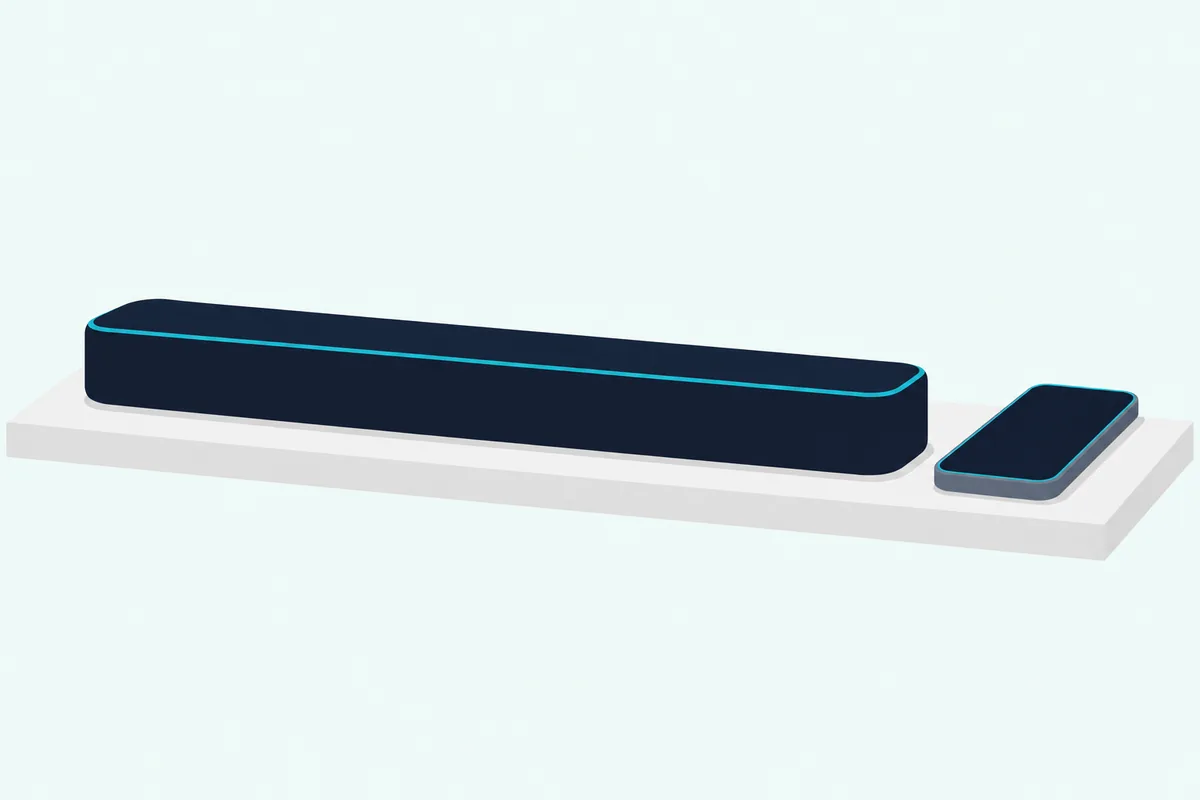
Each bar’s range and codecs come from its own spec list. The HT-S2000 gives a line-of-sight range of about 30 m (98 ft) with SBC and AAC, while Sony’s HT-S400 sheet lists Bluetooth 5.0 with SBC.
A USB drive is the other way in on the HT-S2000. Its app has a [Using a USB drive to play music] switch under [Settings] – [System Settings], and once it’s on and the input is set to [USB], music files on the stick play automatically when you plug it in.
Which Cable Brings the TV’s Sound to an HT-S Bar?
That Bluetooth route covers your phone, but the TV comes in by cable on all four HT-S models in the table. Each takes an HDMI cable to the set’s ARC jack, with eARC on the HT-S2000 and BRAVIA Theater System 6, and each has an optical input as well.
Sony’s HT-S100F guide adds the catch for older TVs. If no HDMI IN jack on the set is labeled ARC, connect the supplied optical cable as well, because there’s no TV sound when the two are joined by HDMI alone.
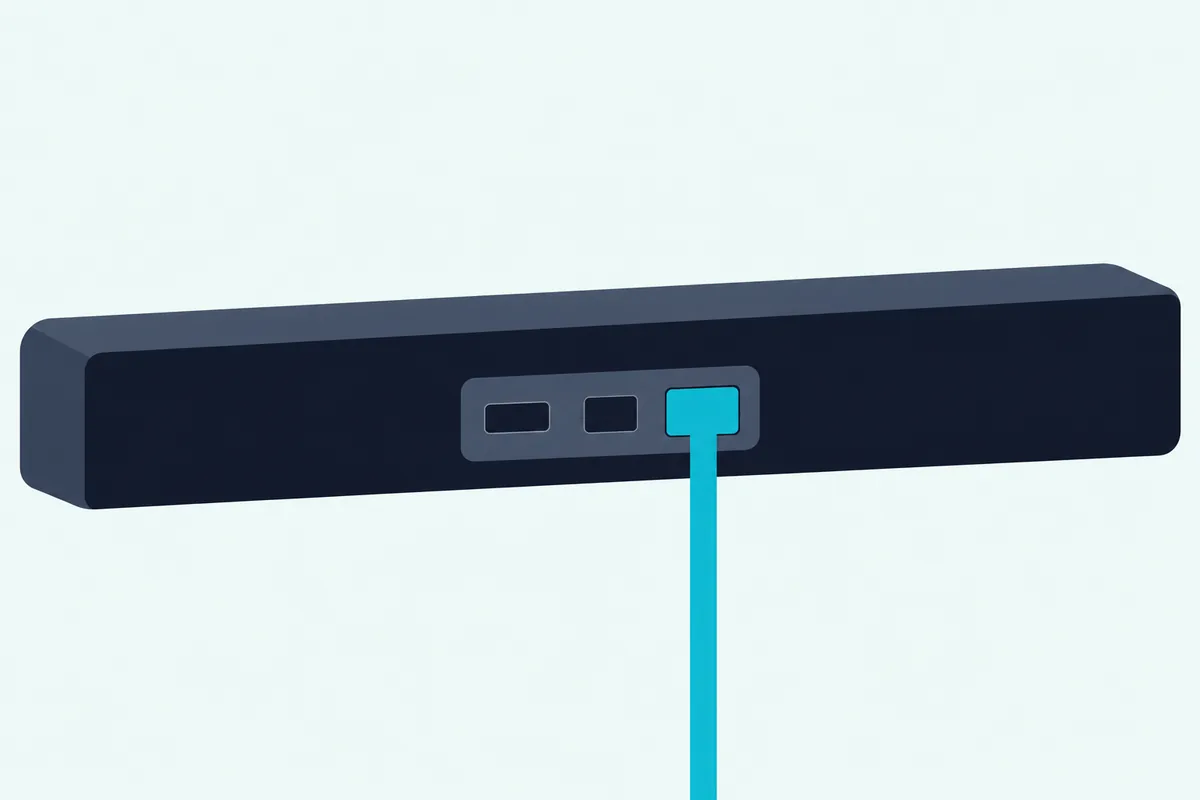
The cable in the box differs by model. The HT-S400 spec sheet says the HDMI cable is sold separately, while the System 6 guide has you plug in the HDMI cable that comes with it.
A Sony set can also send its sound without a cable. The HT-S400’s “TV Wireless connection” works over Bluetooth with BRAVIA models that support A2DP, and the HT-S2000 guide has its own chapter on taking a Sony set’s sound over Bluetooth.
For the menus on the set’s side, see hooking an HT-S bar up to a Sony TV, which walks through HDMI, optical and Bluetooth in turn.
Can You Update a Sony Soundbar That Has No Wi-Fi?
That cable-only setup doesn’t rule out software updates, which arrive by another road. Yes: Sony’s HT-S400 sheet lists its USB type A port as “only for update”, and the HT-S2000’s app list includes updating the bar’s software to the latest version.
The BRAVIA Theater System 6 and Bar 6 guides spell out both routes. When new software is out, a notice appears in the app, and the update runs from there with the BLUETOOTH function turned on.
The USB route takes three steps:
- Follow the app to Sony’s support page and save the update file to a USB memory stick.
- Plug the stick into the UPDATE port, on the back of the subwoofer for System 6 or the bar for Bar 6, and the update starts by itself.
- Wait for the main status indicator to flash white every 2 seconds, then remove the stick.
While it runs, the indicators flash slowly between white and blue. That white flash every 2 seconds is how both guides tell you the update is done.
Which Sony Soundbars Do Connect to Wi-Fi?
Those workarounds aren’t needed on Sony’s HT-A and larger BRAVIA Theater models. The HT-A3000’s network list gives the full set: 360 Reality Audio, Spotify Connect, Chromecast built-in, Amazon Alexa through a separate Alexa built-in device, AirPlay, the Sony | Music Center app and music files on a computer on your home network.
The HT-A5000, HT-A7000 and HT-A9 guides carry the same Chromecast built-in, AirPlay 2, Spotify and Alexa chapters. On the network the HT-A bars also fetch their own software: [Network Update] pulls it from the Internet, [USB Update] stays as a fallback, and [Auto Update] can be switched on under [Network Settings].
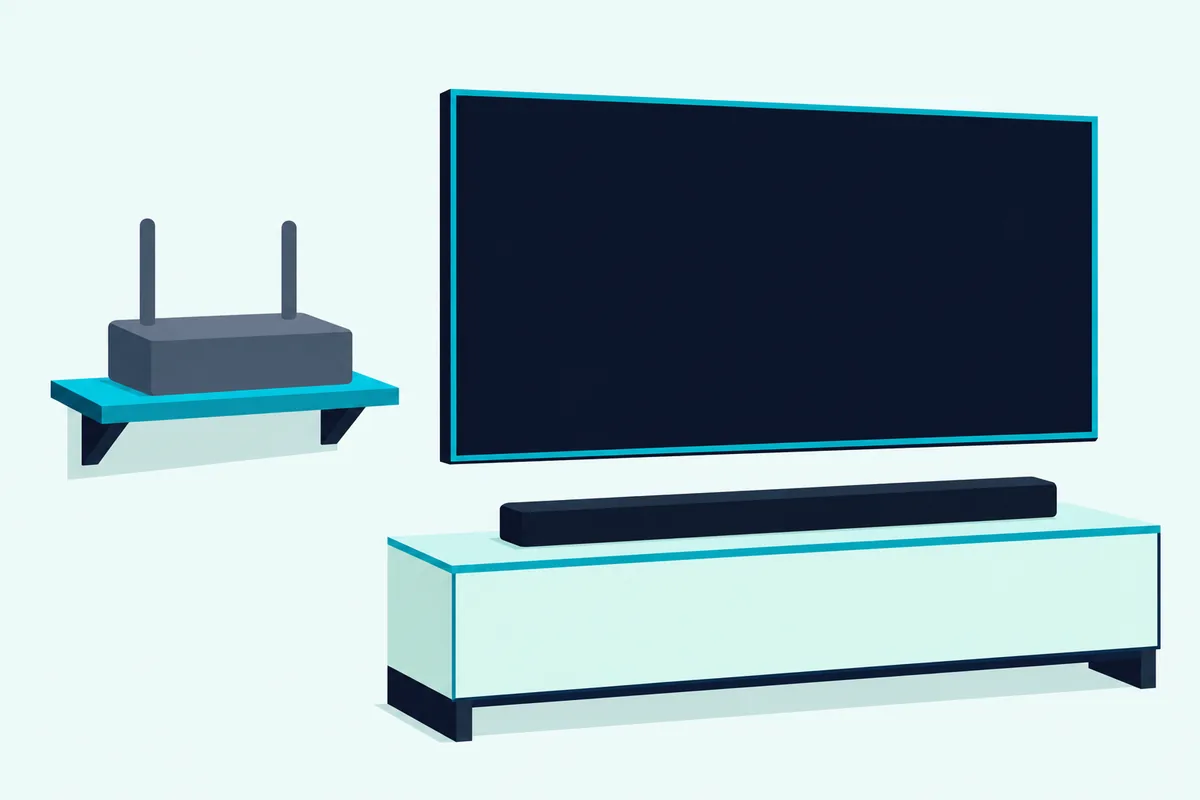
The newer BRAVIA Theater Bar 9, Bar 8, Bar 7, Quad and Trio work differently. Their guides cover Spotify and AirPlay but not Chromecast built-in, and the Bar 9 and Bar 8 guide says an Internet connection is required to use the system at all.
If Wi-Fi streaming is the reason you’re shopping, those are the models in the table whose guides include it. The page with Sony’s sound bars compared sorts them by room and TV.
How Do You Connect an HT-A Soundbar to Wi-Fi?
Those HT-A bars join your network from the TV screen. Have the network name (SSID) and password ready, then follow the HT-A3000 guide’s home-menu steps:
- Press HOME on the remote and choose [Setup] – [Advanced Settings].
- Select [Network Settings] and make sure [Wi-Fi Connection] is set to [On].
- Choose [Internet Settings] – [Next], then [Search for Wi-Fi network].
- Pick your network, or [New connection registration] if it isn’t listed, then enter the password and select [Enter].
Two other routes lean on your phone. Sony | Music Center can put the bar on the same network as your phone, and with an iPhone, [Use Apple Setup] under [Internet Settings] joins the iPhone’s network without the name or password.
Chromecast built-in needs one more pass: press HOME, choose [Listen] – [Chromecast built-in] and follow the screens. After that, [Network/Bluetooth Standby] turns on by itself, so music starts quickly even from standby.
What Changes on the BRAVIA Theater Bars?
Those TV menus give way to your phone on the BRAVIA Theater Bar 9 and Bar 8, which set up through the Sony | BRAVIA Connect app. Sony’s guide makes the app compulsory: install it, sign in with an account, and keep the phone on the same network as the bar.
The steps are short: check that the bar is connected to the TV and to power, install the app, then open it and follow the screens. The network connection is part of that initial setup, along with surround optimization and any add-on speakers.
One habit matters afterward. Sony warns that if you don’t use the app or the bar for more than 30 days, you may need to register the bar in the app again.
Why Won’t a Sony Soundbar Join Your Wi-Fi?
When either setup stalls, Sony’s HT-A3000 guide gives a short list of checks. Make sure the router is on, check the network settings, and move the bar and router closer, since walls and other obstacles shorten the range.
Devices on the 2.4 GHz band, such as a microwave or a digital cordless phone, can interrupt the link, and Sony notes the bar’s own Bluetooth can make Wi-Fi unstable too. If your router isn’t in the list, press OPTIONS to refresh it, or add the network by name with [New connection registration].
If the bar joins Wi-Fi but can’t reach the Internet, check the wireless connection and restart the router. When nothing sticks, the steps for resetting a Sony sound bar put it back to factory settings, model by model.
The Bottom Line
So the answer turns on the model number. An HT-S bar, the HT-S2000 with its Wireless LAN line included, works through Bluetooth, HDMI and optical, while the HT-A and larger BRAVIA Theater bars are the models in the table whose guides put them on Wi-Fi.
Frequently Asked Questions
Does the Sony HT-S400 have Wi-Fi?
No Wi-Fi appears in Sony’s HT-S400 spec sheet. It lists a Bluetooth 5.0 receiver, one HDMI ARC output, an optical input and a USB type A port marked “only for update”, plus a wireless subwoofer.
Pair a phone over Bluetooth for music, and use HDMI ARC or the optical cable for the set’s sound. Its wireless link to a BRAVIA runs over Bluetooth (A2DP), not Wi-Fi.
Does the Sony HT-S2000 have Wi-Fi?
Not for your home network. Its specs list a Wireless LAN section, but the Help Guide gives no network setup, names no Chromecast built-in, AirPlay or Spotify, and connects its app, Sony | BRAVIA Connect, over Bluetooth Low Energy.
Music comes in by Bluetooth or a USB drive, and the set’s sound by HDMI eARC/ARC or optical.
Can you use Chromecast with a Sony soundbar?
Yes on the HT-A3000, HT-A5000, HT-A7000 and HT-A9, whose guides include Chromecast built-in, set up from [Listen] – [Chromecast built-in] on the home menu. Sony’s guides for the BRAVIA Theater Bar 9, Bar 8, Bar 7, Quad and Trio don’t list it, though they cover AirPlay and Spotify.
None of the HT-S documents in the table mentions it, so on those bars a phone plays over Bluetooth instead.
Does a Sony soundbar need Wi-Fi to work?
The HT-S bars don’t: they play the TV over HDMI or optical and your phone over Bluetooth, with no network at all. The BRAVIA Theater Bar 9 and Bar 8 are the opposite, since Sony’s guide says an Internet connection is required to use them and their app needs an account.
On the HT-A models, Wi-Fi is what adds streaming, Chromecast built-in and network updates.