Which Sony Soundbar App Do You Need? BRAVIA Connect vs Music Center
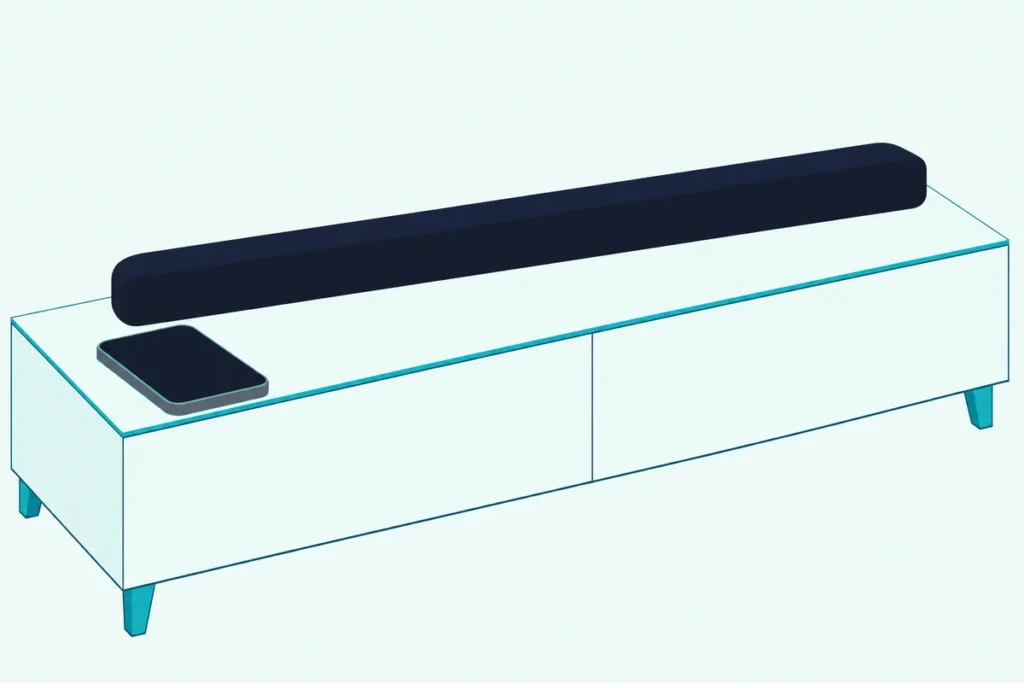
Your model decides the Sony soundbar app: Sony | BRAVIA Connect runs the BRAVIA Theater bars and the HT-S2000, and Sony | Music Center runs the HT-A bars.
Each Sony guide names just one of the two, so a guess can leave you with an app that doesn’t list your bar, and the HT-S400 and HT-S100F papers name no app at all.
Match the app to the model and your phone handles setup, inputs and sound settings, plus software updates on the BRAVIA Theater bars and the HT-S2000.
The table below sorts Sony’s bars by app, from Sony’s help guides and its own store listings.
After it come what each app does, the account Sony asks for, the bars that run without an app and Sony’s fixes when the app can’t find the bar.
Which Sony Soundbar App Works With Your Model?
That one-app-per-model rule reads best as a table. Sony | BRAVIA Connect covers the BRAVIA Theater Bar 5, Bar 6, Bar 7, Bar 8, Bar 9, System 6, Quad and Trio plus the HT-S2000, while Sony | Music Center covers the HT-A3000, HT-A5000, HT-A7000 and HT-A9.
| Sony model | App | How the app reaches the bar | Other phone routes |
|---|---|---|---|
| BRAVIA Theater Bar 9, Bar 8, Bar 7, Quad, Trio | BRAVIA Connect | Home Wi-Fi with Internet | AirPlay, Spotify, Bluetooth |
| BRAVIA Theater Bar 6, Bar 5, System 6; HT-S2000 | BRAVIA Connect | Bluetooth Low Energy | Bluetooth |
| HT-A3000, HT-A5000, HT-A7000, HT-A9 | Music Center | Home Wi-Fi | AirPlay, Chromecast built-in, Spotify, Bluetooth |
| HT-S400, HT-S100F | No app named | None: the bar’s remote and the TV remote | Bluetooth |
The descriptions come from the makers’ manuals and spec pages. If your bar’s label shows only a model number, Sony’s guides pair them up: the Bar 9 is the HT-A9000, the Bar 8 the HT-A8000, the Bar 7 the HT-A7100, the Quad the HT-A9M2 and the Trio the HT-A8.
The rest follow the same pattern: the Bar 6 is the HT-B600, the Bar 5 the HT-B500 and the System 6 the HT-S60. Sony’s App Store listing for BRAVIA Connect names the same set, plus the HT-AX7 portable theater system.
What Does the Sony BRAVIA Connect App Do on a Soundbar?
Most of that table runs on BRAVIA Connect, and Sony’s guides give it the same core jobs on every one of those bars. The app handles initial setup, volume, input selection, the bar’s settings and support information, while Sony says the supplied remote “can only be used” for the operations and settings you use most while watching.
The Wi-Fi models’ guides add network connection and surround sound optimization to setup, plus software updates. The HT-S2000’s adds updates and connecting optional rear speakers or a subwoofer.
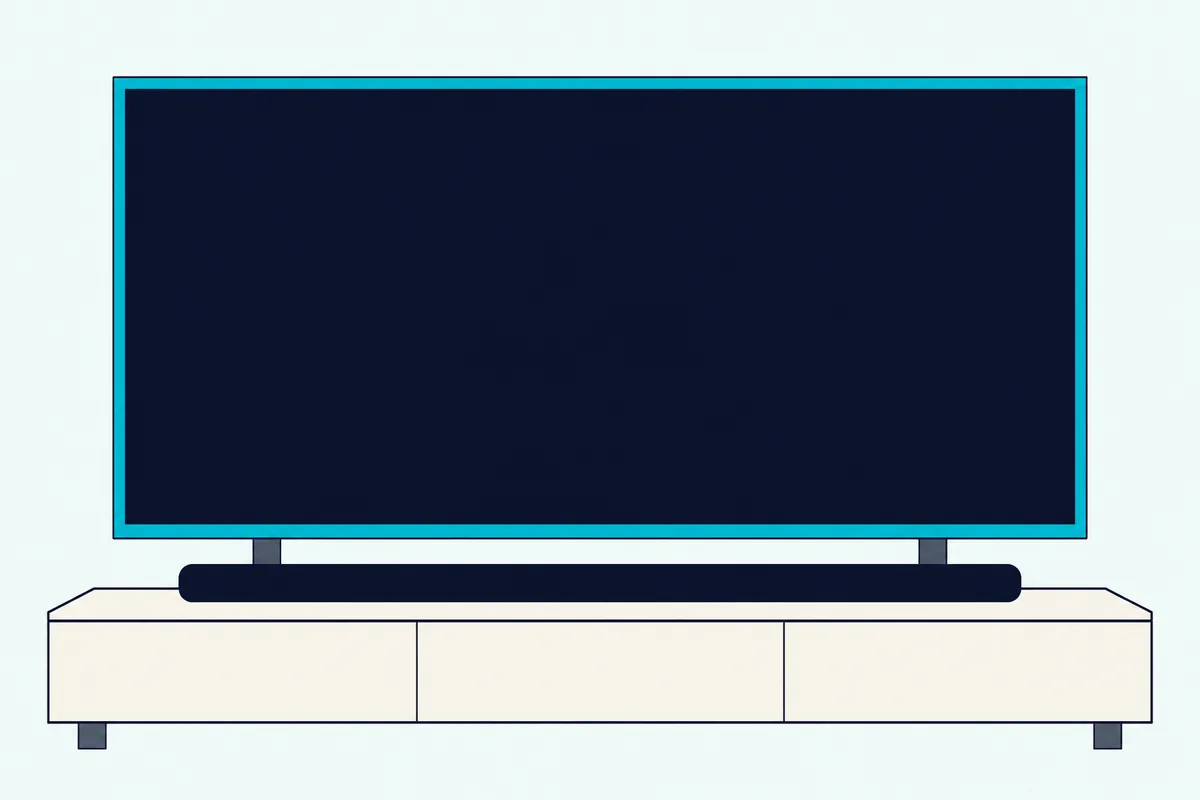
Think of the app’s remote screen as the bar’s full remote. The Bar 5 guide lists power, [Night mode], [Sound field], [Voice mode], [Volume] and [Bass level], with the input and the playing track shown at the top.
With an app-compatible BRAVIA TV on the HDMI cable, that same screen runs the TV too, and with any other TV it runs only the bar. Sony’s store listings describe the app the same way, as “a control app for easy use of Sony TVs and home theater products”, naming sets such as the BRAVIA 9, 8 and 7.
Sony’s help guide for those TVs says the same: the app operates the TV and sets up a compatible audio system. When new software is out, the Bar 5 and Bar 6 guides say a notice appears on the app’s remote screen, and you update by following it.
Do You Need an Account for the BRAVIA Connect App?
Those jobs come with a sign-in on most BRAVIA Theater bars. On the Bar 5, Bar 7, Bar 8, Bar 9, Quad and Trio, yes: their guides, such as Sony’s Bar 9/Bar 8 Help Guide, say “An account and sign-in are required to use the app.”
The same notes add a 30-day rule. If you don’t use the app or the bar for more than 30 days, Sony says you may need to register the bar on the app again.
The Wi-Fi models ask for more. The Bar 7, Bar 8, Bar 9, Quad and Trio guides say “An Internet connection is required to use the speaker system,” with your phone on the same network as the bar.
The Bar 6, System 6 and HT-S2000 guides carry no account note on their app pages. If you already use the app with another Sony device, the Bar 5, Bar 7 and Trio guides say to update it and choose [Add device].
Apple’s listing marks the app for iPhone, iOS 15.0 or later, and Google Play carries the Android version. Sony’s notes in both say it isn’t guaranteed to work with every phone or tablet and that Chromebooks aren’t compatible.
If you remember an app called Home Entertainment Connect, it’s the same one under a new name. Sony’s listings say devices that worked with it keep working after the change.
How Does the App Reach a Bar Without Wi-Fi?
That Internet rule covers only the Wi-Fi models, which leaves the bars with no network setup. On the HT-S2000, Bar 5, Bar 6 and System 6, BRAVIA Connect talks over Bluetooth Low Energy: the HT-S2000’s specifications and the other three guides list “9 devices: BLUETOOTH Low Energy” for the app’s connection.
That’s a separate entry from music. The same lines list nine more for BLUETOOTH Classic (A2DP), the audio link.
None of those four guides gives Wi-Fi setup steps, which is why Sony bars that join Wi-Fi are a separate list. Distance matters here instead: the HT-S2000 guide says to move the phone closer if the app responds slowly, and the Bar 5 guide says to check the Bluetooth connection.
Switch the bar’s Bluetooth off and the app goes with it. The Bar 5 guide says the app can’t be used while Bluetooth is off, and its toggle is Muting, Volume minus, then Volume plus on the remote within 5 seconds.
On the HT-S2000 you touch Input and BLUETOOTH on the bar for about 5 seconds, and [BT POWER] then [ON] confirms it’s back. On the Bar 5, one more setting matters: with [Bluetooth Standby] set to [Off], the bar can’t be turned on from the app.
What Does the Sony Music Center App Do on an HT-A Bar?
The HT-A bars sit outside that system entirely. On the HT-A3000, HT-A5000, HT-A7000 and HT-A9, Sony | Music Center controls the bar over your Wi-Fi, and Sony’s Rear 9 Help Guide states that the HT-A7000, HT-A5000 and HT-A3000 don’t support BRAVIA Connect.
Sony’s steps are short:
- Install Sony | Music Center on your phone or tablet.
- Put the phone on the same Wi-Fi network as the bar.
- Start the app and follow its screens.
The HT-A3000 Help Guide and the HT-A5000 and HT-A7000 guides use it to put the bar on the phone’s Wi-Fi network, to set up Alexa and Amazon Music, to check 360 Reality Audio services and to play music files from a computer on your home network. Sony adds two notes: use the latest version, and keep the phone on the bar’s network.
Setup itself starts on the TV, not the phone. The HT-A3000 guide has you press HOME on the bar’s remote and follow the TV’s screens, and software updates run from the same home menu under [Setup] – [Advanced Settings] – [Software Update], by network or USB.
Music Center isn’t a soundbar-only app, either. Sony’s listing describes it as the app for compatible Sony audio devices, with settings such as the equalizer, and says devices that worked with SongPal work with it too; it needs iOS 15.0 or Android 9.0 or later.
Which Sony Soundbars Have No App?
Neither app appears in the papers for Sony’s smallest bars. Sony’s HT-S400 spec sheet and startup guide and its HT-S100F startup guide name no app, so the bar’s own remote, the TV remote and Bluetooth do the work.
The HT-S400 sheet describes a “simple new remote control” and an OLED display showing the input, volume and settings such as Sound Field, Voice mode and Night mode. Connected by HDMI to the BRAVIA J and K series TVs it lists, its settings also appear in the TV’s Quick Settings menu.
For music from a phone, the sheet points to Bluetooth, and the HT-S100F guide shows a BLUETOOTH indicator beside TV and USB. For any other Sony bar, check its operating instructions for an app chapter before you download either one.
If you’re still choosing a bar, Sony’s sound bar lineup is sorted by room and TV.
Can the TV Remote Replace the App?
Those app-free bars lean on the TV remote, and the app models can use it the same way. For power and volume, yes: with Control for HDMI on, Sony says turning the TV on or off or changing its volume with the TV remote does the same on the bar.
Sony’s guides say the bar’s Control for HDMI is on by default, and turning on BRAVIA Sync on a Sony TV switches the bar’s setting on too. Other TVs need their own HDMI control setting, and Sony warns it may not work with devices from other makers.
Settings are another matter. On the BRAVIA Connect bars, Sony says even the supplied remote covers only the settings you use most, so setup and the rest stay in the app.
If the bar blocks the TV’s remote sensor, the HT-A3000 and HT-S2000 have [IR-Repeater], which sends the TV remote’s signal out of the back of the bar. If the cable isn’t in yet, here’s how to hook a Sony soundbar up to the TV with HDMI or optical.
Can You Use AirPlay or Chromecast Instead of an App?
The TV remote covers the basics, and on the Wi-Fi bars your phone has two more routes for music. Yes, for music: AirPlay works on the HT-A bars and on the Bar 9, Bar 8, Bar 7, Quad and Trio, and Chromecast built-in works on the HT-A bars.
With AirPlay, put the iPhone on the bar’s network, play the music, tap the AirPlay icon and pick the bar, per the Bar 9/Bar 8 guide. Add the bar to Apple’s Home app and Siri can start music on it.
Chromecast built-in is switched on from the TV screen: the HT-A3000 guide puts it under [Listen] – [Chromecast built-in] on the home menu. Linking the bar in the Google Home app adds Google Assistant voice control.
These routes play music; setup and the bar’s settings stay in the model’s own app. For Bluetooth on any of them, the steps to pair an iPhone with a Sony soundbar go model by model.
Why Can’t the App Find Your Sony Soundbar?
When the app is the right one and still comes up empty, Sony’s guides point to a short list of causes. First check that the bar’s wireless function is on: with it off, the Bar 9/Bar 8 guide says the app can’t be used, and its toggle is INPUT, Volume minus, Volume plus, INPUT on the remote.
On the Wi-Fi models, put the phone on the same network as the bar, and make sure that network reaches the Internet. The Bar 7, Bar 8, Bar 9, Quad and Trio guides require both.
If the app worked before, count the days. After more than 30 days without the app or the bar, those guides say you may need to register the bar again.
If the controls respond slowly, Sony’s fix is the link itself: check the Wi-Fi connection on the Bar 9/Bar 8 or the Bluetooth connection on the Bar 5, or move the phone closer to an HT-S2000. That’s the Bluetooth Low Energy link from earlier at work.
After resetting a BRAVIA Theater bar, delete both of its entries from your phone’s Bluetooth list, its name and the one starting “LE_”, then run initial setup in the app again. Sony’s reset steps for each bar cover the buttons.
On an HT-A bar, update Sony | Music Center to its latest version. If Bluetooth pairing fails there, Sony’s guides say to uninstall Music Center and try the Bluetooth connection again.
Frequently Asked Questions
Is there an app for a Sony sound bar?
Yes, two. Sony | BRAVIA Connect serves the BRAVIA Theater bars and the HT-S2000, and Sony | Music Center serves the HT-A3000, HT-A5000, HT-A7000 and HT-A9. Sony’s papers for the HT-S400 and HT-S100F name no app, so those bars run on their own remote and the TV remote.
Can I control my Sony soundbar with my phone without Wi-Fi?
On the HT-S2000, Bar 5, Bar 6 and System 6, yes: Sony’s app reaches them over Bluetooth Low Energy, so keep the phone near the bar. The Bar 7, Bar 8, Bar 9, Quad and Trio guides say the system needs an Internet connection with the phone on the same network, and the HT-A bars’ Music Center steps also put the phone on the bar’s Wi-Fi.
Does the Music Center app work with BRAVIA Theater bars?
Sony’s guides for the BRAVIA Theater bars name only Sony | BRAVIA Connect, and the HT-A guides name only Sony | Music Center. The Rear 9 guide adds that the HT-A3000, HT-A5000 and HT-A7000 don’t support BRAVIA Connect, so match the app to your model’s own guide.
Can I use BRAVIA Connect on an iPad or a Chromebook?
Apple’s listing marks it as an iPhone app, iOS 15.0 or later, and Sony’s notes in both store listings say Chromebooks aren’t compatible. An Android phone gets it from Google Play.