How to Fix Delay on a MIDI Keyboard, Cause by Cause
Here’s how to fix delay on a MIDI keyboard: lower the audio buffer in your DAW, switch to your audio interface’s own driver, and keep latency-heavy plug-ins off the track you’re playing.
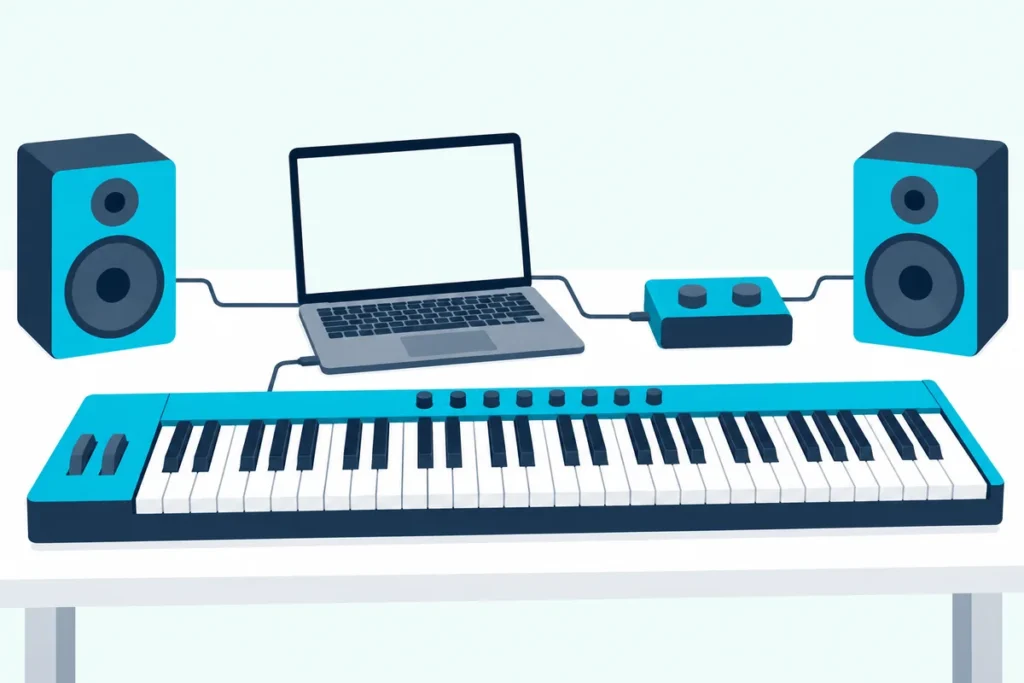
The keyboard itself is rarely the problem, and Samson’s support team says that gap between playing and hearing is generally created by the audio playback driver, not the controller.
Get the settings right and you can aim for the 5 to 10 ms that FL Studio’s manual calls excellent, where its target for the generic Primary Sound Driver on Windows is 20 to 50 ms.
The causes come in a set order, buffer, driver, plug-ins, monitoring and Bluetooth, and every DAW hides the fix in a different menu.
Start with the six checks and the empty-project test below, then find your DAW’s row in the settings table.
How to Fix Delay on a MIDI Keyboard in Six Steps
Those five causes map onto six checks, and the first two set how low everything else can go. To fix delay on a MIDI keyboard, work down this table of what each maker says.
| Step | What to change | What the maker says |
|---|---|---|
| 1 | Lower the audio buffer size | Apple: record at the lowest I/O buffer size, and go up one setting if overload alerts appear |
| 2 | Use your interface’s own driver | Steinberg: an ASIO driver written for the hardware gives shorter latency than its built-in one |
| 3 | Switch on a low-latency mode | Apple: dynamics plug-ins with look-ahead add latency, and Low Latency mode routes around them |
| 4 | Monitor in one place | Apple: software monitoring causes audible delay, and hardware monitoring avoids it |
| 5 | Play over USB, not Bluetooth | Microsoft: Bluetooth MIDI’s connection interval runs up to 15 ms, with 7.5 ms recommended for live playing |
| 6 | Plug straight into the computer | M-Audio: hubs, long cables and too many USB devices cause poor communication |
No plug-in or monitoring setting can take the delay below what the buffer and driver allow, so steps 3 to 6 only trim what sits on top.
Try this first: open a new, empty project with one stock instrument and play it from your MIDI keyboard. If the lag is still there, the cause is the buffer, the driver or the connection, and if it disappears, something in your full project is adding it.
Where Does MIDI Keyboard Delay Come From?
That empty-project test works because MIDI notes and audio take different routes through your computer. MIDI keyboard delay comes from the audio route: Ableton’s Live 12 manual explains that digital audio can’t be transferred into or out of an audio interface in real time and must instead be buffered (Ableton).
The note is tiny by comparison, and Microsoft’s Windows team describes the original MIDI messages as one to three bytes, sent over a DIN cable at about a millisecond per message.
Apple’s list of what adds up to the delay in Logic Pro covers the I/O buffer size, the conversion between analog and digital audio, your audio interface’s software, the sample rate and your plug-ins. Apple adds that Bluetooth headphones or speakers add latency too, and says to use them for mixing or listening only.
Think of a piano, the example Ableton’s manual uses: even there, a little time passes between pressing a key and the hammer reaching the string. Players adapt to a delay that stays the same, and Ableton notes that jitter, delay that keeps changing, makes MIDI timing feel sloppy or loose far more than latency does.
What Buffer Size Should You Use for a MIDI Keyboard?
Of everything on Apple’s list, the buffer is the quickest way to reduce latency. Use the smallest buffer your computer can play without clicks: FL Studio’s manual starts Apple silicon Macs at 128 samples and suggests 10 to 20 ms (440 to 880 samples) on Intel and AMD computers, going smaller for live MIDI playing while its underrun counter stays still (Image-Line).
Image-Line explains why, since the delay between playing a MIDI keyboard and hearing it is at least as long as the buffer. REAPER’s user guide says an echo-like delay in your headphones means latency is too high and that a block size of 256 or 128 can improve it, though consumer built-in sound cards may then pop and click.
Apple’s routine for Logic Pro is simple: record at the lowest setting, and if overload alerts appear, go up to the next one (Apple). Steinberg’s Cubase help adds that a larger buffer raises latency and isn’t recommended when you play virtual instruments in real time.
Raise it again for mixing, as Apple recommends, so heavier plug-ins can run. Logic shows the resulting roundtrip latency under its I/O Buffer Size menu, so you can watch the number fall.
Which Audio Driver Gives the Lowest Latency?
That buffer can only go as low as the driver behind it allows. On Windows, the lowest latency comes from the ASIO driver written for your audio interface: Steinberg’s Cubase help says such drivers produce shorter latency times than its own built-in ASIO driver, and REAPER’s user guide ranks drivers ASIO, WDM, DirectX, then MME.
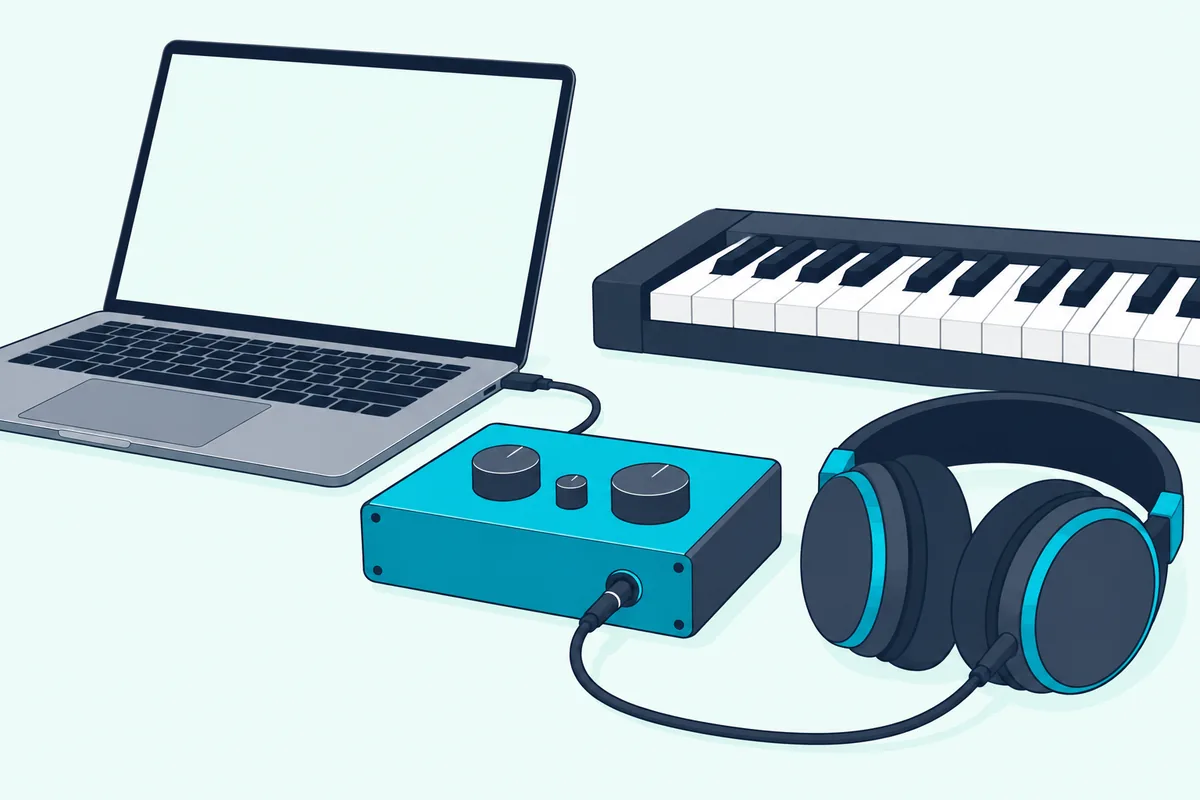
Without an interface, you’re choosing between the generic Windows drivers, which Samson’s support article says aren’t optimized for audio production. FL Studio installs FL Studio ASIO and the third-party ASIO4ALL, but Image-Line ranks native ASIO first, then ASIO4ALL, then FL Studio ASIO, whose lowest stable latency may be higher because it runs on top of the Windows audio system.
Ableton’s manual also recommends ASIO on Windows, and Image-Line says to stay updated to the latest audio drivers for your hardware. If you’re weighing an interface as the cure, read what an audio interface actually changes for a MIDI keyboard before you buy one.
On a Mac, Steinberg says hardware with properly written Core Audio drivers can produce very low latency, so Mac users usually start at the buffer. The cable side is in our Mac MIDI connection walkthrough, and the Windows one is connecting a MIDI keyboard to a Windows PC.
Can a Plug-in Make Your MIDI Keyboard Lag?
Once the buffer and driver are set, a lag that only shows up in your full project points to plug-ins. A plug-in can make a MIDI keyboard lag: Apple names dynamics plug-ins with look-ahead as a cause in Logic Pro, and its user guide explains that plug-in latency compensation delays every track by the highest latency in the project so they stay in sync.
Each DAW has a switch that trades a little of that sync for speed while you play:
- In Logic Pro, Low Latency Monitoring mode keeps the combined plug-in delay on a channel strip’s signal path under a Limit you set, up to 30 ms, by turning sends off and bypassing latency-inducing plug-ins where needed.
- In Ableton Live, Reduced Latency When Monitoring gives input-monitored tracks the lowest possible latency, though they may play out of sync with return tracks.
- In Cubase, Constrain Delay Compensation switches plug-ins with a Live button or low-latency mode into it and turns off those without one, and Steinberg says to switch it off after recording (Steinberg).
Bypassing isn’t always enough, because Ableton’s manual warns that devices whose settings need delay, such as Compressor’s Lookahead, keep adding it while bypassed. Take that kind of plug-in off the track, or off the master, while you record.
Is Monitoring Through Your DAW Adding Delay?
Those low-latency switches cover the plug-ins, and the other half of the path is how you hear yourself. Monitoring through your DAW does add delay: Apple’s Logic Pro guide says software monitoring causes audible latency, and suggests monitoring through a mixing console or an interface with hardware monitoring instead.
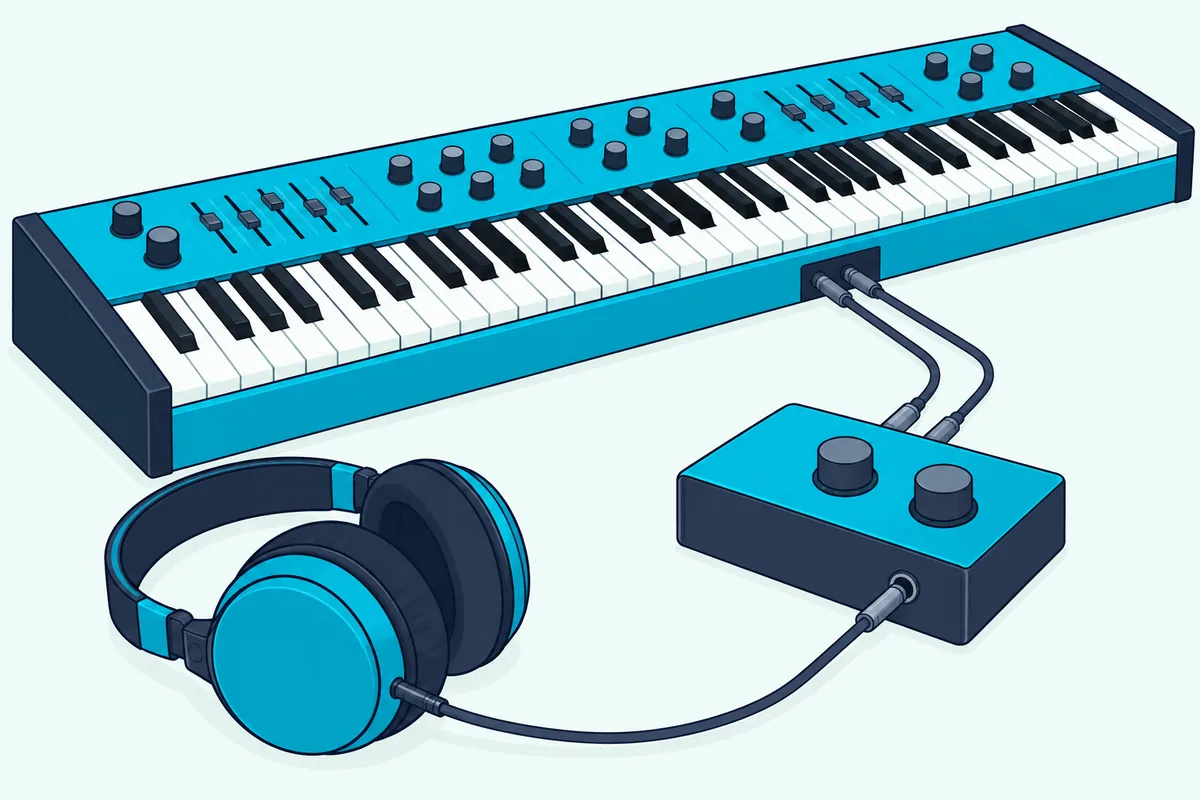
This matters most when the keyboard makes its own sound, like a digital piano wired into an audio interface. If you hear a slap-back echo in your headphones, you’re hearing the instrument twice, and REAPER’s user guide says to turn its input monitoring off when your interface’s own software handles monitoring, using the Monitor Input switch in Reaper’s record arm menu.
Ableton’s MIDI tips say the same for MIDI recording: don’t enable track monitoring while you listen directly to a hardware synth, because Live adds latency to monitored tracks to smooth out jitter.
Does Bluetooth MIDI Add Delay?
Monitoring decides how the sound gets back to you, while Bluetooth changes how the notes get in. Bluetooth MIDI does add delay: Microsoft’s notes on its Windows Bluetooth MIDI transport say the specifications require a connection interval of 15 ms or less and recommend 7.5 ms for live performance, and that this schedule is the main limit on latency (Microsoft).
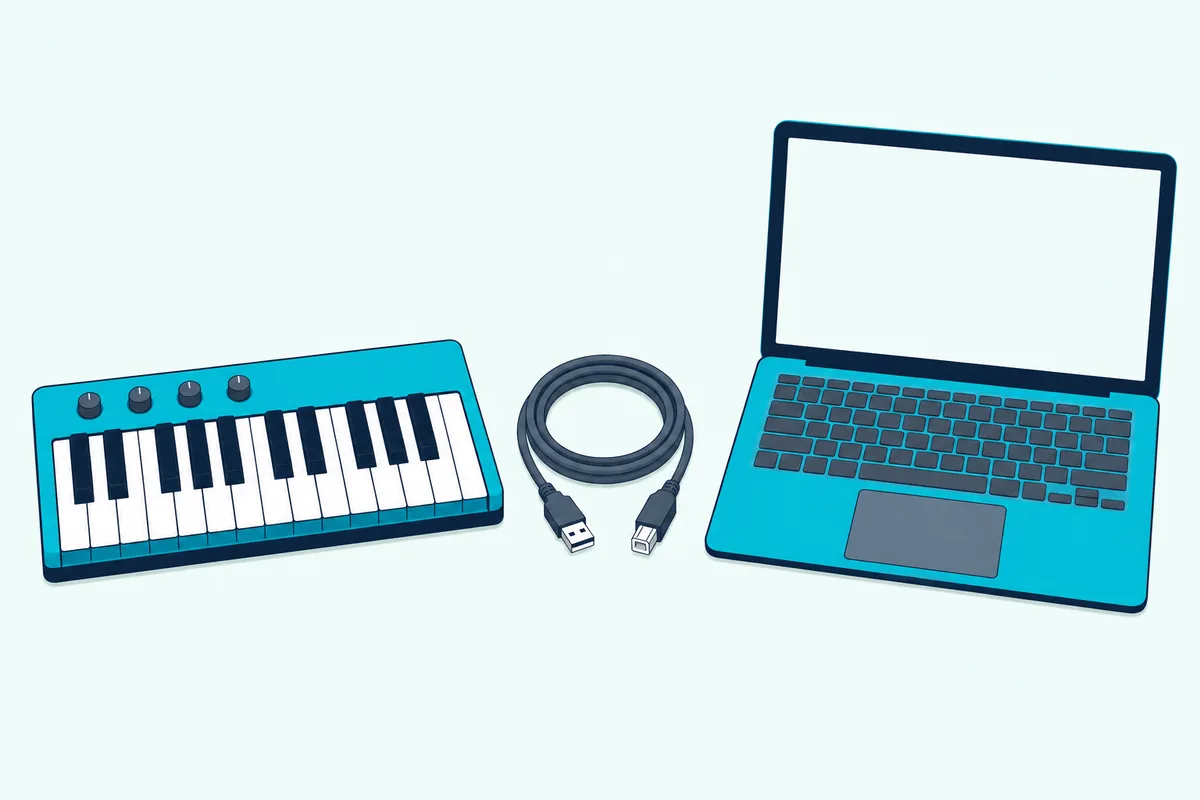
Microsoft reports that Windows, acting as the host, hasn’t been seen below 15 ms, while an iPhone connecting to the same PC negotiated 7.5 ms. So when tight timing matters, go back to the cable: plug in the keyboard’s USB lead and play the same part to compare.
On a Mac, Bluetooth MIDI keyboards connect in Audio MIDI Setup (Window > Show MIDI Studio, then Configure Bluetooth). If you’re still choosing one, our roundup of wireless MIDI keyboards and Bluetooth adapters covers the options.
Why Do Recorded MIDI Notes Land Late?
Everything so far concerns notes you hear late, but notes that land late on the grid are a different fault. Recorded notes land late when the DAW’s timing correction doesn’t match your setup, and Ableton’s MIDI Fact Sheet shows how it works: with monitoring on, Live adds a delay based on your buffer size to each note’s timestamp, so the clip records notes when you hear them.
Live’s Keep Monitoring Latency in Recording toggles control that, and Ableton suggests leaving them on for software instruments and off when you rely on external monitoring. Logic Pro’s Recording Delay slider shifts recorded audio to compensate for delays caused by the audio driver, though Apple says you shouldn’t normally need to touch it.
FL Studio’s Playback tracking Offset corrects the location of recorded notes if the audio driver doesn’t report its position correctly. Notes that wander rather than lag point to jitter, and Ableton’s advice there is a high-quality MIDI interface with the most current drivers.
Where Are the Latency Settings in FL Studio, Ableton, Logic, Cubase and REAPER?
Those record offsets sit near the main latency settings, which this table maps. The buffer lives in each DAW’s audio settings, while the low-latency switch usually sits elsewhere:
| DAW | Buffer setting | Low-latency switch |
|---|---|---|
| FL Studio | Options > Audio settings (F10), Buffer length, through Show ASIO panel on Windows | Leave Triple buffer off, since it doubles the latency set in the ASIO driver |
| Ableton Live | Settings (Options menu on Windows, Live menu on a Mac), Audio tab | Options > Reduced Latency When Monitoring |
| Logic Pro | Settings > Audio > Devices > I/O Buffer Size | Settings > Audio > General > Low Latency Monitoring Mode |
| Cubase | Studio > Studio Setup, your audio driver, Control Panel | Constrain Delay Compensation, on the Project window toolbar |
| REAPER | Options > Preferences > Audio > Device > Request block size | Plug-in delay compensation off for one plug-in, from its pin connector menu |
| GarageBand (Mac) | No buffer size in Audio/MIDI settings | None listed; pick a wired Output Device in Audio/MIDI settings |
Logic Pro can also show the I/O buffer size in the control bar, which Apple suggests if you switch often between a low buffer for recording and a high one for mixing. In FL Studio, the MIDI side is in our guide to setting up a MIDI keyboard in FL Studio.
GarageBand is the odd one: Apple’s guide to its Audio/MIDI settings lists output and input devices, Audio Units and a Reset MIDI Drivers button, with no buffer size, so the levers there are a wired output device and the checks above.
Should You Plug the Keyboard Straight Into the Computer?
If the settings in that table are right and notes still stutter or drop, check the connection itself. Plug straight in when that happens: M-Audio’s troubleshooting guide for class-compliant keyboards gives no delay figure, but it lists USB hubs, long or extended cables and too many USB devices as causes of poor communication, and its first fixes are another cable, another port and no hub.
If your iPad or laptop leaves no choice but a hub, Burton Acoustix’s powered hub guide sets Korg’s published current draw for its controllers against the supply of five hubs.
The Bottom Line
That hub check closes the list, and the order is the point. To get rid of delay on a MIDI keyboard, set the smallest buffer that plays cleanly on the interface’s own ASIO or Core Audio driver, then deal with plug-ins, monitoring and Bluetooth, since everything else sits on top of the buffer and driver.
Frequently Asked Questions
Why does my MIDI keyboard have a delay?
The delay almost always comes from the audio side of the computer, not the keyboard. Samson’s support team says it’s generally created by the audio playback driver, and that the buffer setting manages the delay you hear, with a lower setting meaning less delay at some cost to system performance. Lower the buffer, use your interface’s ASIO driver on Windows, then check plug-ins and Bluetooth.
How do I fix MIDI keyboard delay in FL Studio?
Open Options > Audio settings (F10) and pick your audio interface’s own ASIO driver if it has one, which Image-Line ranks above ASIO4ALL and FL Studio ASIO. On Windows, set the buffer through Show ASIO panel and aim for the 10 ms (441 samples) the manual calls a good target, or start at 128 samples on an Apple silicon Mac. Leave Triple buffer off, because it doubles the latency set in the driver.
Does Bluetooth MIDI have more latency than USB?
Yes. Microsoft’s notes on Bluetooth MIDI in Windows say the specifications require a connection interval of 15 ms or less and recommend 7.5 ms for live performance, and that Windows acting as the host hasn’t been seen below 15 ms. For tight parts, the USB cable is the safer choice.
Will a better MIDI keyboard fix latency?
Usually not, because the delay you hear is created after the note reaches the computer. Samson’s support team says MIDI delay is generally not a fault of the controller, so a forty-dollar controller and a flagship model run into the same buffer and driver. Fix the driver and buffer first, and on Windows consider a dedicated audio interface with ASIO drivers, as Samson recommends, if the built-in audio can’t go low enough.
Does a higher sample rate reduce MIDI latency?
Yes, but at a cost. Apple says higher sample rates mean less input monitoring latency in Logic Pro, but larger audio files and more load on the processor and disk. REAPER’s user guide says going from 44,100 to 88,200 Hz doubles CPU usage, so lower the buffer first and set the sample rate when you create a project, as Apple suggests.