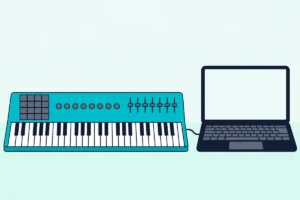
Start with GarageBand on a Mac or the lite DAW in your keyboard’s box, and move to a full DAW once you know how you like to work.
Finding the best software to use with a MIDI keyboard starts with one fact: the keyboard sends notes, not sound, so the program you open decides what you hear.
Plug in a controller keyboard with no program running and pressing keys does nothing you can hear, or you land in a full studio app when all you wanted was a piano.
Match the software to the job instead and the same keys can play a grand piano, record a song, teach you a melody or run a live set.
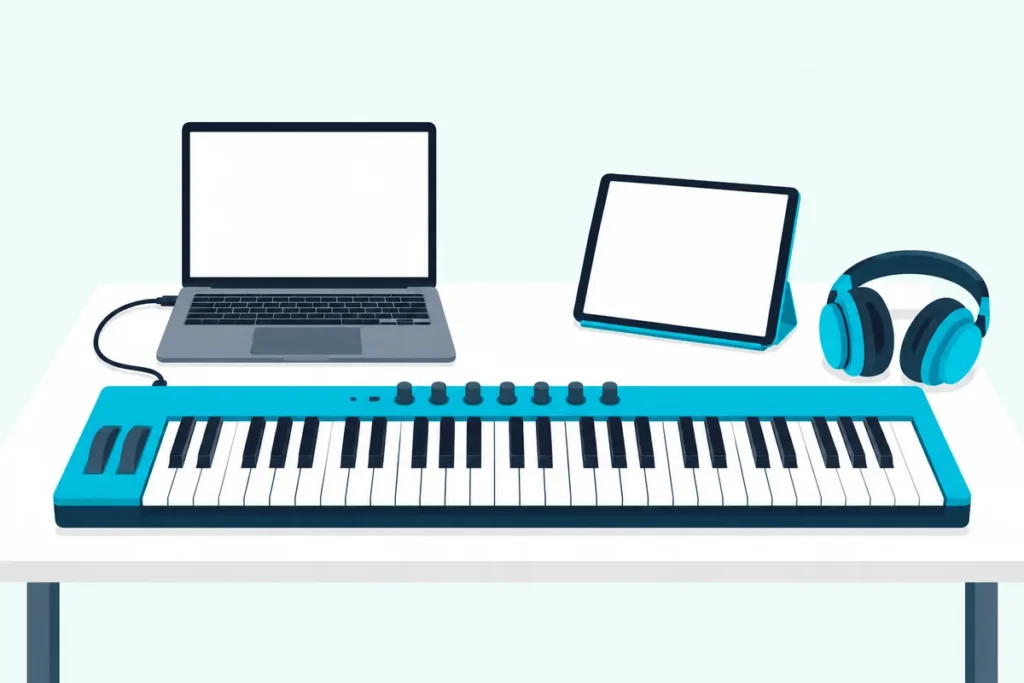
The first move costs nothing, since GarageBand is free on the Mac App Store and Ableton says Live Lite comes free with many hardware products, keyboards included.
Below are the picks by job, then free options for Windows and Mac, what popular keyboards bundle, the paid DAWs, and the settings that make the keyboard show up.
What Is the Best Software to Use With a MIDI Keyboard?
That depends on the job you want the keys to do, so the table starts there. The best software to use with a MIDI keyboard is GarageBand on a Mac, the lite DAW in your keyboard’s box if it came with one, and a full DAW like FL Studio, Ableton Live, Logic Pro, Cubase or REAPER once you know how you like to work.
| If you want to | Start with | What the maker says |
|---|---|---|
| Play and record on a Mac at no cost | GarageBand | Free on the Mac App Store; a USB or MIDI keyboard plays and records its software instruments |
| Use what came with the keyboard | Ableton Live Lite, Cubase LE, MPC Beats or Bitwig 8-Track | Live 12 Lite has 8 tracks, and Ableton says its license never expires |
| Get a free DAW on Windows | Cakewalk Next or Cakewalk Sonar’s free tier | Next is “completely free to use”; Sonar’s free tier keeps the core of Cakewalk by BandLab |
| Get one free DAW for Mac, Windows and Linux | Waveform Free | Tracktion calls it a “completely unlimited free DAW” |
| Make beats | FL Studio | A piano roll and MIDI recording in every edition, plus Lifetime Free Updates |
| Launch clips and play live sets | Ableton Live | Session View in all three Live 12 editions |
| Build a full studio on a Mac | Logic Pro | Opens GarageBand projects; a one-time purchase on the App Store |
| Write scores and orchestral parts | Cubase | Score Editor in Pro, Artist and Elements; Expression Maps in Pro |
| Try everything before paying | REAPER | One full version you can evaluate for 60 days |
| Play sounds on stage with no DAW | MainStage on a Mac, Cantabile on Windows | MainStage turns a Mac into an instrument; Cantabile is a VST host for live players |
| Learn piano | GarageBand’s lessons or Synthesia | GarageBand includes 40 basic lessons; Synthesia waits for the right note |
| Turn keys into computer shortcuts | MidiKey2Key or Bome MIDI Translator Pro | MidiKey2Key turns any MIDI-In event into a keyboard action |
The sections below take the jobs one at a time. The descriptions come from the makers’ pages and manuals.
What stays is what each maker says is free, what’s a trial and what you buy once.
What Does MIDI Keyboard Software Actually Do?
That table mixes four kinds of program, because one keyboard can feed more than one job. MIDI keyboard software turns the note messages your keyboard sends into sound, records them, checks them against a lesson or maps them to shortcuts, since MIDI itself carries no audio.
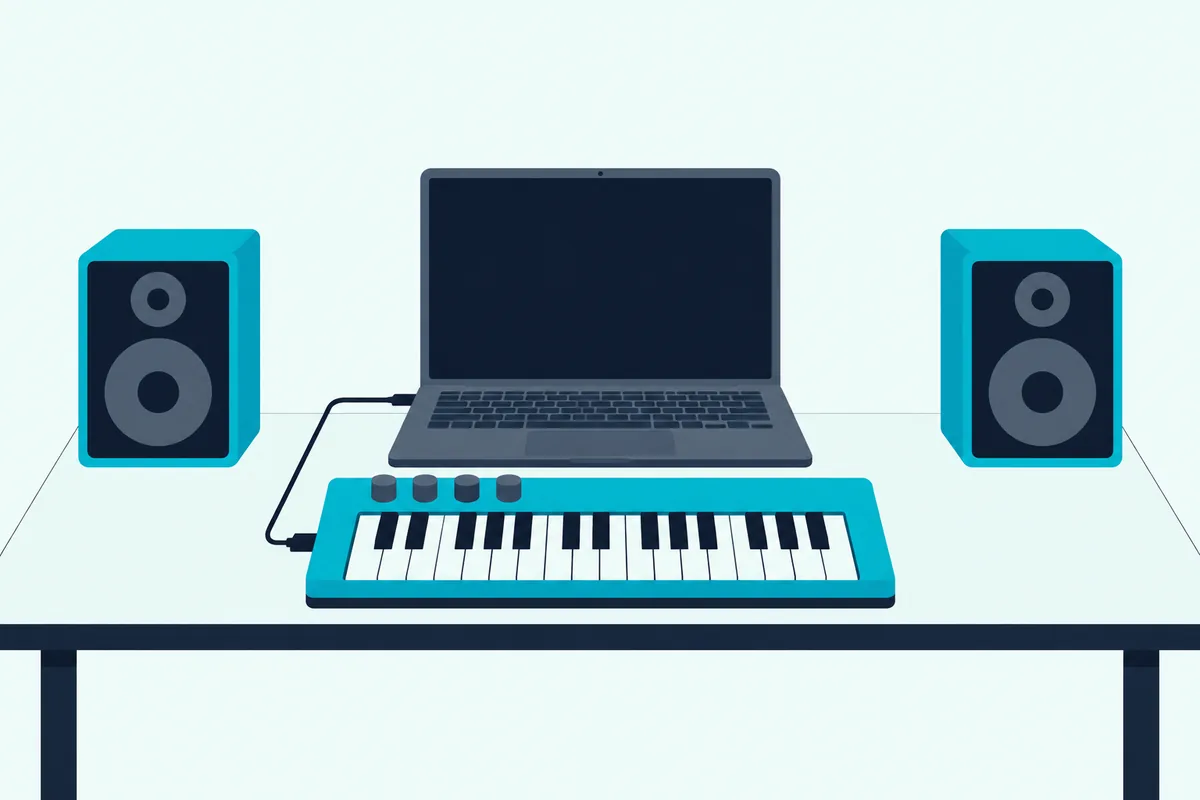
The MIDI Association is blunt about it: MIDI, the Musical Instrument Digital Interface, is not audio, only performance instructions that describe which notes to play, for how long and at what relative volume. That’s why a keyboard can light up and still stay silent until a program plays those instructions through a software instrument.
Some keyboards do carry their own sound, and Burton Acoustix’s answer on MIDI controller speakers covers the ones that do. For the rest, the computer is the instrument, and the software decides what kind.
A DAW, or digital audio workstation, records what you play, lets you edit the notes and mixes the result, with a software instrument on each track. GarageBand, FL Studio, Ableton Live, Logic Pro, Cubase and REAPER all work this way.
An instrument host or standalone instrument skips the recording side and simply plays sounds, which suits practice and the stage. Apple’s MainStage, Cantabile and Akai’s Studio Instrument Collection are examples further down.
A lesson app listens to the notes you play and tells you how you did, the way GarageBand’s lessons and Synthesia do. A utility does something other than make music, like showing every MIDI message or turning keys into computer shortcuts.
On the connection side, a class-compliant keyboard needs no download for its notes to arrive. The MIDI Association explains that the operating system loads a standard driver for a class-compliant USB device, and DAW control can be an extra step: Akai’s MPK mini IV guide, for one, has you download a control script for each supported DAW.
Which Free MIDI Software Works on Mac and Windows?
Those four jobs don’t have to cost anything at the start, because every major computer has a free way in. The best free MIDI software is GarageBand on a Mac, Cakewalk Next or Cakewalk Sonar’s free tier on Windows, and Waveform Free or MPC Beats on either, with the FL Studio and REAPER trials close behind.
| Program | Runs on | What’s free, in the maker’s words |
|---|---|---|
| GarageBand | Mac, macOS Monterey or later | Free on the Mac App Store |
| Cakewalk Next | Windows 11, macOS Catalina or later | “Completely free to use,” with optional premium features |
| Cakewalk Sonar | Windows 11 or later | A free tier with the core functionality of Cakewalk by BandLab |
| Waveform Free | Mac, Windows, Linux | A “completely unlimited free DAW” |
| MPC Beats | Mac, Windows | Free, as a 16-track Beats version inside the MPC 3 app |
| FL Studio | Windows 10 or 11, macOS 10.15.7 or later | A trial that never expires, though saved projects can’t be reopened |
| REAPER | Windows, macOS, Linux | A full evaluation for 60 days |
| Ableton Live 12 Lite | Windows, macOS | Free with many hardware products; 8 tracks |
GarageBand is the easy pick on a Mac. Apple lists it free on the Mac App Store, its product page tells you to plug in your USB keyboard and dive into the Sound Library, and its guide to connecting a music keyboard says a USB or MIDI keyboard can play and record software instruments.
Its projects also open in Logic Pro, Apple says, so moving up later doesn’t mean starting again.
Windows has no GarageBand, and the old Cakewalk by BandLab has been replaced. Cakewalk calls Cakewalk Sonar its next evolution, says old projects open in Sonar, and warns that Cakewalk by BandLab can no longer save or modify projects once its activations expire.
Sonar’s free tier keeps the core functionality of Cakewalk by BandLab and runs on Windows 11 or later, while plugin oversampling, Elastique Pro time-stretching, multiple Arranger tracks and BandLab Sounds need a BandLab Membership. Cakewalk Next, the simpler program for Windows 11 and macOS Catalina or later, is “completely free to use,” Cakewalk says, with some premium features in that same optional membership.
Cakewalk describes Sonar as the full professional DAW of the two, with advanced editing, mixing and production tools. It also points anyone who wants to compose for film or games toward Sonar’s MIDI editing tools.
Waveform Free is the cross-platform option, since Tracktion offers it for Mac, Windows and Linux and calls it a “completely unlimited free DAW.” It comes with the 4OSC synth, Micro Drum Sampler, Micro Sampler and a rompler, and it loads VST, VST3 and AU plugins.
Akai’s MPC Beats is free too, though it now lives inside the MPC 3 app as a 16-track Beats version with the TubeSynth, Electric and Bassline instruments. Akai lists VST3 support and third-party plugin hosting, so it can grow past its built-in sounds.
Two paid DAWs behave almost like free ones while you learn. FL Studio’s trial is fully functional and never expires, Image-Line says, but saved projects can’t be reopened, and REAPER lets you evaluate the full program for 60 days.
What Software Comes Bundled With MIDI Keyboards?
If those downloads still feel like homework, check the box your keyboard came in first. Many current MIDI keyboards come with a lite DAW and a set of instruments, and the table shows what each maker lists for popular models.
| Keyboard | DAW in the box | Instruments and extras the maker lists |
|---|---|---|
| Akai MPK mini IV | None in Akai’s guide; control scripts for Ableton Live, FL Studio, Logic Pro, GarageBand and Cubase | Studio Instrument Collection, with sounds from Akai Professional, AIR Music Technology and Moog |
| Novation Launchkey MK4 (Mini 37 and 61) | Ableton Live Lite and Cubase LE | Novation Play; instruments and effects from Klevgrand, GForce, Native Instruments and Orchestral Tools; Melodics lessons |
| Novation FLkey Mini 25 MK2 | Six months of FL Studio Producer Edition | Premium plugins from Novation, Native Instruments, Klevgrand and others; Melodics lessons |
| Arturia MiniLab 3 | Ableton Live Lite | Analog Lab Intro; a Komplete 15 Select bundle (Beats, Band or Electronic); two months of Loopcloud; Melodics |
| M-Audio Keystation Mini 32 MK3 | MPC Beats | TubeSynth, Electric and Bassline; Melodics |
| M-Audio Keystation 49 MK3 | Ableton Live Lite and MPC Beats | AIR Mini Grand, Velvet, Xpand!2, TubeSynth, Electric and Bassline |
| Nektar SE49 and SE61 | Bitwig 8-Track | More than 50 instruments and effects for up to 8 tracks |
| midiplus AKM320 | None listed | A USB cable and a manual |
Check the terms, because bundles differ. Ableton says a Live Lite license never expires and an older Live Lite license upgrades to Live 12 Lite for free, while Novation’s FLkey Mini 25 MK2 comes with six months of FL Studio Producer Edition.
Live Lite’s real limit is room to work. Ableton gives it 8 tracks and 1 GB of sounds, against 16 tracks and more than 5 GB of sounds for the paid Live 12 Intro.
A board with no bundle, like the AKM320, still works with the free programs in the last section, since midiplus’s manual says it needs no driver beyond the one built into the computer’s system.
Which Paid DAW Suits Your MIDI Keyboard Best?
Those bundled editions run out of room sooner or later, and that’s when a full DAW earns its price. The paid DAW that suits a MIDI keyboard best depends on the music: FL Studio for beats, Ableton Live for clips and live sets, Logic Pro for a Mac studio, Cubase for scores and orchestral parts, and REAPER if you want one full version with a long trial.
FL Studio for Beat Making
FL Studio comes in four editions, Fruity, Producer, Signature Bundle and All Plugins, and Image-Line calls Producer Edition the best choice for beginners. Every edition has the piano roll and MIDI recording from controllers, but recording audio starts at Producer Edition.
Image-Line’s Lifetime Free Updates mean every future update to your edition is free, and Image-Line notes that most other DAWs charge for each major update. The FL Studio download page adds that the trial never expires, though saved projects can’t be reopened until you buy.
FL Studio supports all generic MIDI controllers, its manual says, and Novation says its FLkey Mini 25 MK2 is officially supported by Image-Line.
Ableton Live for Clips and Live Sets
Ableton Live 12 comes in Intro, Standard and Suite, and all three include Session View, which Ableton describes as made for quick composition, flexible performance and improvisation. Ableton’s edition comparison gives Intro 16 audio and MIDI tracks and 8 software instruments, Standard unlimited tracks and 12 instruments, and Suite unlimited tracks and 21 instruments.
The Drift synth comes with every edition, so even Intro has a playable synth for your keyboard. Ableton also offers a free trial of Live 12, so you can try Session View before you pick an edition.
Logic Pro for a Full Studio on a Mac
Logic Pro is Apple’s full music app for Mac and iPad, sold inside the Apple Creator Studio subscription or, for Mac, as a one-time purchase on the App Store. Apple lists instruments from sampled pianos to Alchemy, a synth with a library of more than 3,000 sounds, plus Step Sequencer and Drum Machine Designer for beats.
Because GarageBand projects open in Logic Pro, it’s the natural step up for Mac owners who started free. Apple adds access to tens of thousands of third-party instruments and effects, and a Mastering Assistant for the finished mix.
Cubase for Scores and Orchestral Parts
Cubase 15 comes as Pro, Artist and Elements, and Steinberg puts the Score Editor in all three, along with the Key Editor, Drum Editor and Chord Track. Expression Maps are a Pro feature, and Note Expression comes with Pro and Artist.
Elements caps a project at 64 MIDI tracks, 48 audio tracks and 24 instrument tracks, while Pro and Artist are unlimited. Steinberg offers a free trial, and Cubase LE, the edition in Novation’s Launchkey bundle, is a way to try the workflow first.
REAPER for One Full Version With a Long Trial
REAPER comes as a single version with no artificial limitations, and you can evaluate all of it for 60 days, plenty of time to follow Burton Acoustix’s Reaper keyboard setup guide. A new license includes free upgrades through REAPER 8.99, and the license price depends on how you use it, with a discounted license for personal use.
If REAPER is your pick, our guide to MIDI controllers that work with REAPER covers how each one connects.
Can You Play a MIDI Keyboard Without a DAW?
All five of those are recording studios, which is more than you need if you only want to play. Yes, you can: an instrument host or a standalone instrument turns a MIDI keyboard into a playable instrument with no recording project at all, and that’s what MIDI performance software is for.
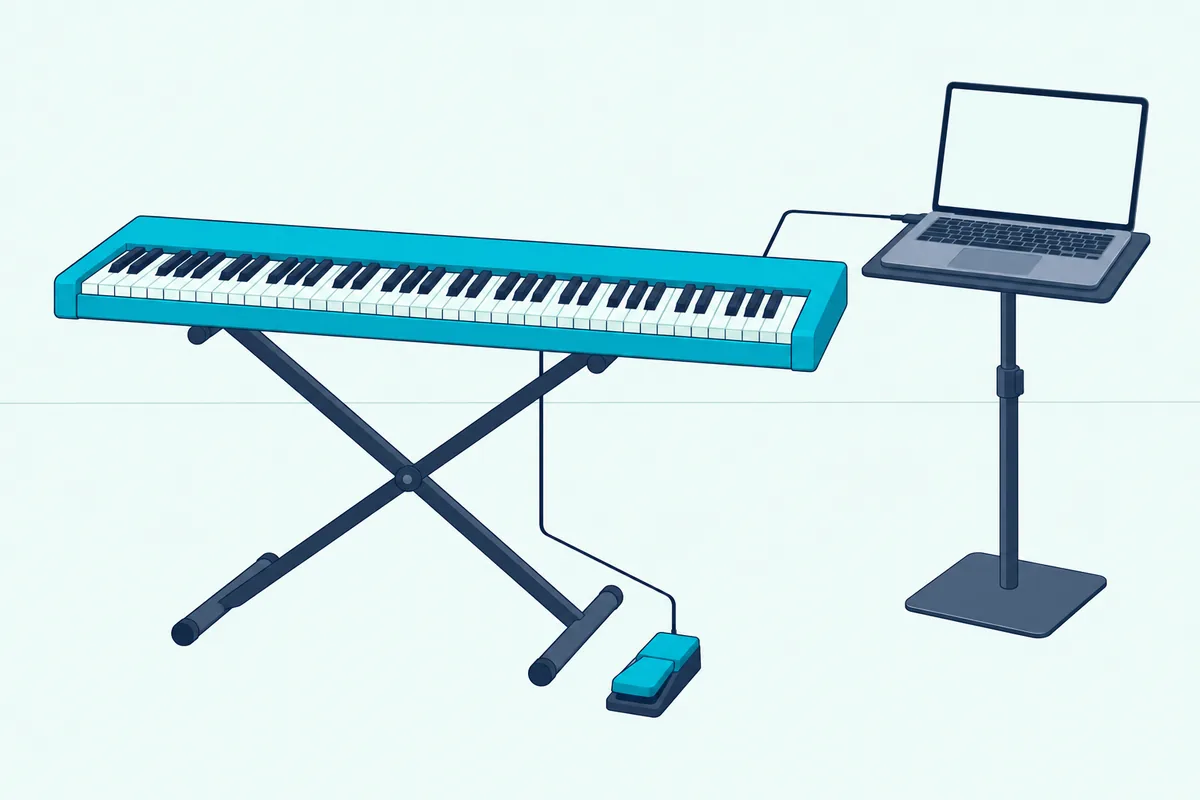
On a Mac, Apple’s MainStage turns the computer into an instrument, voice processor or guitar rig with the same instruments, Sound Library and Smart Controls as Logic Pro. Apple sells it as a paid app on the Mac App Store and lists over 100 instrument, effect and MIDI plug-ins, keyboard splits and layers, and patch changes that don’t cut off held notes.
On Windows, Cantabile is a VST host built for live performers, and its maker says it’s especially well suited to keyboard players. Its download includes Cantabile Lite and a 30-day trial of the Solo and Performer editions, for Windows 10 or 11.
Some programs you may already have work this way too. Akai’s guide has you simply open Studio Instrument Collection, the virtual instrument that comes with the MPK mini IV, which then recognizes the keyboard by itself, and GarageBand plays software instruments from a music keyboard whether or not you hit record.
Which MIDI Piano Software Helps You Learn to Play?
Playing for fun can turn into wanting to play better, and lesson software uses the same MIDI notes to check you. The MIDI piano software that’s free on a Mac, GarageBand’s Learn to Play lessons, listens as you play and tells you how you’re doing note for note, and Synthesia does a similar job on Windows and Mac.
Apple’s App Store listing counts 40 basic lessons for guitar and piano, and its guide opens them from File > New > Learn to Play. Artist Lessons, with songs taught by the artists themselves, are an extra download.
Synthesia is free to try with a paid unlock, and in melody practice it waits for you to play the correct note before moving on. It plays its 150 included songs, songs from its Music Store or any MIDI file, and its help pages warn that a keyboard with only a headphone jack can’t send the MIDI data it needs.
Melodics, the lesson app in the Novation, Arturia and M-Audio bundles above, is a third route. M-Audio describes it as a desktop app that teaches you to play and perform with MIDI keyboards, pad controllers and drums.
How Do You Turn MIDI Keys Into Keystrokes or Shortcuts?
Lesson apps listen to your notes, and a different kind of MIDI controller software listens for them to trigger anything else on the computer. A MIDI-to-keystroke tool such as MidiKey2Key on Windows or Bome MIDI Translator Pro maps a key, pad or knob to a keyboard shortcut, an app launch or another MIDI message.
MidiKey2Key is free, and its maker says it turns any MIDI-In event into a keyboard action or starts any program, such as switching scenes in OBS from a pad. It needs Windows XP or later with .NET Framework 4.0, and it doubles as a simple MIDI monitor.
Bome MIDI Translator Pro goes further, with custom routings, rules, logic and layers. Its keystroke and mouse emulation can control any software on the computer, Bome says.
To see what information a key actually sends, a monitor helps. Snoize’s free MIDI Monitor displays the MIDI signals going in and out of a Mac running macOS 10.13 or later.
How Do You Get the Software to See Your MIDI Keyboard?
Whichever program you pick, it has to find the keyboard before any of this works. Plug the keyboard straight into the computer, open the program and turn the keyboard on as an input in its MIDI settings, and a class-compliant keyboard needs no driver for that, the same order adding a MIDI keyboard to Pro Tools follows.
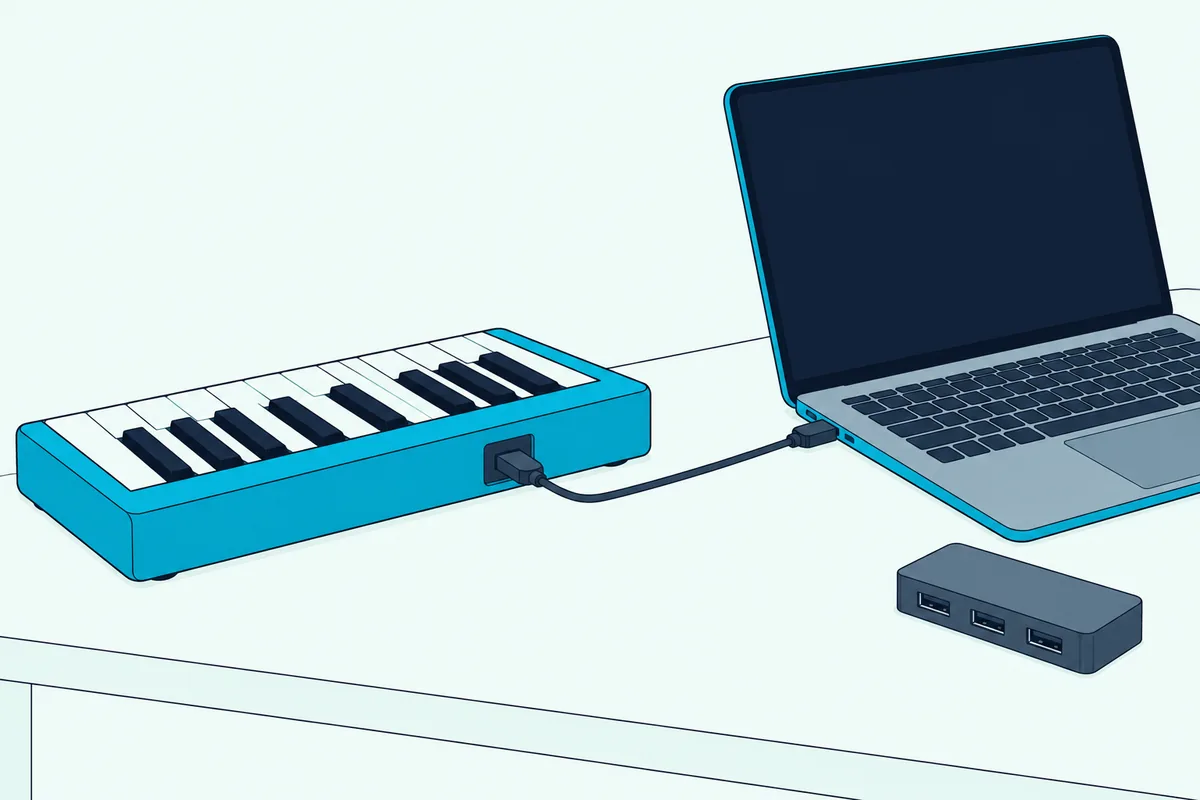
In GarageBand, choose GarageBand > Settings, then Audio/MIDI: the MIDI Controller line shows the last connected controller, and Reset MIDI Drivers reloads a lost connection. Our step-by-step guide to add a MIDI keyboard to GarageBand on a Mac covers cables, adapters and the track to choose.
A keyboard with only 5-pin MIDI ports connects through a MIDI interface instead, Apple’s GarageBand guide explains, with the keyboard’s MIDI Out cabled to the interface’s MIDI In.
In Ableton, open Settings > Link, Tempo & MIDI and turn on Track for the keyboard’s input, which the Live 12 manual says is what lets you play instruments and record notes. Remote is the switch for mapping its knobs and buttons to Live’s controls.
In FL Studio, open Options > MIDI settings or press F10, select the keyboard in the Input list and click Enable, and FL Studio will receive MIDI from it. The MIDI activity light on the main panel blinks each time notes or knob moves arrive.
In REAPER, the REAPER User Guide has you choose Options > Preferences > Audio > MIDI Inputs, right-click the keyboard and choose Enable input for track record input. Every one of these tools speaks the same protocol, and what MIDI stands for explains why they interoperate at all.
After the controller is enabled in FL Studio, mapping knobs and faders to FL Studio controls is the next job.
On Windows 11, Microsoft’s Windows MIDI Services, which it says is rolling out in phases, makes every MIDI port multi-client, so two programs can use the same keyboard at once. Until now that needed a maker’s own driver, Microsoft adds.
If the keyboard still doesn’t show up, M-Audio’s troubleshooting guide for class-compliant keyboards starts with a different USB cable, a different port, other USB devices unplugged and no hub. M-Audio says those steps resolve about 95% of the connection problems it hears about.
The Bottom Line
If you already own a DAW, match your controller to its native integration: FLkey for FL Studio, Launchkey for Ableton, and any quality MIDI keyboard for Logic Pro or Cubase.
Otherwise start free with GarageBand, Cakewalk, Waveform Free or the lite DAW in your box, and pay for a full DAW only when its limits get in the way. If what you want is hardware faders and transport buttons for the DAW you already have, that’s what a DAW controller adds, not new software.
Frequently Asked Questions
What is the best free software for a MIDI keyboard?
On a Mac, GarageBand: Apple lists it free on the Mac App Store, and its guide says a USB or MIDI keyboard can play and record its software instruments. On Windows, Cakewalk says Cakewalk Next is completely free to use, and Cakewalk Sonar has a free tier with the core of Cakewalk by BandLab for Windows 11. Waveform Free runs on Mac, Windows and Linux, and Akai’s MPC Beats is free inside the MPC 3 app with 16 tracks. If your keyboard came with Ableton Live Lite, Cubase LE, MPC Beats or Bitwig 8-Track, that one is already paid for in the box.
Which DAW is best for MIDI editing?
Every major DAW edits MIDI in a piano roll, so the difference is in the extras. FL Studio includes its piano roll and MIDI recording in every edition. For notation, Cubase puts its Score Editor in Pro, Artist and Elements, with Expression Maps in Pro, and GarageBand has a Score Editor of its own. Ableton Live suits shaping ideas on the fly, since its Session View is built for composition, performance and improvisation in all three editions.
Is MIDI still used in music production?
Yes. Microsoft’s February 2026 post on Windows MIDI calls MIDI 1.0 the single most important standard in music production and says it isn’t going away. The first MIDI 2.0 protocol specification came out in 2020, Microsoft notes, and the MIDI Association describes MIDI 2.0 as an extension of MIDI 1.0 rather than a replacement: devices that talk both ways can agree to use the new features while staying backward compatible. Windows 11 now supports both versions through Windows MIDI Services, and Microsoft says existing MIDI 1.0 software benefits without needing any app updates.
Do I need to buy software separately from my MIDI keyboard?
Not necessarily. Many keyboards include a lite DAW and instruments: Novation’s Launchkey MK4 boards list Ableton Live Lite and Cubase LE, M-Audio’s Keystation Mini 32 MK3 lists MPC Beats, and Nektar’s SE49 lists Bitwig 8-Track. The best beginner controllers list each board’s bundle, and you only need to buy software when you outgrow those versions or want a particular DAW.
Can I use a MIDI keyboard with an iPad or iPhone?
Yes, with the right app and connection. Apple offers GarageBand for iOS as well as for Mac, and M-Audio says the Keystation Mini 32 MK3 works with an iPad through Apple’s Lightning to USB Camera Adapter, sold separately. Our guide on how to connect a MIDI keyboard to an iPad for GarageBand covers USB-C and Lightning iPads, Bluetooth and the GarageBand side.
Do I need a driver for my MIDI keyboard?
Not if it’s class compliant. The MIDI Association explains that the operating system loads a standard driver for a class-compliant USB device, and M-Audio lists the Keystation 49 MK3 as plug-and-play with no drivers required. Apple’s GarageBand guide still tells you to follow the keyboard’s own instructions, which may include installing a driver, and DAW control features such as Akai’s MPK mini IV scripts are a separate download.