How to Reset a Soundbar: Soft Reset, Factory Reset and Brand Guides
Here’s how to reset a soundbar: unplug it for 30 seconds to a minute, and only if the fault returns, use the factory reset its maker gives for your model.
Skip the restart and you can wipe your Wi-Fi, Bluetooth and sound settings over a glitch it might have cleared, and a button pair copied from another model can change a setting instead of resetting anything.
Done in that order, you only redo the setup when you have to, and it’s the same order Samsung’s troubleshooting tables and Sonos’s reset advice follow.
The brand table below shows what each maker’s reset looks like and links to the full steps for Samsung, LG, Bose, Polk, Onn, TCL, Sonos, Vizio and Sony bars.
Then come what a factory reset erases, what to set up again, and what to check when a reset won’t start or changes nothing.
How to Reset a Soundbar: Which Reset Comes First?
That unplug is the restart, and it comes first. Samsung’s troubleshooting tables list reconnecting the power cord before resetting the bar, and Sonos doesn’t recommend a factory reset as a troubleshooting step at all.
- Switch the soundbar off and unplug its power cord, plus any wireless subwoofer or surround speakers it uses.
- Wait 30 seconds to a minute; the longest wait any maker below gives is TCL’s 60 seconds.
- Plug everything back in, switch the bar on and give it a minute to start before you judge the result.
Each maker words its restart a little differently, and these are the versions in their own guides:
| Maker | Its restart, as its guide gives it |
|---|---|
| Bose (Smart Soundbar) | Unplug the bar and any bass module or surround speakers, wait 30 seconds, plug them firmly back in |
| Sonos | Unplug, wait 10 seconds, reconnect and allow one minute for it to start |
| TCL | Unplug, wait at least 30 seconds, plug back in and press power (60 seconds if the remote stopped working) |
| Samsung (2025 guide) | Disconnect the power cord, then connect it again |
| LG (S90QY) | Unplug the power cables and devices such as the TV, subwoofer or amplifier, then plug them in again |
| Onn (SB2135) | Unplug, wait 30 seconds, plug it back in |
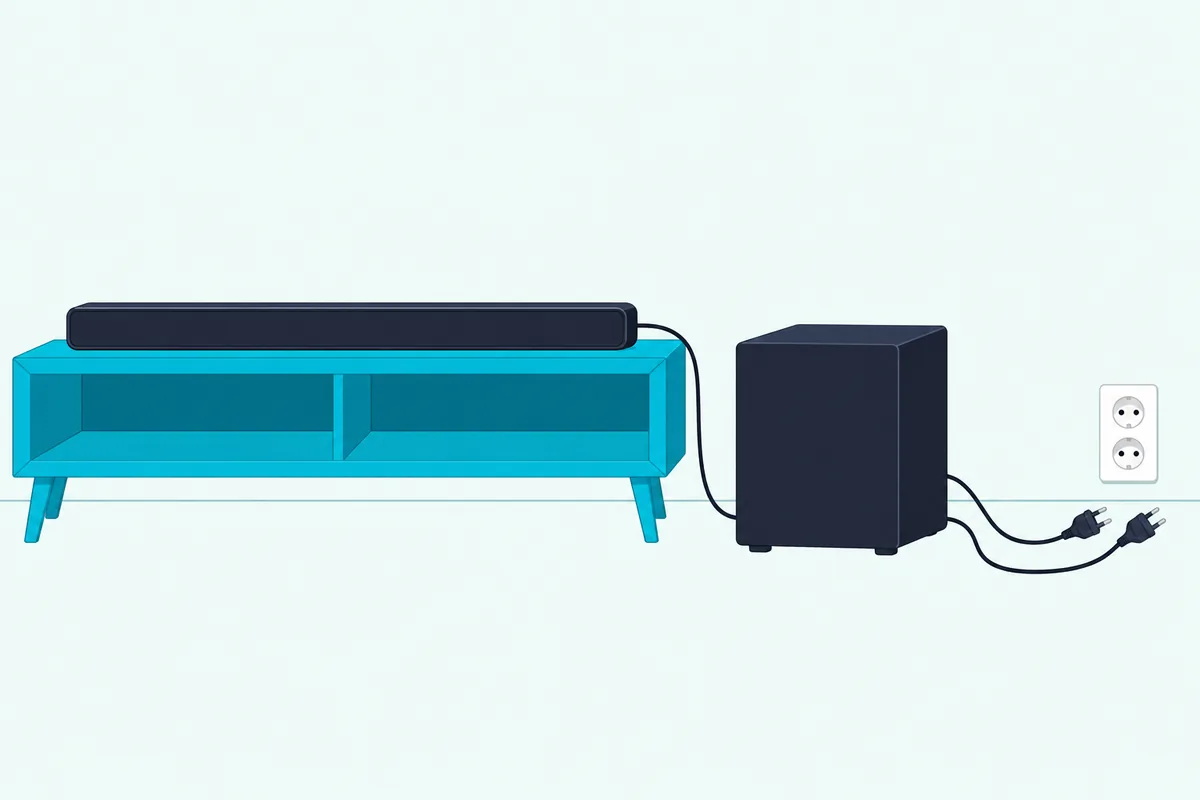
Samsung’s 2025 guide for the HW-Q990F, Q930F and Q800F adds one catch. Cutting the power drops the bar’s Wi-Fi connection, and the guide then has you reconnect it to the internet.
What’s the Difference Between a Soft Reset and a Factory Reset?
That restart is what most people call a soft reset, and the Bose Lifestyle Ultra owner’s guide spells out the difference. A soft reset restarts the bar without clearing what you’ve set, while a factory reset erases your settings and returns the bar to its defaults.
In Bose’s words, the Lifestyle Ultra’s 30-second unplug “resets the product controls” and “doesn’t clear any device settings,” while restoring factory settings clears all source, audio, network and calibration settings. TCL’s help pages also call the unplug “a quick reset,” and Sonos keeps rebooting and factory resetting in separate articles.
None of the maker documents behind this guide uses the term “hard reset” for a soundbar. Online the words get used loosely, and one video Google shows for this question even promises to restore a soundbar to factory settings “with a Soft Reset.”
Get Studio Tips Weekly
Join 5,000+ creators getting acoustic treatment advice every week.
No spam. Unsubscribe anytime.Which Reset Does Your Soundbar Brand Use?
That difference shows up in the buttons, because every maker starts its factory reset in its own way. Find your brand below, then follow the link for your model’s full steps:
| Brand | How its factory reset starts | Full steps |
|---|---|---|
| Samsung | Two buttons held together on the bar until the display shows INIT (the 2023 and 2025 guides checked) | Samsung soundbar factory reset |
| LG | On the S90QY, the Wi-Fi button held until RESET shows (a network reset) | resetting an LG sound bar |
| Bose | Two remote buttons on the Smart Soundbar; the Lifestyle Ultra uses buttons on its top | our Bose reset guide |
| Polk | Changes by model: buttons on the bar (Signa S4, MagniFi Max AX), a RESET button on the back (Signa S3), the Action button (React) | our Polk soundbar reset steps |
| TCL | On the Alto 9+, a FACTORY RESET option confirmed with the remote’s Play/Pause/OK button | TCL soundbar factory reset steps |
| Onn | Changes by model: a two-button hold on one 30-inch bar, only an unplug on the SB2135 | Onn guide, linked below |
| Vizio | Two buttons held on the bar (V21t-J8, V51x-J6, SV510M-0806) | how to reset a Vizio sound bar |
| Sonos | A button held while the power cord goes back in, until the light flashes orange and white | how to reset a Sonos soundbar |
| Sony | Changes by line: Power held on the bar for more than 10 seconds on BRAVIA Theater bars, Power and Volume – held together for more than 5 seconds on the HT-A7000, HT-A5000 and HT-A3000 | how to reset a Sony sound bar |
| Hisense | The bar switched to its OPTICAL input, then power held on the bar until it drops to standby (HS2100, HS5100, AX5100Q, AX5140Q); the U5120GW+ uses a key sequence on its remote | how to reset a Hisense soundbar |
| Roku Streambar and soundbars | The Factory reset option in the on-screen Settings menu, or a Reset button | Roku’s factory reset page |
Onn is the brand where the exact model matters most. One 30-inch Onn bar resets from a two-button hold, while the SB2135’s manual gives only a 30-second unplug, so resetting an Onn soundbar starts from your model number.
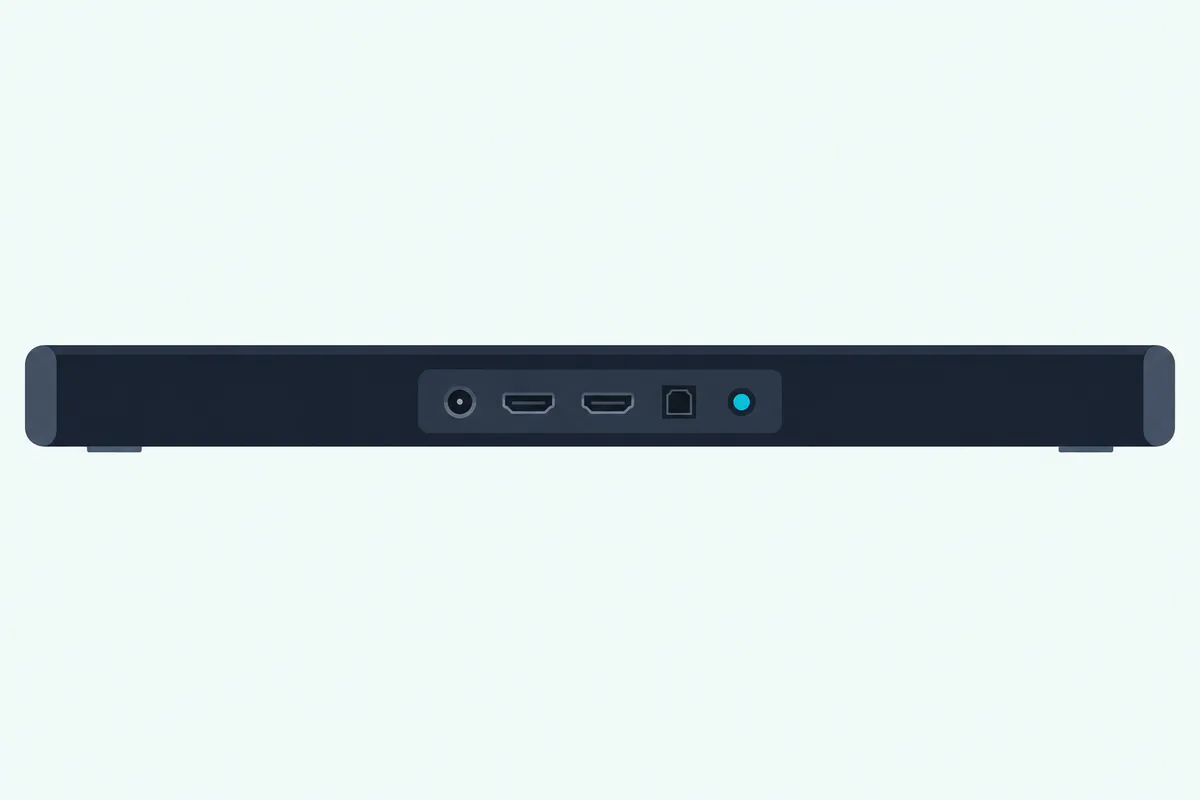
Brand not listed? Look in your model’s manual for a section called Reset, Factory Reset or Resetting factory settings, the names Samsung, Vizio and Polk use.
Insignia’s NS-SB21 guide calls it Factory reset, held on the source button for 10 seconds with the bar on, and hooking up an Insignia soundbar again walks the setup that follows.
Some Hisense bars, like the HS218 and HS312, print no factory reset at all. If it’s a Hisense subwoofer that went quiet, re-pairing a Hisense subwoofer comes first, since none of Hisense’s reset steps says a factory reset touches the pairing.
What Does a Factory Reset Erase?
Whichever buttons start it, the factory reset is the step that costs you setup time. It erases what you’ve set up since unboxing the bar, though each maker draws the line a little differently:
| Maker | What its factory reset clears, per its guide |
|---|---|
| Bose Smart Soundbar | All source, volume and network settings |
| Bose Lifestyle Ultra | Source, audio, network and CustomTune calibration settings; it also disconnects linked Lifestyle Collection products |
| Samsung (2023 and 2025 guides) | All settings of the soundbar |
| LG S90QY (Wi-Fi button reset) | All wireless network settings |
| Polk MagniFi Max AX | All sound bar settings, including Bluetooth and Wi-Fi settings |
| Vizio (V21t-J8, V51x-J6, SV510M-0806) | All settings and preferences; on the V51x-J6, paired Bluetooth devices and programmed IR remotes too |
| Sonos | Registration information, content saved to My Sonos, and content services |
| Roku | Personal preferences, the link to your Roku account with its apps, and all settings |
So on most of these bars a reset means signing back into Wi-Fi, and on the Polk and Vizio bars pairing your phone again too. The exceptions sit at both ends: LG’s S90QY reset is network-only, while Sonos and Roku also delete the bar’s registration or account link.
Can You Reset Only the Sound or the Wi-Fi?
Those lists are mostly all-or-nothing, but a few bars offer a smaller reset that leaves the rest alone. Yes, on some models: the Vizio V51x-J6’s setup menu has a Reset Audio option that resets only audio settings such as bass and treble, next to a Reset All that clears everything.
LG’s S90QY reset is the network version. Its guide calls for it when the bar is frozen, the network connection is unstable or your Wi-Fi network has changed, and afterward you connect your phone and Wi-Fi again.
Bose’s Smart Soundbar has a separate button shortcut for joining a different Wi-Fi network when your network name or password changes, with no reset at all. Polk’s MagniFi Max AX is the opposite case: switching its Wi-Fi off doesn’t clear the connection settings, and only the full reset does.
When Should You Factory Reset a Soundbar?
Because a factory reset clears that much, makers say when it’s worth doing. Factory reset a soundbar when a restart hasn’t fixed a frozen or misbehaving bar, before you sell or give it away, or when its setup app can’t find it.
Polk’s Signa S4 and React manuals call for it when the display is abnormal or the controls stop working, and LG’s S90QY guide when the bar is frozen. Sonos says a factory reset is commonly done before a speaker changes owners, and that its app may suggest one when it can’t find the product during setup.
Samsung adds the warning: its 2023 and 2025 guides say to reset only when a reset is required. That’s the same order the first section started with, restart first and reset second.
What to Have Ready Before a Factory Reset
If one of those reasons fits, a minute of preparation saves a stalled setup afterward. Have your Wi-Fi password and your maker’s app sign-in ready, and on some bars remove the soundbar from your account before you start.
Bose’s Lifestyle Ultra guide makes removing the soundbar from your Bose account in the Bose app the first step of its restore. Roku’s reset article warns the bar can’t stream again until Guided Setup is finished, which needs your Roku account email and password, or the previous owner’s if the bar is linked to theirs.
On Sonos, reset only the product you mean to. Resetting every product in a system permanently deletes the system’s data, and Sonos says it can’t be restored.
Do You Need the Remote to Reset a Soundbar?
Those steps assume you can reach the reset itself, and on some bars that means the remote. Not always: the restart never needs one, and the Samsung, LG, Vizio and Sonos models above, plus Polk’s Signa S3, S4 and MagniFi Max AX, reset from buttons on the bar, but Bose’s Smart Soundbar and TCL’s Alto 9+ start their resets from the remote.
If the remote seems dead, check it before blaming the bar. TCL suggests fresh batteries and a clear line of sight within 15 to 20 feet, and Bose’s Smart Soundbar guide gives the same battery and obstruction checks with a 20-foot (6 m) range.
Each Burton brand guide linked in the table covers what to do without the remote. While the remote is out, TCL also points owners to the buttons on the bar and to its TCL Home app.
What Do You Set Up Again After a Reset?
Once the reset finishes, the bar is back at its defaults, and the setup is yours to redo. Reconnect it to your Wi-Fi in its maker’s app, pair your phone again over Bluetooth, and check that the TV still sends its sound to the bar.
LG’s S90QY guide says to connect your smartphone and Wi-Fi again after its reset, and Bose’s Smart Soundbar guide sends you back to the Bose app to add the bar to your network. Vizio’s SV510M-0806 keeps its subwoofer paired through a reset, but its VIZIO Mobile app has to be paired again.
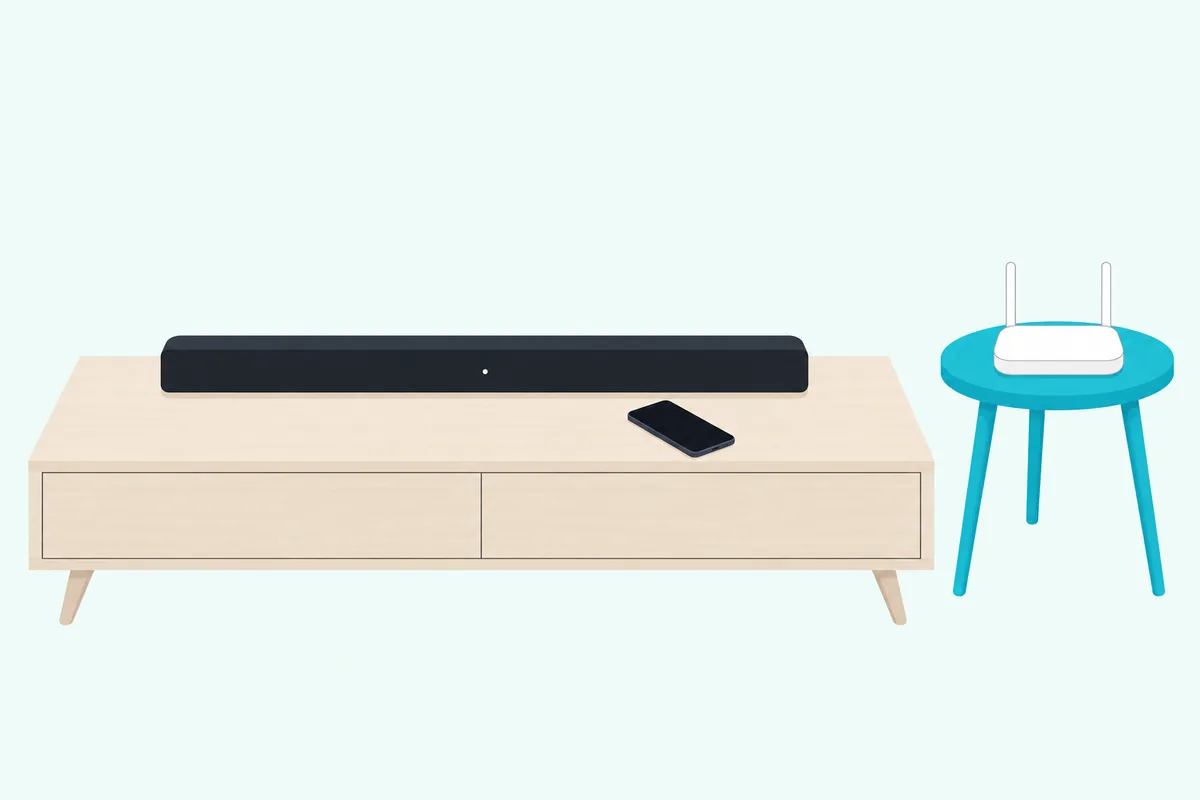
On a Samsung TV, check that the soundbar is chosen as the sound output (Settings, All Settings, Sound, Sound Output), as the Samsung HW-Q990F guide shows. If your TV sends sound over Bluetooth instead of a cable, redo that Bluetooth pairing from the TV’s side.
For the whole chain from scratch, our how to set up a sound bar guide starts at placement and the right cable. The how to connect soundbar to TV guide then covers HDMI ARC, optical and Bluetooth one at a time.
Why Won’t Your Soundbar Reset?
Setup can only start once the reset actually runs, and sometimes it won’t start at all. The makers’ steps point to two causes: the bar isn’t in the state the reset needs, or the buttons belong to another model.
Samsung’s and Polk’s top-button resets run with the bar on, TCL’s Alto 9+ menu opens in standby, and Sonos has you hold its button while the cord is reconnected. Hold every button for the full time your guide gives, and match the steps to your model number, which TCL says sits on a label on the back or bottom after the word “Model,” not the longer serial number.
Polk’s MagniFi Max AX shows why a borrowed combination is risky. On that bar, holding Power and Volume Down for 5 seconds switches off automatic power-off instead of resetting anything.
If the reset still won’t start after a restart, the maker’s support is the next step. Bose’s Smart Soundbar guide ends there too: if you can’t resolve the issue, contact Bose customer service.
What If a Reset Doesn’t Fix the Problem?
A reset that runs but changes nothing still tells you something, because the fault survived the settings being cleared. So turn to the TV and the connection next, then the hardware.
Samsung’s 2025 troubleshooting table shows where to look first: the TV’s sound output, a loose cable, and the connected device switched off and back on. For HDMI trouble, our how to fix no sound from soundbar using HDMI ARC guide goes through the ARC chain one link at a time.
If the bar won’t power on or fails on every input, the how to tell if soundbar is bad guide helps you separate a failing bar from a bad signal path. Everything else is in the soundbar hub.
Frequently Asked Questions
How do I reboot my soundbar?
Unplug it from the wall, wait, and plug it back in. Sonos says to wait 10 seconds and allow a minute for the bar to start, Bose and TCL say 30 seconds, and TCL’s remote guide 60 seconds when the bar has stopped responding to its remote. Unplug any wireless subwoofer or surround speakers too, as Bose’s guide does. None of these guides says a reboot erases your settings, though Samsung’s 2025 guide for the Q990F series notes that cutting the power drops the bar’s Wi-Fi connection, which you then reconnect.
Can I reset my soundbar without the remote?
Often, yes. The restart needs no remote, and the Samsung, LG, Vizio and Sonos models checked here, plus Polk’s Signa S3, S4 and MagniFi Max AX, reset from buttons on the bar. Bose’s Smart Soundbar and TCL’s Alto 9+ start theirs from the remote, so check its batteries and line of sight first, or use your brand’s guide for its no-remote options.
Why is my sound bar suddenly not working?
Check the simple causes before any reset. Samsung’s 2025 guide lists the TV’s sound output set to the TV, a loose cable and a bar that turns itself off when there’s no signal. TCL adds Auto Standby and a bar powered from a TV’s USB port, which often cuts power when the TV turns off, and Polk’s MagniFi Max AX switches itself off after 20 minutes of inactivity by default. If none of those fits, unplug the bar for 30 seconds, and keep the factory reset for a fault that comes back.
Is a hard reset the same as a factory reset?
Not in the makers’ own words: none of the Samsung, LG, Bose, Polk, Vizio, Sonos, TCL or Roku documents behind this guide calls anything a hard reset. Online the words get mixed, from a video that restores factory settings “with a Soft Reset” to an article about a “hard factory reset,” so check whether a set of instructions means the unplug or the factory reset before you follow it. The factory reset is the one that erases your settings.
Does a factory reset update a soundbar’s firmware?
None of the guides behind this page says it does. Samsung’s 2025 guide for the Q990F series says those bars update automatically while connected to the internet, and Bose’s Smart Soundbar updates automatically once it’s set up in the Bose app and on your Wi-Fi, so any update arrives after you finish setup again. Samsung’s Q600F guide also warns of the reverse: a firmware update may reset your settings, and it resets the subwoofer connection too.