When you ask is a soundbar worth it, the useful place to start is your TV’s own spec sheet, because that’s where the maker prints what its speakers are.
Products in this guide
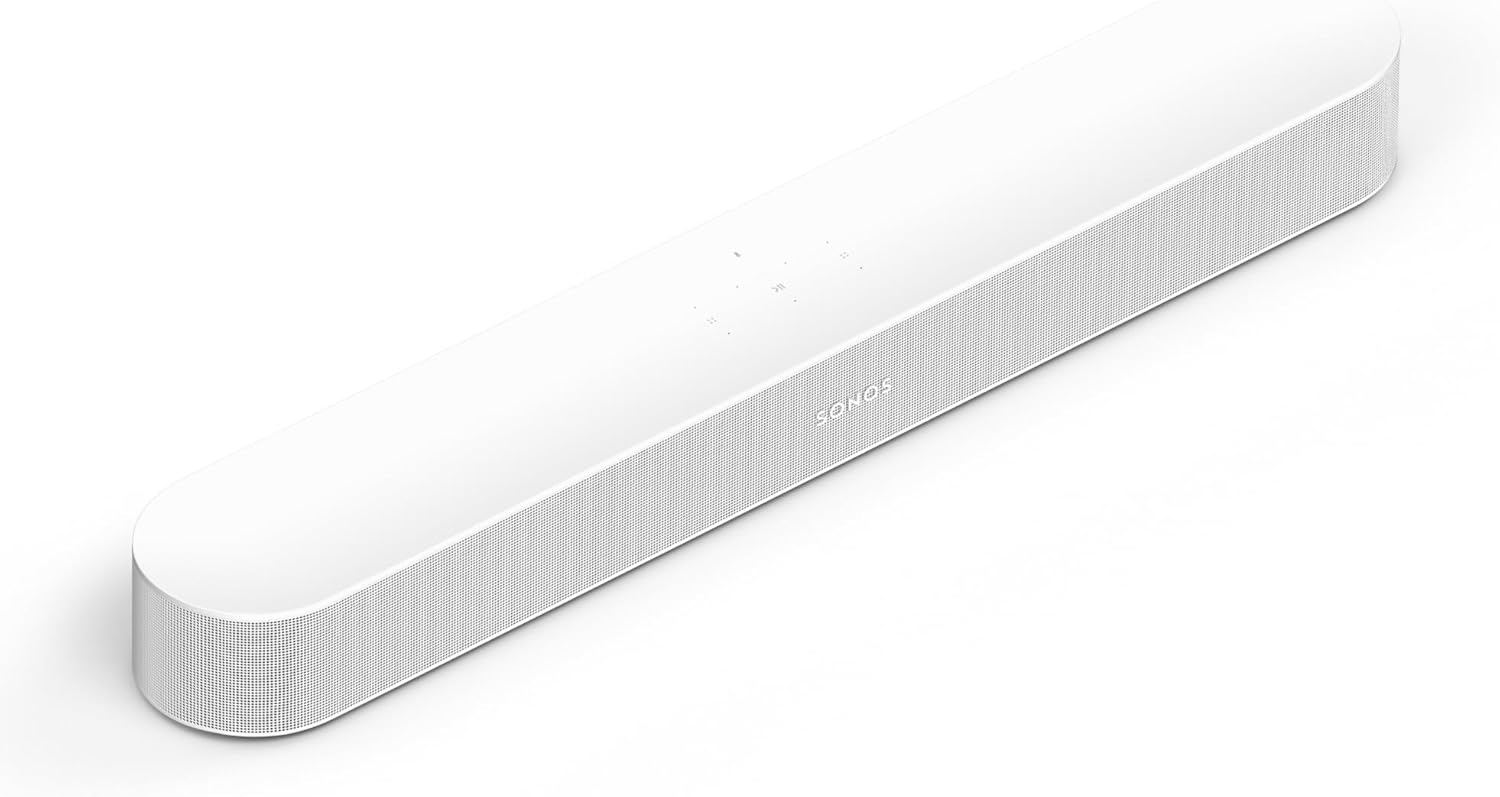
- Speech Enhancement and Night Sound in the Sonos app
- HDMI cable and optical adapter both in the box
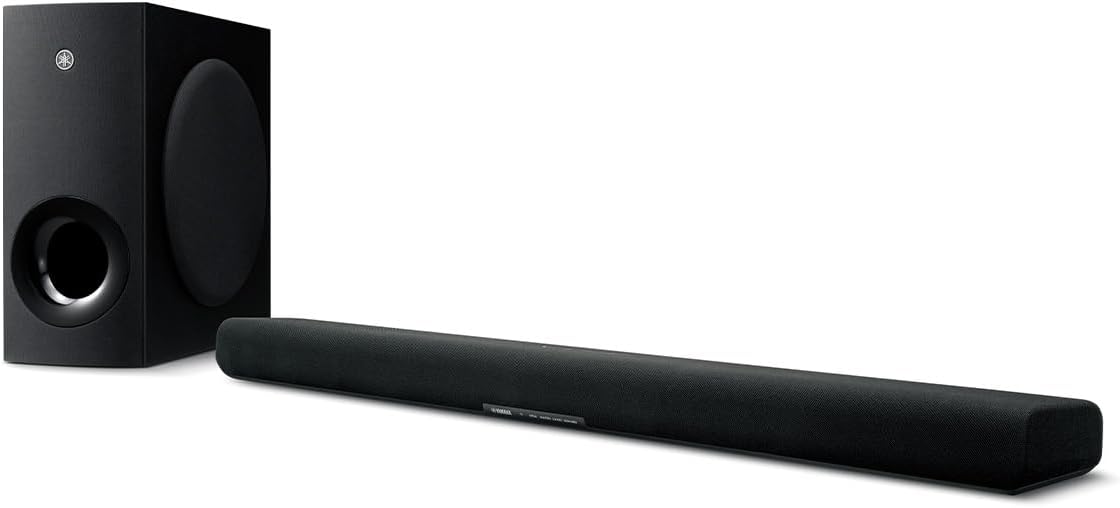
- 6.25-inch subwoofer in its own box
- Clear Voice for dialog and narration
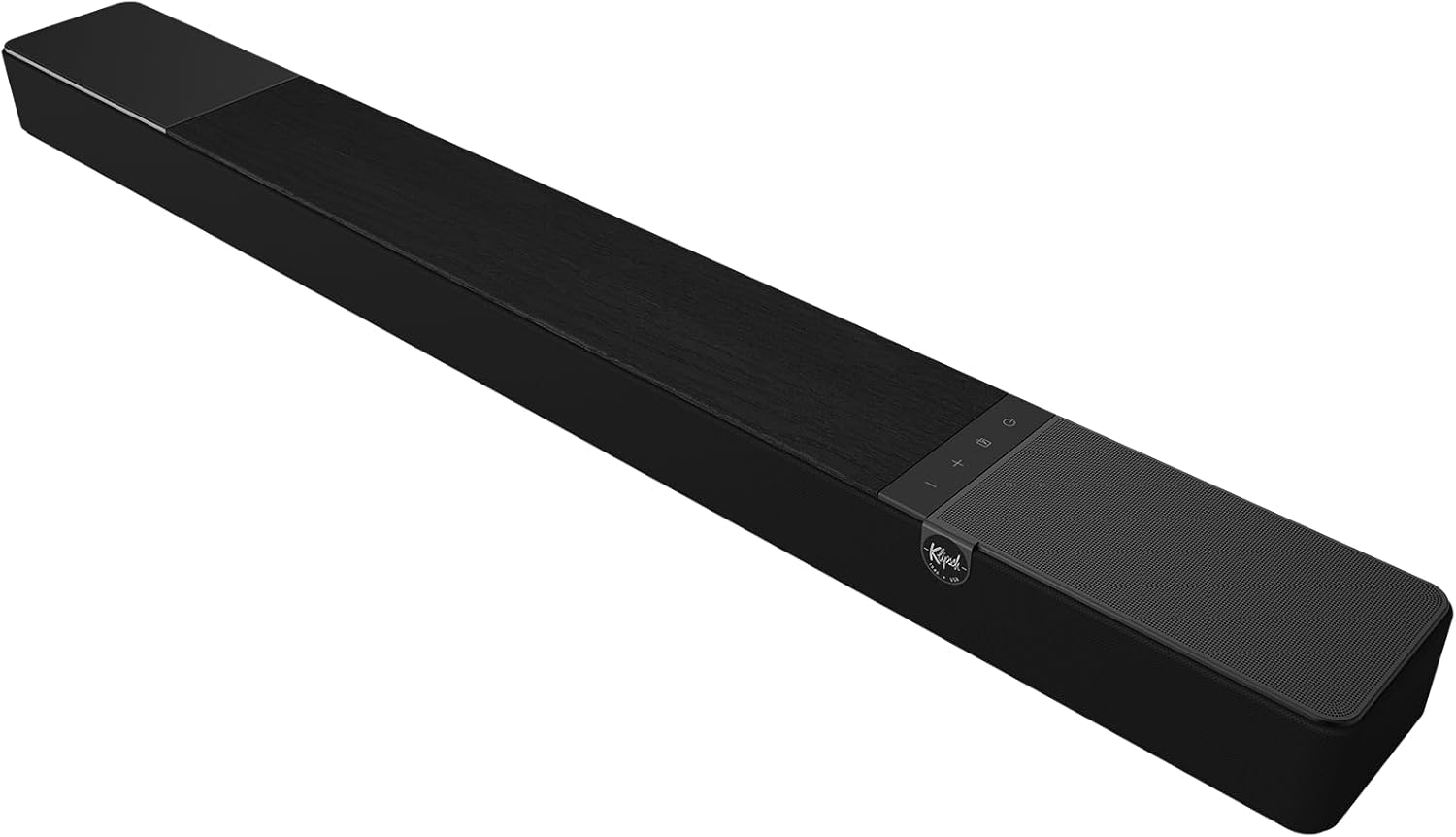
- Horn-loaded tweeter Klipsch calls your dedicated center channel
- Dialog Boost and Night Mode on the remote
You’ve probably met the symptoms already: voices that vanish under the music, a remote you keep riding between whispers and explosions, and captions that stay on for shows in your own language.
The documents explain more of that than you’d expect, since Vizio lists the same 10 watts x 2 on a 43-inch TV and a 70-inch one, while Yamaha lists 120 W on a one-box bar.

Bose, Sonos and Vizio all answer yes, and they all sell bars, while Dolby calls TV sound fine for casual viewing.
So look up your TV first, then compare what a bar adds, what each maker says and when your TV’s speakers can stay.
Is a Soundbar Worth It for Your TV?
That spec sheet turns a yes-or-no question into three checks. A soundbar adds what your TV’s audio row may not list (more drivers, more output, a subwoofer, voice modes), so the answer turns on what your TV lists, what keeps bothering you and how you watch.
No page can settle that for your room, and the companies that do answer it are selling something. Here’s how their documents line up with common situations.
| What you’re dealing with | What the documents show |
|---|---|
| You keep losing voices | Bars add a center channel or a speech mode, such as Klipsch’s dedicated center channel and Sonos’s Speech Enhancement, but Sony and LG put voice modes on their TVs too |
| Movies and music sound thin | Yamaha says a subwoofer puts the oomph in explosions, and RTINGS says even the best-sounding TV it has tested doesn’t deliver much deep bass |
| You mostly watch news and casual shows | Dolby calls TV sound fine for casual viewing |
| Your TV’s sheet already lists a subwoofer | TCL’s QM6K and Hisense’s 65U7SG list one built in, so part of what a bar adds is already there |
| You already own a receiver and speakers | Bose says neither route is inherently better, and Sonos says a multi-speaker setup suits the most powerful surround sound |
Each row gets its own section below, starting with the TV you already own.
What Speakers Does Your TV Already Have?
The first check takes about a minute. Your TV most likely has two small speakers, since Bose says most of today’s TVs have two small backward-facing speakers, and the plainer sheets below list two at 8 or 10 watts.
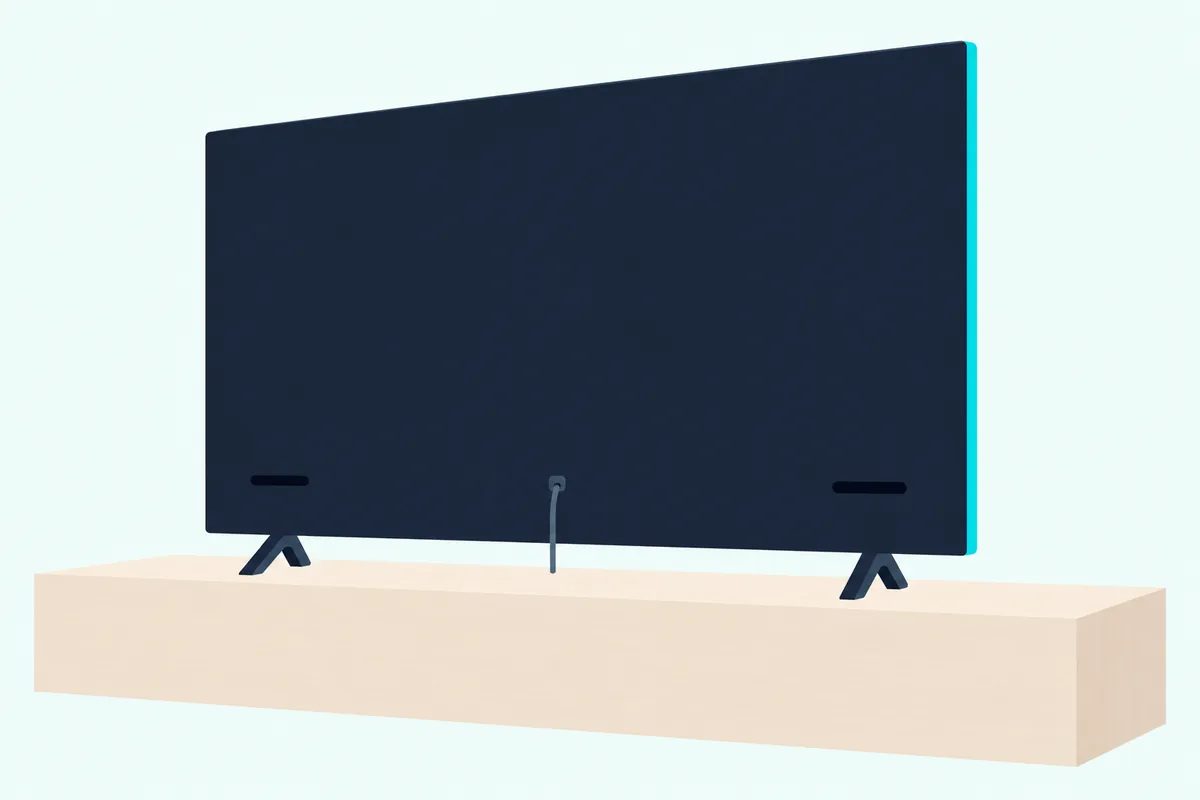
Thin panels are the reason the makers give. Dolby says thin panels usually mean small speakers, Sonos says built-in speakers shrank as TVs got thinner, and Vizio says thinner sets leave less room for them.
Position matters too. Bose’s story says TV speakers often face backward from the front of the panel, which it says muffles the sound, and Sony Japan’s BRAVIA 7 II page says a typical TV mounts them below the screen, so sound and picture drift apart as screens grow.
Hisense’s 55A6KV spec sheet and Vizio’s page for its 43-inch VQD43M-0801 show the plain end of the range. Here’s how they sit beside three other TVs, in each maker’s own terms.
| TV | Speakers as listed | Audio ports as listed |
|---|---|---|
| Hisense 55A6KV | 8W x 2, with DTS Virtual:X | Optical, headphone or audio output, Bluetooth |
| Vizio VQD43M-0801 (43-inch) | 10 watts x 2 | SPDIF digital audio, ARC listed as No |
| Vizio VQD70R-1001 (70-inch) | 10 watts x 2 | SPDIF digital audio, ARC listed as No |
| TCL QM6K | Onkyo 2.1 with subwoofer, 40W (2 x 10W + 20W) | 4 HDMI, 1 eARC |
| Hisense 65U7SG | 2.1.2 with two main speakers, two surround channels and a built-in subwoofer, 50W | HDMI 3 eARC |
Two things stand out in that table. Vizio’s 70-inch set lists the same speakers as its 43-inch set, and TCL and Hisense show that some TVs already carry a subwoofer inside.
Try this: search your TV’s model number with the word specifications and find the audio row. Two speakers with no subwoofer means everything in the next section is new to you, while a 2.1 or 2.1.2 row means part of it’s already in the set.
What Does a Soundbar Add Over TV Speakers?
Those TV rows are the baseline, and a bar changes five things on them. A soundbar adds drivers aimed at your seat, a subwoofer, voice and night modes, a one-cable link to the TV and support for formats like Dolby Atmos, going by the makers’ own descriptions.
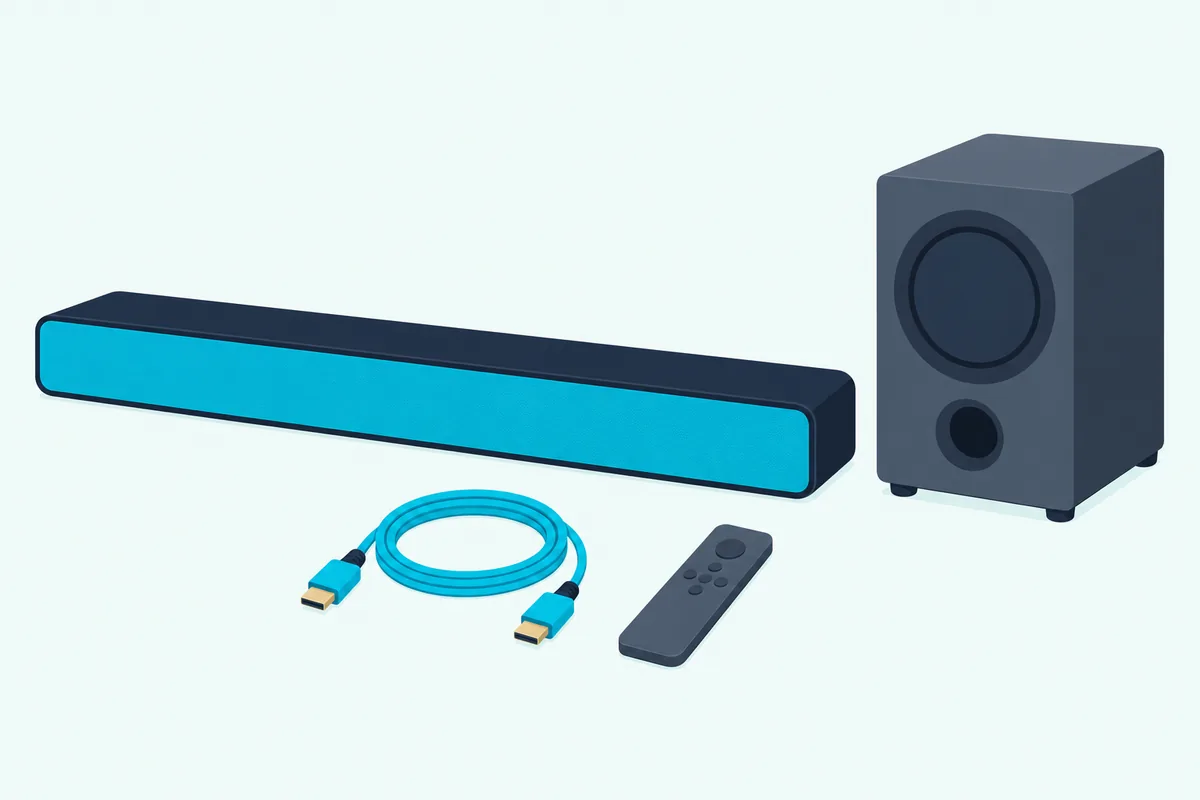
Drivers aimed at you. Sonos says most bars hold two to four drivers covering left, right and center, and Bose says most of a bar’s multiple speakers point forward, directly toward you. That’s the same backward-facing problem from the last section, turned around.
A subwoofer. Yamaha calls it a speaker that reproduces only the lowest bass frequencies, either built in or in a separate box. Vizio says a subwoofer is often included because bars rarely have the physical size of a home cinema system.
Voice and night modes. Sonos says Speech Enhancement boosts voice frequencies, Yamaha says Clear Voice emphasizes voices without changing the overall volume, and Polk says VoiceAdjust raises dialog without touching the rest of the soundtrack. Sonos’s Night Sound reduces loud effects and enhances quieter ones, and Klipsch and Vizio name a Night Mode of their own.
One cable. Bose says most bars need a single HDMI eARC cable, or optical on an older TV. Yamaha says HDMI lets a single remote run the TV and the bar, while optical has no advanced features like volume sync.
Dolby Atmos and streaming. Dolby says Atmos lets a bar place sounds all around you, and Bose says its smart bars use upward and side-firing speakers to do it. Yamaha adds that many bars come with Wi-Fi, Bluetooth or AirPlay 2, so you can play streaming services through them.
If you want the fundamentals first, our what is a soundbar guide covers the technology inside the cabinet. For the same hardware laid out feature by feature, see a soundbar set against TV speakers.
What Does Each Step Up in a Soundbar Add?
Those additions arrive in steps, and the numbers on the box tell you which ones you’re getting. Each step adds specific hardware: bass inside the bar, then a separate subwoofer, a center channel, then height and more channels.

Dolby’s article reads the numbers in order, so 5.1.2 means five main channels, one subwoofer and two height channels. Here’s what each step looks like on a real bar’s sheet.
| Step | Documented example | What the maker lists |
|---|---|---|
| One box, no subwoofer listed | Sonos Beam (Gen 2) | One center tweeter, four elliptical midwoofers, three passive radiators |
| One box with subwoofers inside | Yamaha SR-B30A | 120 W, with two 3-inch built-in subwoofer cones |
| Separate wireless subwoofer | Yamaha SR-B40A | 200 W, with a 6.25-inch subwoofer in a box 16-1/2 inches tall |
| Center channel | Klipsch Flexus Core 200 | 3.1.2, with a horn-loaded tweeter as the dedicated center channel |
| Height and more | Sonos Arc Ultra | 14 drivers doing the work of nine ear-level speakers, one subwoofer and four overhead speakers |
For one box with a speech mode, the Sonos Beam (Gen 2) shows the layout.
Sonos Beam (Gen 2)
For bass in a box of its own, the Yamaha SR-B40A shows the difference from its one-box sibling. Yamaha says stand-alone subwoofers are often more powerful and effective, and points you to a built-in one if floor space is short.
Yamaha SR-B40A
If voices are the main complaint, the Klipsch Flexus Core 200 shows what a center channel looks like on paper. Every pick met Burton Acoustix’s rating, review and stock checks on 1 November 2026.
Klipsch Flexus Core 200
The descriptions come from the makers’ guides and spec pages. For what the makers charge at each step, see our breakdown of how much sound bars cost in 2026, and our soundbar buying guide explains what each configuration means in your room.
Does a Sound Bar Make the TV Louder?
All those drivers and watts raise the obvious question about volume. Yes, by Bose’s account: its story says multiple drivers facing your seat can produce much higher volume levels than built-in TV speakers.
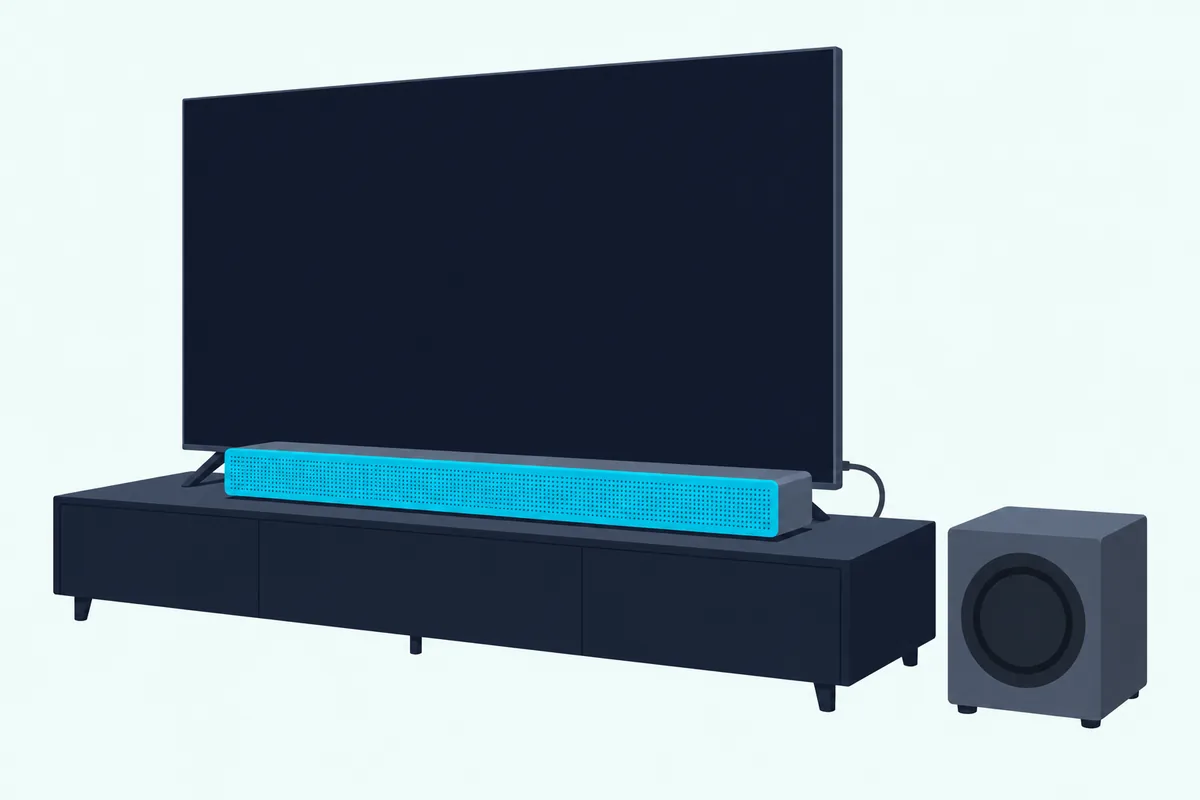
The printed numbers point the same way, with a catch. Hisense lists 8W x 2 on its 55A6KV TV and 240W of max audio power on its A620 bar, and Klipsch prints a maximum acoustic output of 99.8 dB for the Flexus Core 200.
The catch is that watts aren’t a loudness test, and neither Hisense’s sheet nor Yamaha’s says how its figure is measured. RTINGS says Sony’s BRAVIA 7 II gets very loud on a 40W package, for example, so read what soundbar watts do and don’t tell you before comparing bars by that number.
Louder also isn’t always the point. Bose says poor TV sound can’t be fixed by turning up the volume and may get worse through distortion, and says a clearer bar means you won’t need to turn it up for fast-moving dialogue.
Try this: note where your volume sits for a quiet conversation scene, then again for the action scene that follows. A wide gap between the two is the riding-the-remote problem, and it’s what Sonos describes Night Sound as narrowing, by reducing loud effects and enhancing quieter ones.
Where Do Makers Say a Soundbar Makes the Biggest Difference?
Volume is one use, and how you watch decides the rest. Bose says how much difference you’ll notice depends on how you use your TV, and the makers point to dialogue, movies, sports, games and music.
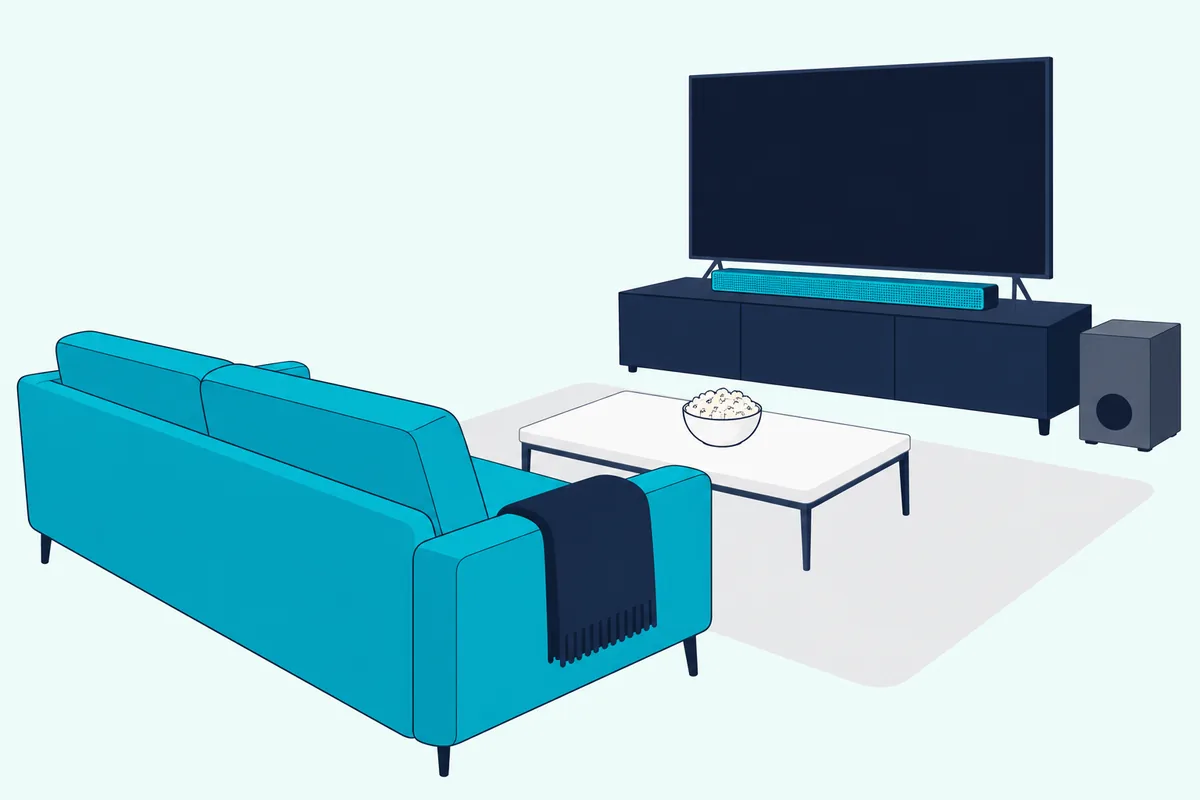
Dialogue. Sonos says a bar can greatly improve the clarity of dialogue when TV speakers fall short, and Consumer Reports says bars with a center channel can enhance dialogue intelligibility. Our dialogue-focused roundup starts from that same complaint.
Movies. Yamaha ties the subwoofer to explosions and low rumbles you can feel in your chest, and Dolby describes a helicopter hovering overhead with Atmos. The movie-night soundbar picks compare bars on dialogue, bass and surround.
Sports. Yamaha’s article on live sports suggests trying Standard mode first, then Movie or Game. It also says Clear Voice on its SR-B20A brings a commentator forward over crowd noise.
Gaming. Bose lists console gaming among the uses that benefit, and WIRED says to check for HDMI 2.1 with VRR and ALLM if a console will plug into the bar. Our best gaming soundbar guide covers the tradeoffs.
Music. Bose and Yamaha pitch bars as Bluetooth music speakers, but Sonos says that if a hi-fi music setup is your only goal, you’ll get further with separate speakers than with a soundbar alone.
Are Sound Bars Any Good, According to the Companies That Sell Them?
Every use above comes with a maker’s name attached, so it’s fair to ask who’s talking. Bose, Sonos and Vizio say yes outright, Klipsch and Dolby lean the same way with their own wording, and Yamaha’s guide starts after you’ve already decided.
Here’s each one in its own terms, followed by testers and consumer groups who don’t sell bars.
| Who | What it says on the question |
|---|---|
| Bose’s story, “Is a soundbar worth it? 6 benefits of a soundbar” | Its short answer is yes, for sound quality, volume, simple connection, music streaming, Dolby Atmos and room to expand |
| Sonos’s What Is a Soundbar? post | Yes if you’re looking to upgrade your home entertainment, particularly where TV speakers fall short |
| Vizio’s What Is a Sound Bar and Do I Need One? | “Simple answer? Yes,” because built-in sound can’t compete, however good the TV |
| Klipsch’s How Does a Sound Bar Work? | Sound directed at the audience gives a better experience than TV speakers alone |
| Dolby’s Why You Need a Soundbar | TV sound is fine for casual viewing, and a bar is for audio that matches the picture |
| Yamaha’s How to Shop for a Sound Bar | Doesn’t argue it, and says how and where you’ll use the bar is the main thing to consider |
| Consumer Reports | Even a no-frills model with decent sound is a step up from almost any TV’s built-in sound |
| WIRED | Bars sound vastly better than most built-in TV speakers, and nearly all TV speakers are bad |
| Choice (Australia) | Most TVs will enjoy better sound with one, but it isn’t the automatic choice for true cinema audio or a small TV in a study or kitchen |
All six companies in the top rows sell bars or, in Dolby’s case, a format inside them, and Dolby notes that many TV brands make bars too. So treat a maker’s yes as its position, and its spec sheet as the evidence you can check.
The testers land close to the makers on the broad question and differ on the edges. That’s where your own TV’s audio row comes back in.
When Are TV Speakers Enough?
Those edges are the useful part. By these documents, TV speakers are enough when your viewing fits what Dolby calls casual, when your set already lists what a bar would add, or when its own voice mode fixes your complaint.
Casual viewing. Dolby calls TV sound fine for casual viewing, and says needing a bar on a smart TV is a matter of personal preference and whether you want better sound than the set delivers. For a smart TV specifically, see the smart TV side of this question.
A small room, where the documents split. Bose says backward-facing TV speakers sound muddy especially in larger spaces, and Choice says a small TV in a study or kitchen wouldn’t need a bar. WIRED, though, says small entry-level bars are most useful in bedrooms and kitchens, and our small room guide covers bars for those spaces.
A TV with more speakers. That’s TCL’s QM6K and Hisense’s 65U7SG from the table, and TCL also lists Audio by Bang & Olufsen on most sizes of its QM7K. RTINGS says a TV with good speakers can go a long way, though it says no TV delivers a true movie-like experience without an external system or a soundbar.
A voice mode on the TV. Sony’s BRAVIA Help Guide lists Voice Zoom and Dialog enhancer, both for emphasizing voices, and LG’s webOS 25 guide says Clear Voice Pro boosts voice clarity. Samsung’s 2025 e-Manual lists Active Voice Amplifier, which analyzes ambient noise while the TV’s own speakers are playing.
Try this before you buy anything: play a dialogue-heavy scene at your usual volume and switch the TV’s voice mode on and off. If you stop reaching for the remote, you’ve solved that complaint without buying anything.
A way to add one later. Waiting doesn’t close the door, since Yamaha says one HDMI cable carries TV audio on an eARC or ARC port, and an optical cable serves a TV without ARC. The two Vizio sets in the table list ARC as No and a digital audio output, so read your own row, then follow the cable advice in our TV-to-soundbar guide when the time comes.
What Are the Disadvantages of a Soundbar?
Waiting is one option, and the limits of a bar are the other half of that decision. The disadvantages makers and testers name are limited upgrades, processed rather than physical surround, less reach in very large rooms and one more object to fit under the TV.
Upgrades come first. Bose says a bar can’t be upgraded on its own and that if something stops working, the entire soundbar must be repaired or replaced, though WIRED says models from Sonos, Klipsch and Bose let you add a subwoofer later.
Surround comes next. WIRED says some virtual systems are effective but can’t replace dedicated surround speakers, and Sonos says a multi-speaker system benefits from having more speakers placed around you.
Height has its own caveat, since Dolby says some bars create it with processing rather than upward-firing speakers. Our best Dolby Atmos soundbar guide sorts bars by where their height comes from.
Room size matters at the top end. Consumer Reports says bars with less power and fewer features than separate systems may not be the best choice for a very large room.
Fit is the everyday one. Yamaha warns against a bar tall enough to block the TV, Bose says too small a gap can block the TV’s IR sensor, and Consumer Reports says most subwoofers need an outlet even when they’re wireless.
What Are the Alternatives to a Soundbar?
If those limits rule a bar out, you’ve still got other routes. The two alternatives the makers describe are an AV receiver with separate speakers and a TV chosen for its own sound.
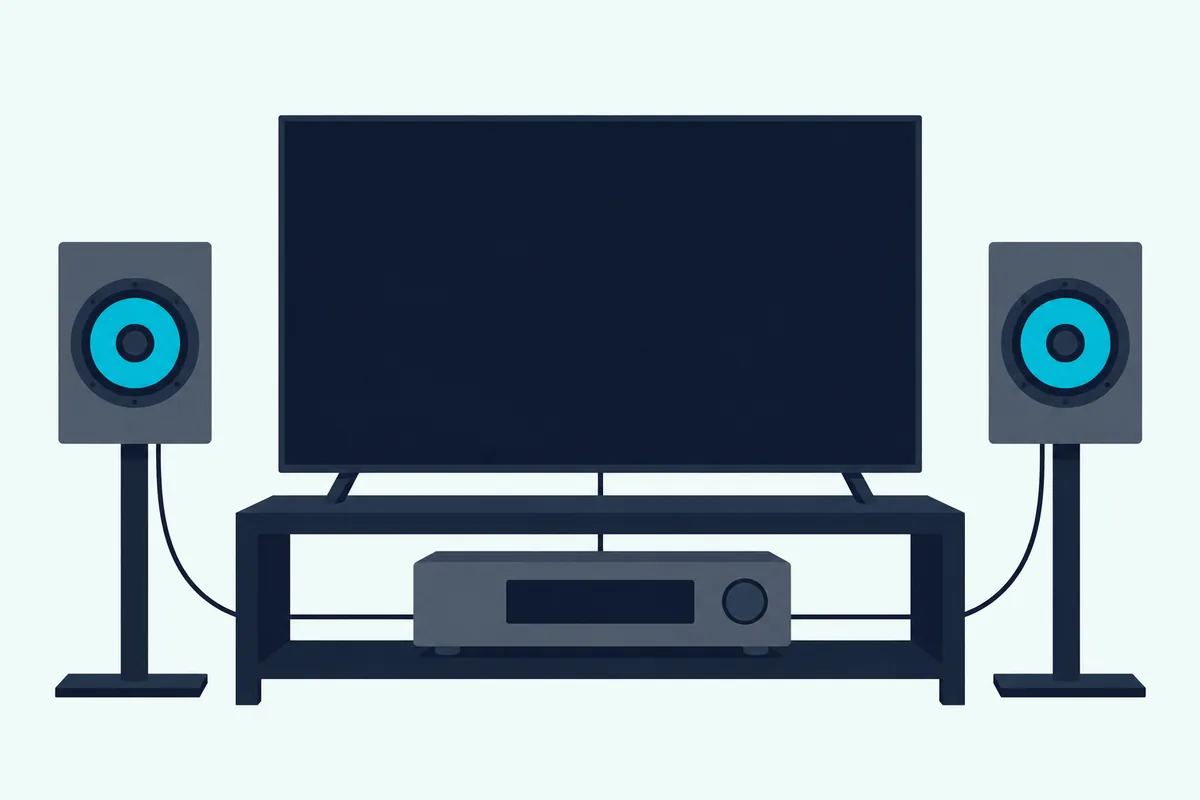
An AV receiver with speakers. Sonos’s Speakers vs. Soundbars post calls speakers the more flexible option, since you can mix and match them for your space, and Bose says traditional setups mean more installation, more wires and more room. Burton Acoustix’s guide to how a soundbar compares with an AV receiver goes through the trade.
Bose’s guide to soundbars and speakers also warns that a full speaker system in a tight space may sound distorted from reflections. Sonos adds that you don’t have to choose for good, since you can start with a bar and add rear speakers and a subwoofer later.
A TV chosen for its sound. If you’re buying a set anyway, Burton Acoustix’s guide to TVs with the best built-in sound compares the sets with extra channels and a built-in subwoofer. The audio row from your first check is the place to compare them.
Headphones for one listener. Vizio’s page says you can pair Bluetooth headphones and hear every word, and Hisense’s sheet says the same Bluetooth link works for a soundbar or headphones.
The Bottom Line
So should you buy a soundbar? That comes back to your TV’s audio row, and if it lists two speakers and you keep losing voices or missing bass, a bar adds documented hardware your set doesn’t have, which makes the best overall soundbar guide your next stop.
If you watch casually, or the set already lists a subwoofer and its voice mode solves your complaint, Dolby’s own wording leaves TV speakers in play. To understand the next buying step, our how to choose a soundbar guide walks through the decision, and our subwoofer pairing guide covers compatibility if you already own a separate subwoofer.
Frequently Asked Questions
Does a soundbar really make a difference?
Bose and Sonos say yes, especially for dialogue, and Consumer Reports says even a no-frills model is a step up from almost any TV’s built-in sound. Bose adds that how much you notice depends on how you use your TV, so check what your own set lists first.
Is a soundbar worth it in a small room?
The documents split. Dolby calls a compact all-in-one bar a great choice for a small room, and Bose points spaces of 200 square feet or less to a smaller bar, while Choice says a small TV in a study or kitchen wouldn’t need one. Try the TV’s voice mode first and see whether the complaint goes away.
Do modern TVs need a soundbar?
Dolby calls it a matter of personal preference and whether you want better sound than the set delivers. Its article adds that some TVs have made room for more powerful speakers and can deliver Dolby Atmos, so read your TV’s audio row before deciding.
Is a soundbar without a subwoofer enough?
That depends on the bar and what you want from it. Klipsch says the Flexus Core 200 needs no subwoofer thanks to its dual 4-inch built-in ones, Yamaha says stand-alone subwoofers are often more powerful, and Consumer Reports says a 2.1 system could be enough to enhance TV sound. See whether your bar needs a separate subwoofer.
What does a Dolby Atmos soundbar add?
It adds height. Dolby says Atmos lets a bar place sounds all around you, including overhead, and some bars use upward-firing speakers to do it, while others virtualize the effect. Your content has to carry it too, and Dolby’s setup guide says the full experience needs a service tier or device that supports it.
Do sound bars work with any TV?
Most connect one of two ways: HDMI eARC or ARC, or optical on a TV without ARC, as Yamaha and Bose describe it. Klipsch also lists an analog cable from the TV’s headphone or audio output, so match the bar’s inputs to what your TV’s sheet lists.