How To Mount Soundbar To TV — Best Brackets, Height & TV vs Wall
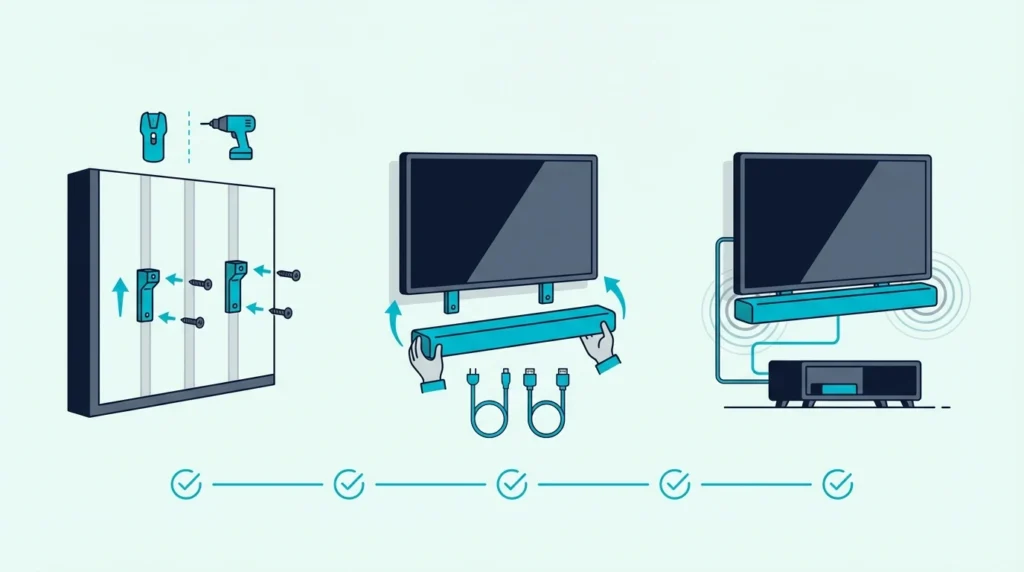
How to mount soundbar to TV is easier than it looks, but only if you decide first whether the bar should hang from the TV itself or sit on its own wall mount below the screen.
Most mounting mistakes happen before the first screw goes in.
People buy a bracket before checking the soundbar’s mounting holes or the TV mount layout.
They also miss the weight limit or the space needed for cables and upward-firing drivers.
That is how a simple project turns into a crooked bar, blocked Atmos channels, or a setup that rattles when the volume rises.
Get the mounting plan right and the result is cleaner.
The bar sits at the right height, and the setup looks intentional.
You also do not have to redo it after realizing the bracket or placement was wrong.
Start by choosing between a TV-mounted bracket and a separate wall mount. Then confirm bracket support, mounting compatibility, and cable clearance before you drill or tighten anything.
Now that the real mounting decision is clear, let us walk through how to mount a soundbar to a TV the right way.
To mount a soundbar to a TV, first confirm the bar works with a TV-mounted bracket.
Center it directly under the screen and leave room for cables plus any upward-firing drivers.
If the TV mount cannot support the bracket cleanly, or the bar has no usable mounting holes, a separate wall mount under the TV is usually the safer option.
Should You TV-Mount or Wall-Mount a Soundbar?
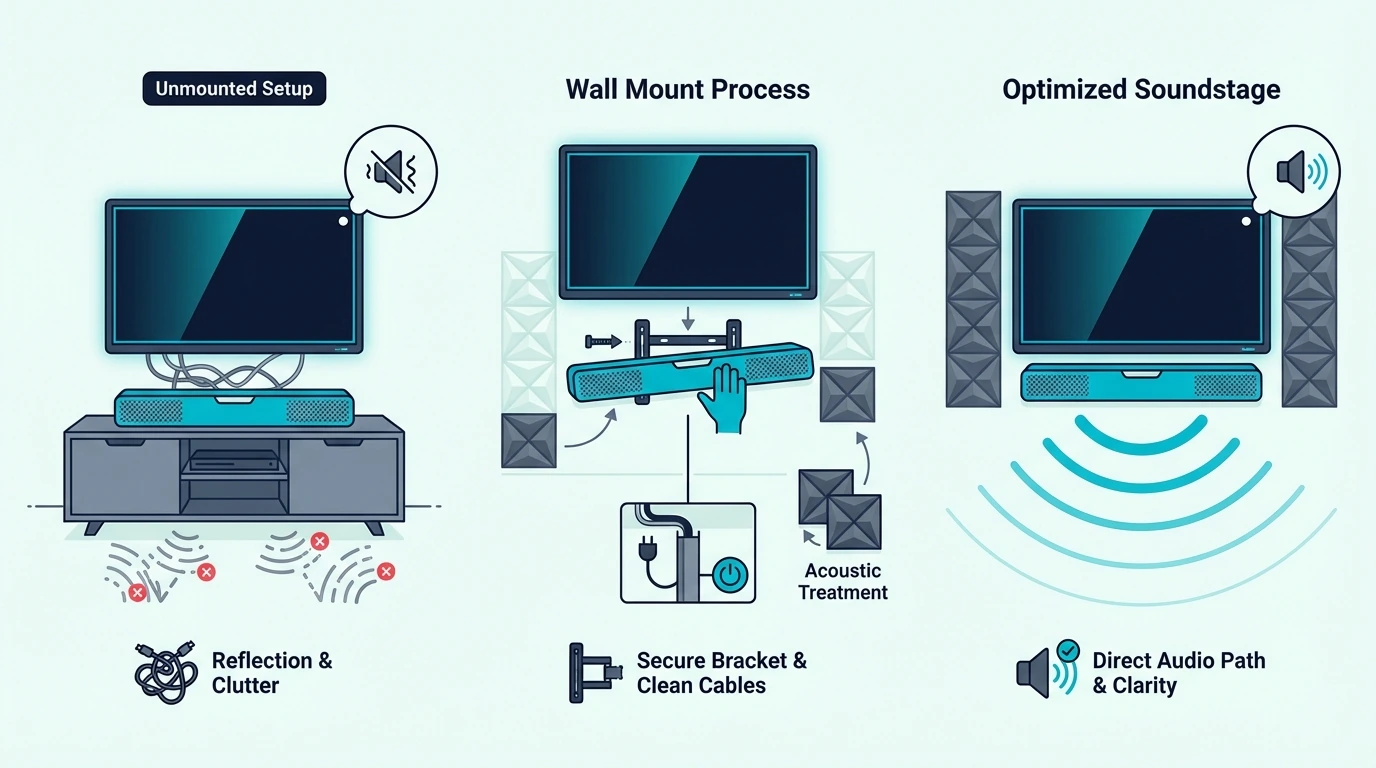
Now that the project is defined, the biggest question is not where the screws go. It is whether the soundbar should move with the TV or stay fixed on the wall.
That matters because TV-mounted and wall-mounted soundbars solve different problems.
A TV-mounted bar keeps the screen and sound system moving together on a swivel mount.
A separate wall mount gives you better stability, more room, and cleaner placement under a fixed screen.
Before you pick either route, check the soundbar’s mounting holes.
Confirm the bracket can handle the weight.
Leave space behind the TV for cables.
Make sure there is enough room below the screen so the bar will not block the picture or the remote sensor.
If you are building around a universal bracket, the Perlegear Soundbar Mount is the kind of bracket that makes this first-fit check easier because it is built around a straightforward under-TV mounting layout instead of a one-position-only design.
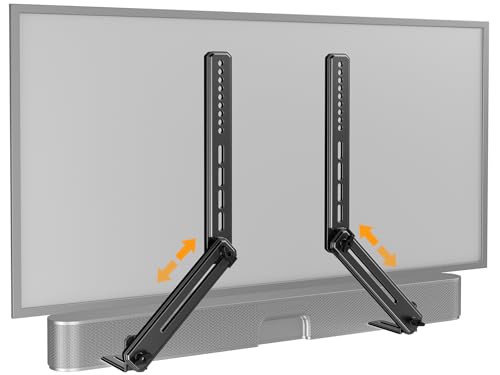
Perlegear Soundbar Mount
This decision also shapes which bars are easiest to live with long term.
Compact bars from the best soundbar roundup and the best budget soundbar guide are often easier to mount cleanly.
Oversized systems need more wall space and more connecting cables.
Can You Mount a Soundbar Directly to the TV?
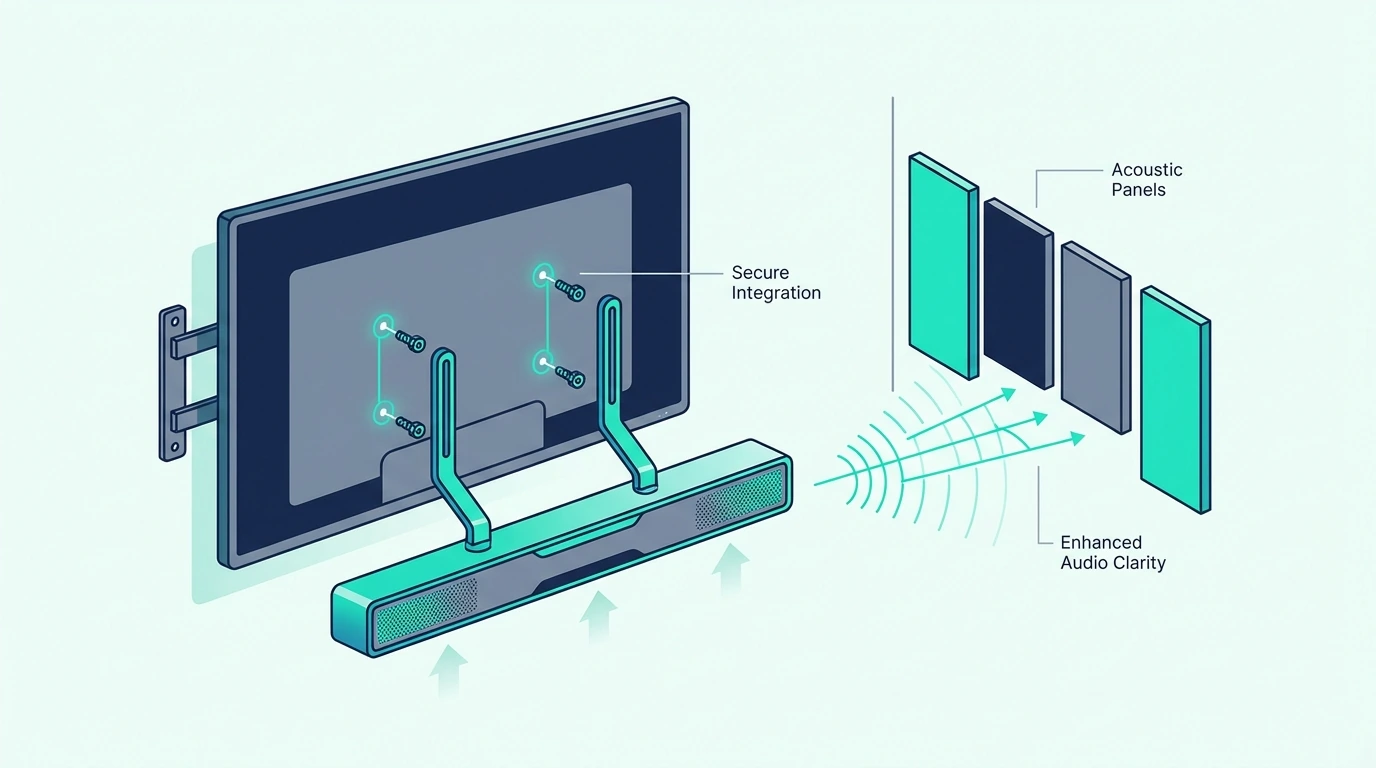
With the basic choice clear, yes, you can mount a soundbar directly to a TV in many cases.
It only works when the bracket and the bar are actually compatible.
This is where many DIY installs go wrong.
A direct-to-TV setup usually attaches the bracket to the TV’s VESA hardware or TV-mount arms.
The soundbar then hangs above or below the screen, so it moves with the TV instead of staying fixed on the wall.
That can be a clean solution when the TV is already on a wall mount or full-motion mount.
It also works well in smaller rooms where keeping the screen and soundbar aligned makes the setup look less cluttered.
A bracket like the Mounting Dream Soundbar Mount Bracket fits this kind of install well because it is designed for above- or under-TV mounting instead of a floating-shelf style.
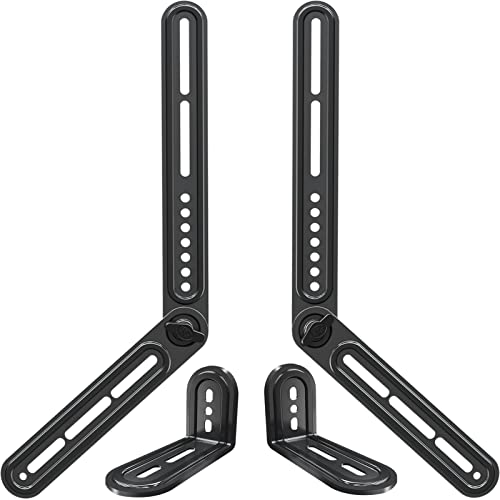
Mounting Dream Soundbar Mount Bracket
Not every soundbar should be mounted this way.
Larger bars, bars with weak mounting holes, and Dolby Atmos models with upward-firing drivers often fit better on a separate wall mount below the TV.
That is why shoppers comparing bigger systems in the best Dolby Atmos soundbar guide, the best soundbars with subwoofers roundup, or the best soundbars for small rooms guide still need to think about placement before pure sound quality.
Get Studio Tips Weekly
Join 5,000+ creators getting acoustic treatment advice every week.
No spam. Unsubscribe anytime.How Do You Attach a Soundbar to the TV Mount Safely?
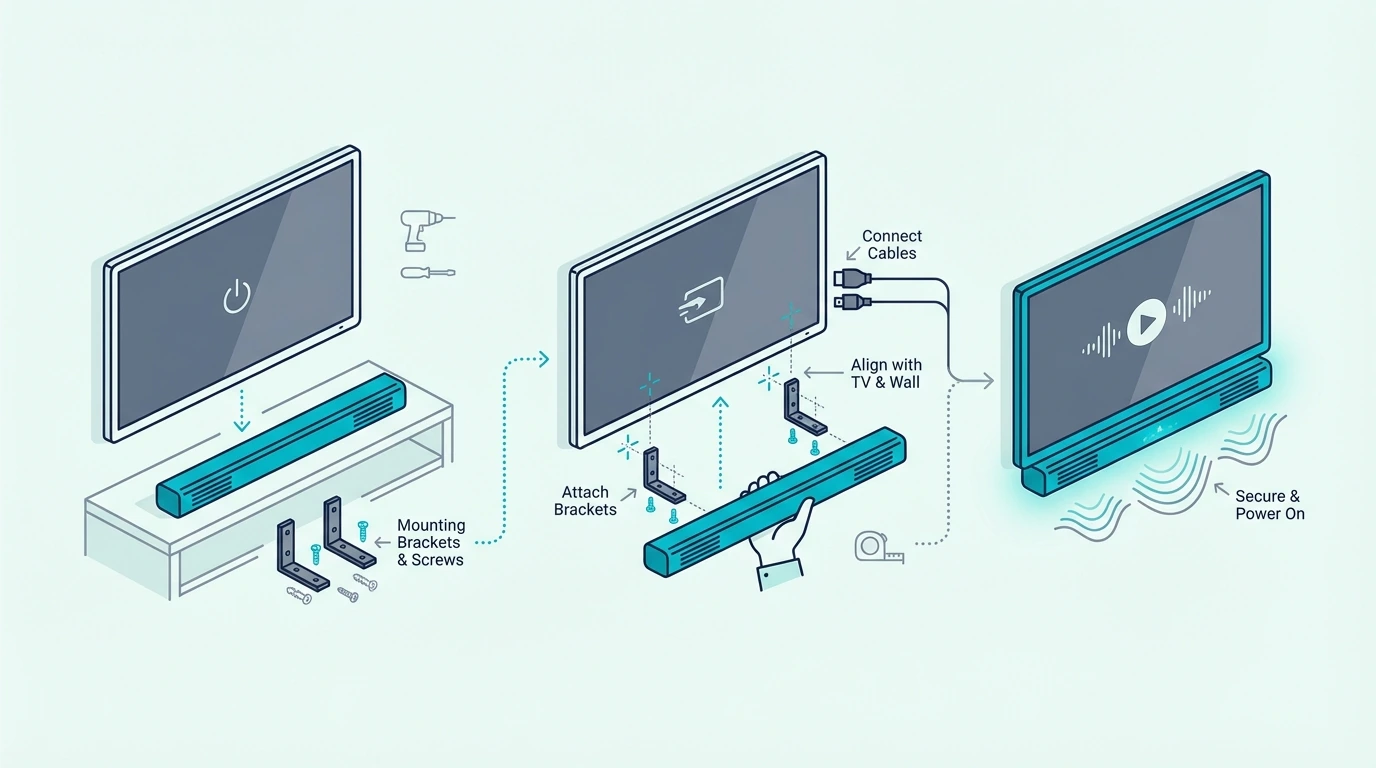
Now that direct mounting makes sense, the next step is the actual attachment process. This is where careful measuring matters more than rushing.
First, confirm the soundbar has usable mounting holes or a bracket-compatible underside.
Then check the TV mount or VESA area so you know where the soundbar wall mount will actually connect.
Second, loosely assemble the bracket before tightening anything fully.
Keep the bar centered under the TV.
Level it left to right.
Leave enough clearance so it does not cover the bottom bezel, the remote receiver, or the cable path.
Third, connect power and signal cables before the final tightening if access will get tight afterwards.
This sounds obvious, but it is one of the easiest ways to create a frustrating reinstall.
A heavier-duty option like the WALI Universal Soundbar Mount is useful when you want more margin for a larger bar or a sturdier-feeling installation instead of the lightest possible bracket.
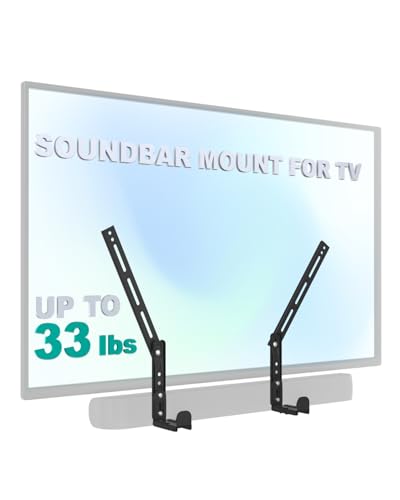
WALI Universal Soundbar Mount
If you are also choosing the bar around the install, the next useful references are the best soundbar roundup, the best budget soundbar guide, and the best soundbars for dialogue guide.
They help you avoid picking a bar that becomes awkward to place once the bracket is up.
When Is a Separate Wall Mount Better Than a TV-Mounted Bracket?
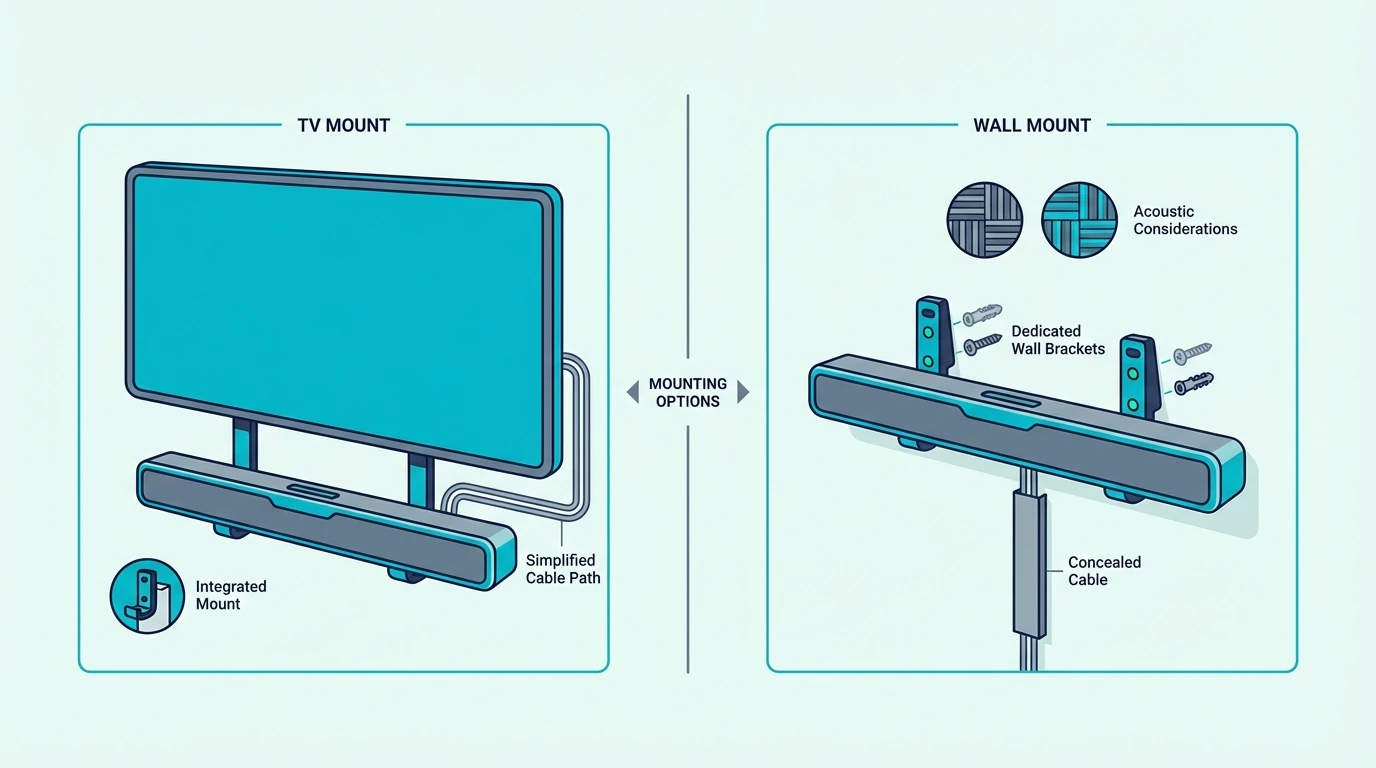
This is the real decision section because both methods work well when matched to the room.
The better option depends on how the TV moves, how large the soundbar is, and how much control you want over placement.
Mounting the soundbar to the TV is usually better when the TV sits on a full-motion mount and you want the screen and soundbar to move as one unit.
It keeps alignment simple and often looks cleaner in smaller bedrooms, apartments, or flexible viewing rooms.
Wall mounting the soundbar separately is usually better when the TV is fixed in place, the bar is heavier, or you need more precise space below the screen.
A separate wall mount also gives you more flexibility when the soundbar’s mounting points are awkward or the cables need a cleaner route.
A universal option like the USX MOUNT Universal Soundbar Mount is useful here because it reflects the kind of flexible hardware people choose when they have not committed to a brand-specific bracket path.
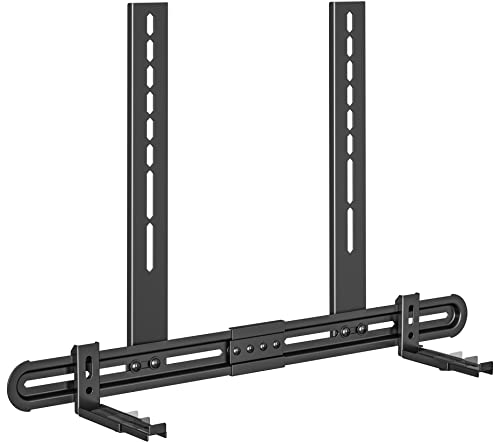
USX MOUNT Universal Soundbar Mount
The best answer still comes back to placement.
If TV-mounted hardware forces the bar too high, too low, or too tight to the wall, separate wall mounting usually wins even if it takes a little more work.
That trade-off shows up most clearly with bigger bars from the best Samsung soundbar guide, the best LG soundbar roundup, and the best Sony soundbar guide.
Size and driver layout can make placement more sensitive than it first appears.
Where Should a Mounted Soundbar Sit Under the TV?
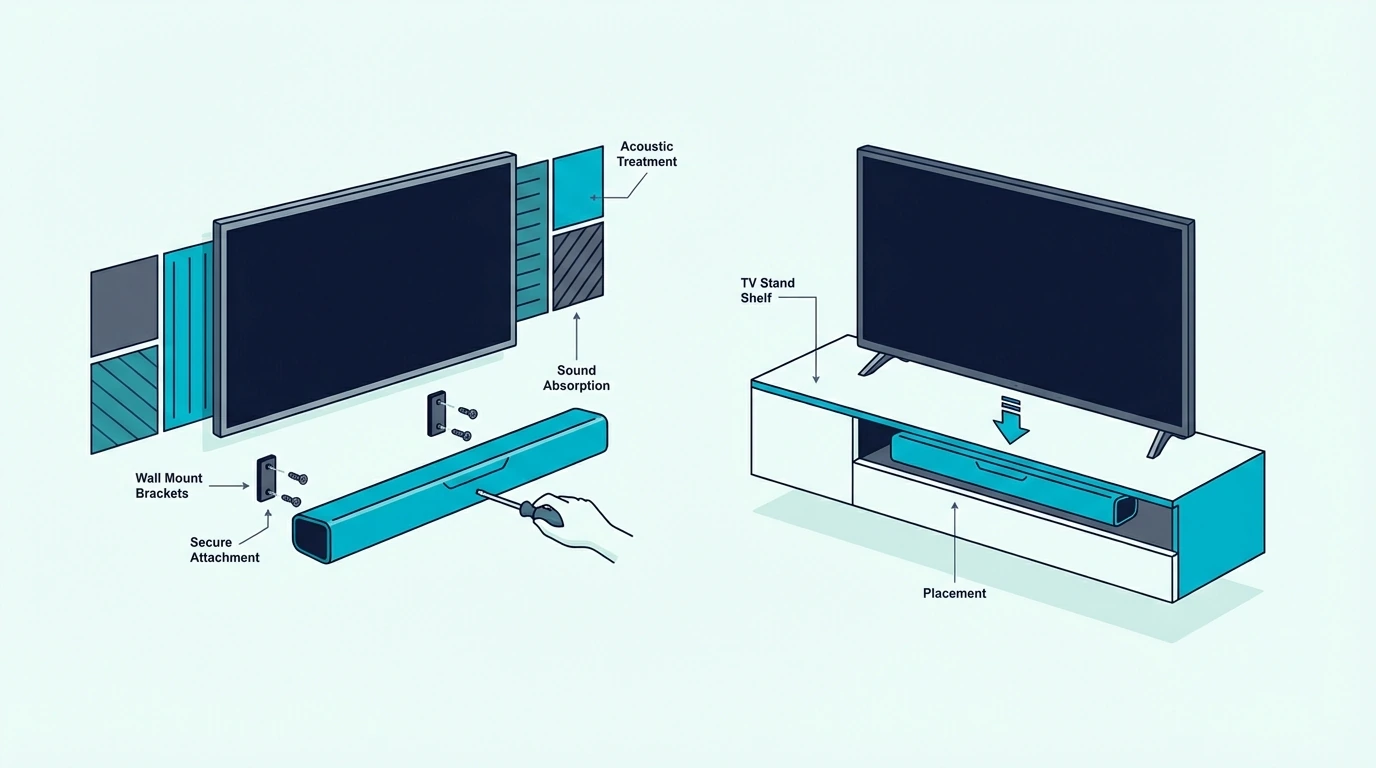
Once you know whether the bar should hang from the TV or the wall, placement height becomes the last big choice.
This is where a clean install can still underperform if the bar ends up jammed too close to the screen or too far below it.
In most rooms, the soundbar should sit centered under the TV with a small visual gap and enough room for airflow, cable bends, and any top-firing Atmos drivers.
Too high and it crowds the screen. Too low and the sound seems disconnected from the picture.
If the bar has upward-firing channels, do not tuck it into a cabinet lip or directly under a deep shelf.
Those soundbars need open space to bounce sound properly.
Tight placement can flatten the sound more than people expect.
If you are wall mounting on drywall, also think about stud placement and drywall anchors before you commit to the final height. A beautiful location is not the right location if the wall mounting hardware is unsupported.
This is also where the main soundbar hub and the best soundbars for dialogue guide help, because correct height and direct front-channel placement matter a lot when clear dialogue is your priority instead of just bass or volume.
The Bottom Line
How to mount soundbar to TV comes down to matching the bracket style to the room and to the soundbar itself.
If the bar is compatible and you want the screen and bar to move together, a TV-mounted bracket can work very well.
If the bar is larger, heavier, or more sensitive to placement, a separate wall mount below the TV is often the better answer.
The most important part is to decide the mounting method before drilling or tightening anything.
Check mounting holes, bracket support, cable clearance, and final height first.
Those details decide whether the install looks clean and sounds right.
If you want help choosing a bar that will be easier to place and live with after mounting, the best next pages are the best soundbar roundup, the best budget soundbar guide, and the broader soundbar hub.
Frequently Asked Questions
How far below the TV should the soundbar be mounted?
The soundbar should usually be mounted just below the TV with a small gap for cables, airflow, and any upward-firing drivers.
The goal is to keep the sound centered with the screen without blocking the picture or the remote sensor.
How should you mount an LG soundbar under a TV?
Use a compatible TV-mounted bracket or a separate wall mount below the TV after checking the LG soundbar’s mounting holes and weight.
If the model uses upward-firing drivers or needs extra cable room, separate wall mounting under the screen is usually the cleaner option.