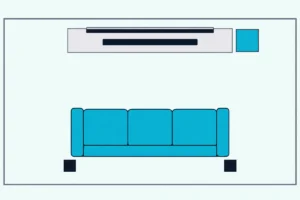
2.0 vs 2.1 Soundbar: What Changes When the Subwoofer Is Added
A 2.1 soundbar adds a bass channel as a wireless subwoofer, while a 2.0 bar such as JBL’s Bar 2.0 All-in-One keeps everything in one box.

- ✓ Two racetrack drivers in one 24.2-inch bar
- ✓ HDMI ARC, optical and Bluetooth, with the HDMI cable in the box
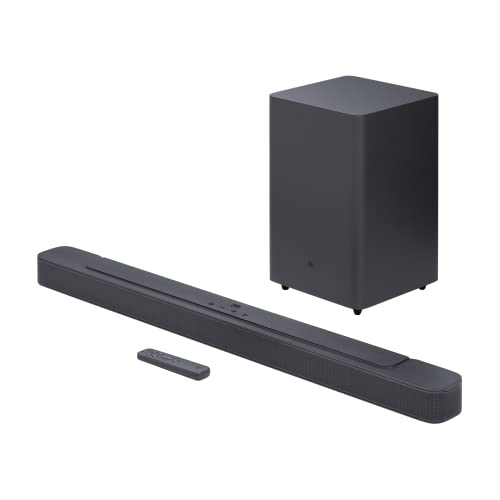
- ✓ 6.5-inch wireless subwoofer with LOW, MID and HIGH levels
- ✓ HDMI input plus HDMI ARC and optical

If you’re comparing a 2.0 vs 2.1 soundbar, the makers’ spec sheets show what the extra .1 adds: a bass channel that, in Vizio’s matched pair, arrives as a wireless subwoofer beside the same 30-inch bar.
Shop on the label alone and it’s easy to miss what moves with it, from driver counts and bass settings to an extra HDMI input or a second box that needs its own spot.
Line up one maker’s 2.0 model against its 2.1 sibling, and those differences become a short list you can check on any spec page.
Vizio’s and JBL’s pairs come first, then the drivers, the subwoofer box, bass controls, the inputs that stay the same and the TVs and rooms each one fits.
By the end, you’ll know which lines on the box answer your question and which bar belongs on your list.
2.0 vs 2.1 Soundbar: What Does the .1 Add to the Box?
That extra .1 is easiest to see in a matched pair, where one maker sells the same bar idea with and without a bass channel. In Vizio’s pair the bar stays the same and the 2.1 adds a wireless subwoofer with one 5-inch driver, while in JBL’s pair the 2.1 also gets a longer bar, more drivers and an HDMI input.
Vizio’s SV200M-0808 and SV210M-0808 share a 30-inch bar with two full-range drivers, one for the left channel and one for the right, according to Vizio’s user manuals for both. Vizio’s spec page for the SV200M-0808 lists it as a 2.0 with two speakers in total, and the SV210M-0808’s spec page lists it as a 2.1 with three.
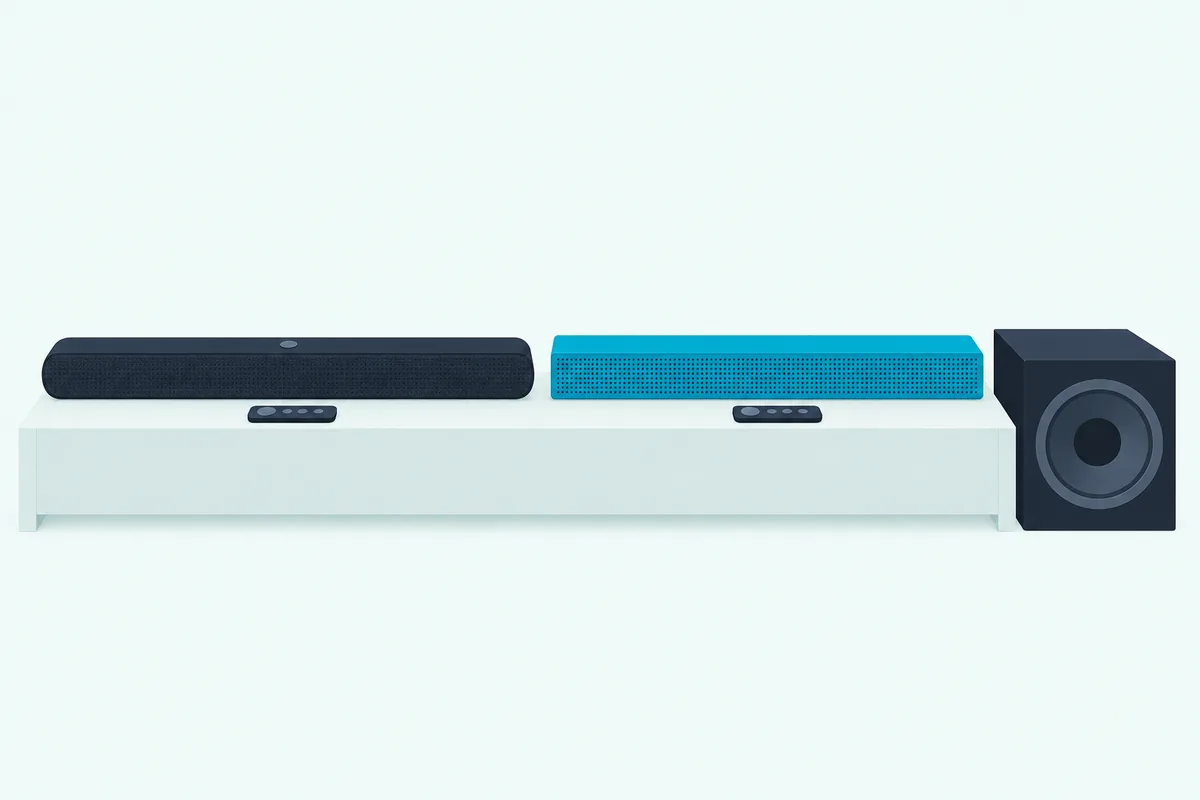
JBL’s pair is less symmetrical. Its Bar 2.0 All-in-One (MK2) is a 24.2-inch bar with two racetrack drivers, and JBL’s Bar 2.1 Deep Bass (MK2) owner’s manual lists a 38-inch bar with four racetrack drivers and two 1-inch tweeters, plus a 6.5-inch wireless subwoofer.
The table puts the four models’ spec lines side by side, as each maker prints them.
| Spec line | Vizio SV200M-0808 | Vizio SV210M-0808 | JBL Bar 2.0 All-in-One (MK2) | JBL Bar 2.1 Deep Bass (MK2) |
|---|---|---|---|---|
| Channels | 2.0 | 2.1 | 2.0, in the model name | 2.1 |
| Drivers | Two full-range drivers | Two full-range drivers, plus one 5-inch subwoofer driver | Two racetrack drivers | Four racetrack drivers and two 1-inch tweeters, plus a 6.5-inch subwoofer |
| Subwoofer in the box | None | Wireless, 6.59 x 7.63 x 11.07 in | None | Wireless, 8.9 x 8.9 x 14.6 in |
| Bar width | 30 in | 30 in | 24.2 in | 38 in |
| Lowest frequency listed | 70 Hz on the spec page, 50 Hz in the manual | 50 Hz | 70 Hz | 40 Hz |
| TV connection | HDMI eARC, no optical | HDMI eARC, no optical | HDMI ARC or optical | HDMI ARC or optical, plus one HDMI input |
| Bass settings | Bass | Bass, Subwoofer and Night Mode | None listed | Subwoofer level LOW, MID or HIGH |
Read across the rows and the pattern holds in both pairs: the 2.1 gains a subwoofer, a level setting for it and, on the spec pages, a lower bottom frequency. What it keeps is just as useful to know, and the sections below take each row in turn.
What Do the 2.0 and 2.1 Labels Tell You About the Box?
Those channel numbers follow a notation Dolby lays out plainly. In Dolby’s article on why you need a soundbar, a 2.0 system has a left channel and a right channel, the zero means there’s no separate subwoofer, and the .1 is a subwoofer speaker for the low bass.
Vizio prints the same numbers in its spec tables, as “Speaker Channels 2.0” for the SV200M-0808 and “Speaker Channels 2.1” for the SV210M-0808. Sony’s HT-S400 spec sheet spells it out further, listing its speaker structure as 2.1ch with a wireless subwoofer.
The label doesn’t always mean a second box, though. Vizio’s All-in-One SV210D-0806 is also listed as a 2.1, yet it’s a single 34-inch bar with two full-range drivers and two integrated subwoofers, four speakers in all.
JBL uses the same All-in-One name for the opposite case, its Bar 2.0 All-in-One with no subwoofer at all. So the box list settles it: a subwoofer in the package contents, with a power cord of its own, is what tells you there’s a separate unit to place.
For labels such as 5.1.2, Burton Acoustix’s guide to what every number on a soundbar label means covers the full notation, and our what is a soundbar hub explains the basics.
How Do the Drivers and Power Change From 2.0 to 2.1?
Once the subwoofer is in the picture, the next difference is how many drivers share the work. Vizio’s pair keeps the same two bar drivers and adds one 5-inch driver in the subwoofer, so the 2.1 has three speakers where the 2.0 has two.
JBL changes the whole bar instead. Its Bar 2.0 All-in-One (MK2) lists 80 W in total from two 40 W channels, and the Bar 2.1 Deep Bass (MK2) lists 300 W in total, 2 x 50 W in the bar and 200 W in the subwoofer.
Sony’s HT-S400, a 2.1 bar, lists 330 W in total and a wireless subwoofer with a 160 mm speaker unit, about 6.3 inches. JBL rates both of its totals at 1% distortion, while Vizio’s spec pages give no wattage for either bar, so the power figures compare inside one brand, not across them.
The bottom of each frequency range moves too, with one catch. JBL lists 70 Hz to 20 kHz for the Bar 2.0 and 40 Hz to 20 kHz for the Bar 2.1, and Vizio’s spec pages list 70 Hz to 16 kHz for the SV200M-0808 and 50 Hz to 16 kHz for the SV210M-0808.
The catch is that the SV200M’s user manual prints 50 Hz to 16 kHz for the 2.0 as well, the same figure the SV210M’s manual gives. Since one maker’s two documents can disagree about the same bar, check the figure on the page for the exact model you’re buying.
What Comes in the Box With a 2.1, and Where Does the Subwoofer Go?
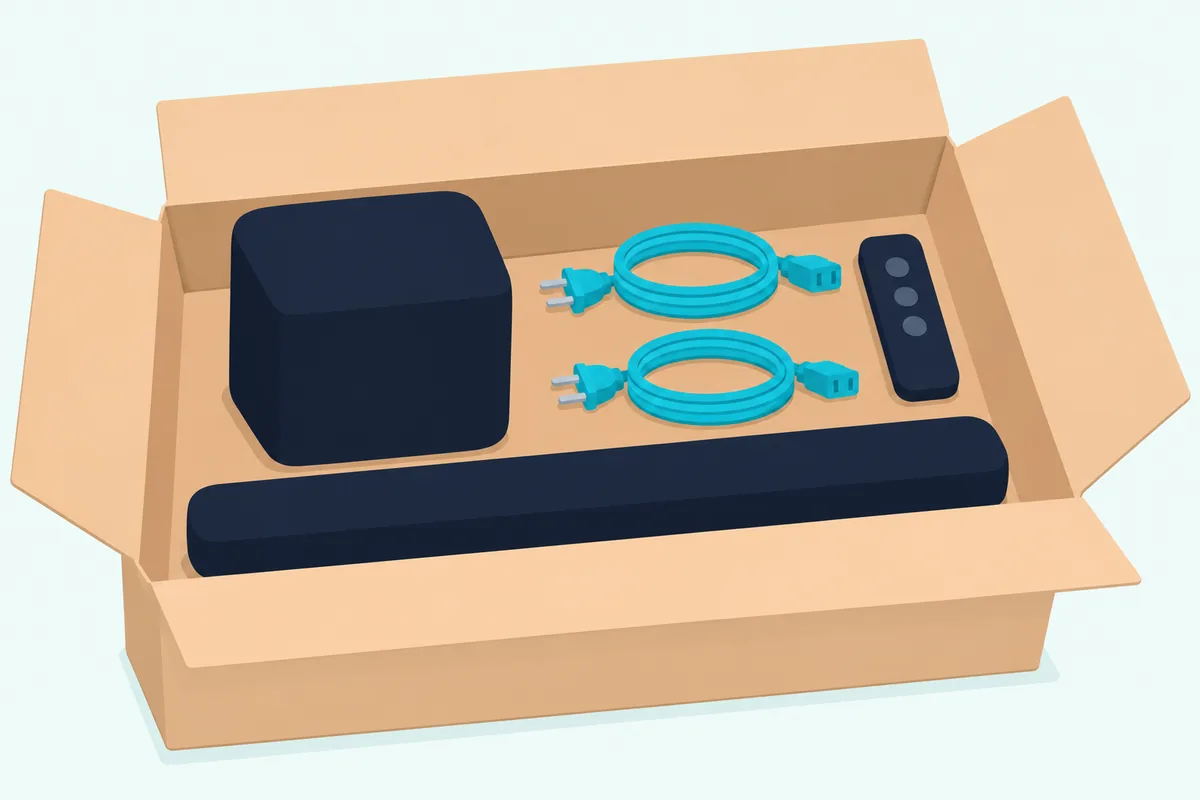
Those subwoofer drivers sit in a box of their own, the part that changes most on unboxing day: a 2.1 adds a second piece that needs its own spot and its own outlet. Vizio’s SV210M-0808 ships with a wireless subwoofer, two power cables and two cable straps where the SV200M-0808 has one of each, and JBL’s and Sony’s 2.1 boxes also carry two power cords.
Wireless here means no audio cable between the bar and the subwoofer, not no cables at all. Each subwoofer plugs into a wall outlet, so plan for a socket near wherever it will stand.
JBL gives exact distances: keep the Bar 2.1 Deep Bass (MK2)’s subwoofer at least 3 feet (1 m) from the soundbar, 4 inches (10 cm) from a wall and within 20 feet (6 m) of the bar. Sony asks for 5 cm (2 in) or more between the HT-S400’s subwoofer and a TV rack or wall, and says not to lay it on its side.
Vizio’s SV210M-0808 manual shows its recommended placements in a drawing and adds one rule in words: don’t block the subwoofer port. Measure the footprint as well, since Vizio’s subwoofer is 6.59 by 7.63 by 11.07 inches, JBL’s 8.9 by 8.9 by 14.6 inches and Sony’s 7.63 by 15.25 by 15.75 inches.
The wireless link comes ready to use. Vizio says its subwoofer has already been paired with the soundbar and should connect on its own, and JBL says the same of the Bar 2.1, with a re-pairing routine for the cases when it doesn’t.
On Vizio’s subwoofer, a solid white light means it’s connected and a slow white blink means it isn’t paired, while Sony’s subwoofer shows a green power light once the link is made. Our guide to pairing a subwoofer with a soundbar covers auto pairing and re-pairing, and the soundbar setup guide covers where the bar itself should sit.
Which Bass Controls Does a 2.1 Bar Add?
That second box comes with its own level control, the setting the 2.0 models in these pairs either lack or handle on the bar alone. In the VIZIO Mobile app, the SV200M-0808 offers Bass, Treble and ClearDialog, a dialogue setting Vizio says keeps voices clear when background sounds get loud, and the SV210M-0808 adds a Subwoofer setting for the intensity of the lowest bass.
Both Vizio bars share the same listening modes, Movie for theatrical movies and Music for music, plus a Direct mode that removes the virtual processing. The 2.1’s list adds one more setting tied to the subwoofer, a Night Mode that turns the subwoofer level down and switches off when the bar goes into standby.
JBL’s Bar 2.1 Deep Bass (MK2) has a bass button on its remote that steps the subwoofer through LOW, MID and HIGH. The Bar 2.0 All-in-One (MK2) manual lists audio sync and a smart mode, which applies EQ settings and JBL Surround Sound, but no bass adjustment.
Sony’s HT-S400 puts BASS + and BASS – on its remote to set the subwoofer’s volume. Its spec sheet also lists Night Mode and Voice Mode among the bar’s sound effects.
A bass button on the remote isn’t proof of a subwoofer, though. Samsung’s HW-B400F manual describes a WOOFER (BASS) LEVEL button that sets the bar’s bass from -6 to +6 and notes that the subwoofer isn’t included, while its HW-B550 manual lists a subwoofer among the components and names it the PS-WB65D in the specifications.
Do Formats, Inputs and Streaming Stay the Same Across a Pair?
Beyond bass, Vizio’s pair is close to identical, which makes it a fair test of what the .1 changes. Both bars list Dolby Atmos, DTS:X and DTS Virtual:X, one HDMI eARC connection, Bluetooth 5.2 and USB playback, and neither has an optical input or a remote of its own.
Both Vizio manuals list the same supported formats as well: PCM, Dolby Digital and Dolby Digital Plus, DTS, DTS:X and Dolby Atmos. So in this pair the 2.0 gives up no format to its 2.1 sibling.
What a bar without a center channel does with a 5.1 soundtrack is a separate question, covered in why 5.1 movies can sound muffled on a 2.1 bar. If your TV has HDMI ARC or eARC, our HDMI ARC setup guide walks through the TV menus by brand.
JBL’s pair differs in one input. Both bars connect to the TV by HDMI ARC or optical and take Bluetooth 4.2 music streaming and a USB stick, but only the Bar 2.1 Deep Bass (MK2) adds an HDMI input for a player or a gaming console, and JBL’s page for it lists built-in Dolby Digital.
Sony’s HT-S100F and HT-S400 both connect by HDMI ARC or optical, and both startup guides put an optical cable in the box but no HDMI cable. That optical cable is the link both guides describe for a TV with no HDMI jack labeled ARC.
Which TVs and Rooms Suit a 2.0 or a 2.1 Bar?
Those ports settle the TV side before the channel count does. Vizio’s SV200M-0808 and SV210M-0808 have no optical input, and Vizio’s manuals send owners of TVs without an HDMI port to Vizio’s support team, while the JBL and Sony bars above take an optical cable.
Some pairings are built around one TV brand. Vizio’s QuickFit lets both of its bars attach to the bottom of select Vizio TVs, and Sony’s HT-S400 can take sound wirelessly from a compatible BRAVIA TV that supports Bluetooth A2DP.
Width is the other TV-side check. Dolby’s advice is to pick a soundbar that fits your space and complements the look of your TV, and in JBL’s pair the 2.1 bar is about 14 inches wider (38 inches against 24.2), while Vizio’s two bars are both 30 inches.
On the room side, a 2.1 needs a spot a 2.0 doesn’t: by JBL’s numbers, at least 3 feet from the bar, 4 inches clear of a wall and within 20 feet of it. None of these makers ties the 2.0 or 2.1 label to a room size, so those clearances and the subwoofer’s footprint are the firmest guide their documents give.
Vizio’s SV210M-0808 manual brings up neighbors directly. It suggests the Night Mode that lowers the subwoofer level for sleeping babies or easily annoyed apartment neighbors, a setting the SV200M-0808’s manual doesn’t list; that bar has no subwoofer.
Whether your space calls for that bass in the first place is its own question, answered in Burton Acoustix’s look at whether you need a subwoofer with a soundbar at all. For older TVs, the soundbar to TV connection guide covers optical, ARC and eARC hookups.
Mounting doesn’t split either pair: both JBL manuals put the wall template at least 2 inches (50 mm) from the TV, both Vizio boxes include a wall-mounting template, and our guide to mounting a soundbar covers TV and wall mounting and where the bar sits under the screen.
Can You Add a Subwoofer to a 2.0 Soundbar Later?
That leaves the upgrade path, which only some makers document. You can add a subwoofer to a 2.0 soundbar later only where its maker names one it pairs with or a port for it, and neither Vizio’s SV200M-0808 manual nor JBL’s Bar 2.0 All-in-One (MK2) manual lists a subwoofer connection.
Some older Vizio 2.0 bars do take one, and Burton Acoustix’s guide to adding a subwoofer to a Vizio sound bar lists the ones whose manuals show a Subwoofer Out jack.
Bose documents one. Its TV Speaker has a BASS port on the back, and the Bose TV Speaker owner’s guide connects a Bose Bass Module 500 or 700 to it with a 3.5 mm audio cable that isn’t included.
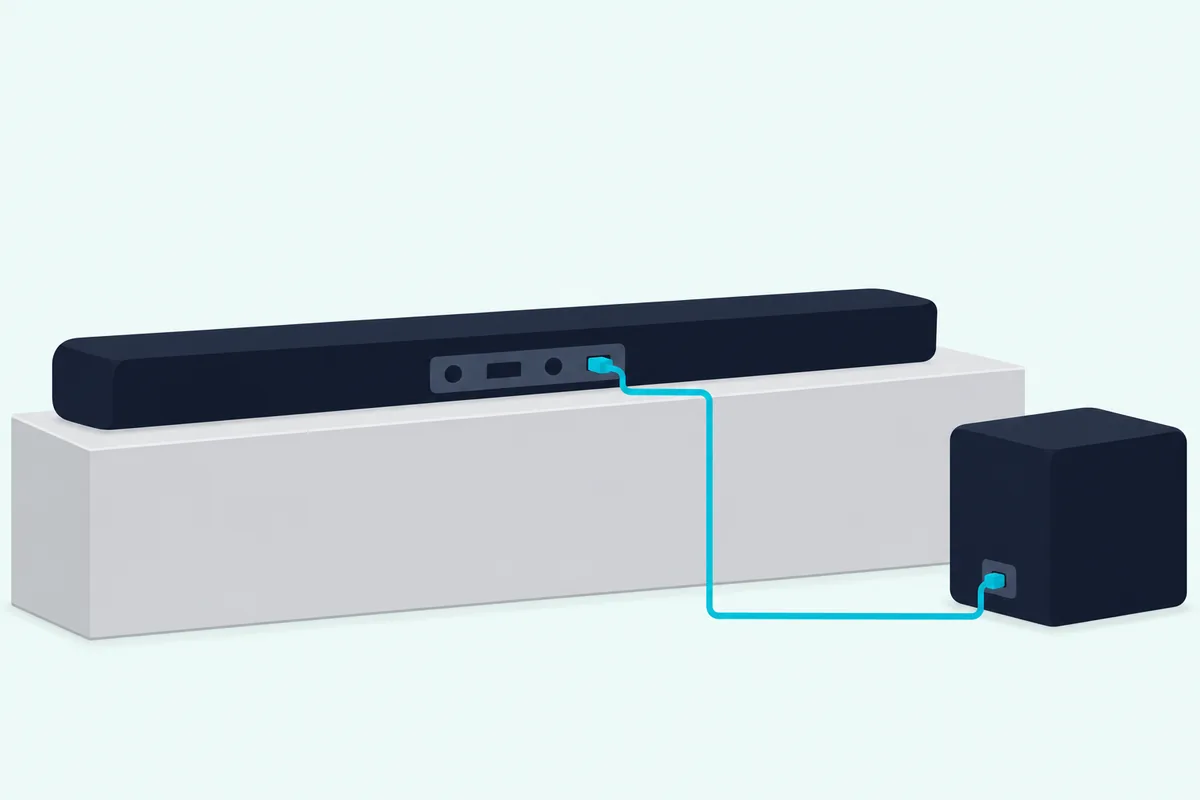
Roku builds the option into its range. Roku’s subwoofer setup article says its subwoofer is designed to connect to a Roku audio host such as the Streambar SE, Streambar, Streambar Pro or Smart Soundbar, that it can’t connect directly to any other TV or sound system, and that one host takes one wireless subwoofer.
Polk’s React sound bar manual describes the same kind of path, with a CONNECT button for pairing an optional subwoofer and a SUB light that turns green once it’s paired. Bose and Roku name their own subwoofers for these bars, so check the maker’s compatibility list before you buy a 2.0 with an upgrade in mind.
If you’d rather have the subwoofer in the box from day one, our best soundbar with subwoofer roundup lists bars that ship with one.
Which Bar Should You Buy for Your TV and Room?
That JBL pair is the simplest way to buy either side of this comparison from one maker. Pick the 2.0 if you want one 24.2-inch box with HDMI ARC and optical, and the 2.1 if you have floor space for a subwoofer and want an HDMI input on the bar.
For one box, the JBL Bar 2.0 All-in-One (MK2) is the one-piece model in JBL’s pair, with its remote and HDMI cable included.
JBL Bar 2.0 All-in-One (MK2)
For a subwoofer in the box, the JBL Bar 2.1 Deep Bass (MK2) adds a 6.5-inch wireless subwoofer and an HDMI input to a 38-inch bar.
JBL Bar 2.1 Deep Bass (MK2)
Every pick met Burton Acoustix’s rating, review and stock checks on 4 November 2026. If you own a QuickFit-compatible Vizio TV, Vizio’s SV200M-0808 and SV210M-0808 make the same comparison with the same 30-inch bar in both, and our best budget soundbar roundup lists more 2.0 and 2.1 bars side by side.
The Bottom Line
Back at the label, the .1 is a bass channel, and in Vizio’s, JBL’s and Sony’s pairs it arrives as a separate wireless subwoofer with its own power cord and level control. Choose by the spec lines that change: the drivers and the subwoofer box, the bass setting, any extra HDMI input and the width of the bar against your TV.
The descriptions come from the makers’ manuals and spec pages. For the wider checklist, including room and TV size, see how to choose a soundbar.
Frequently Asked Questions
What does 2.0 mean on a soundbar?
It means two channels, left and right, and no separate subwoofer, in Dolby’s description of channel numbers. Vizio’s SV200M-0808 is one example: its spec page lists Speaker Channels 2.0 and two speakers in total, and its manual puts one full-range driver on each side. A 2.0 bar can still list a Bass setting and Dolby Atmos and DTS:X, as that Vizio model does, so read the box list rather than the number alone.
What is the difference between 2.0 and 2.1 speakers?
The .1 is the subwoofer channel: in Dolby’s notation the number after the point counts the subwoofer, so a 2.1 system adds one to the left and right channels. In Vizio’s SV210M-0808, that’s a wireless box with one 5-inch driver beside the same bar the 2.0 SV200M-0808 uses. If you’re weighing a soundbar against separate speakers rather than two soundbars, Burton Acoustix’s soundbar vs speakers comparison covers that choice.
Are 2.0 soundbars worth it?
A 2.0 bar gives you one box and one power cord: Vizio’s SV200M-0808 lists Dolby Atmos, DTS:X, HDMI eARC and Bluetooth, and JBL’s Bar 2.0 All-in-One (MK2) lists HDMI ARC, optical and Bluetooth in a 24.2-inch bar. What it leaves out is the subwoofer box, its placement and its level control. Neither of those two manuals lists a way to add a subwoofer later, while Bose’s and Roku’s documents give one for the TV Speaker and the Streambar models, so check that line first if you might want more bass down the road.
How many speakers does a 2.1 soundbar have?
As many as the maker builds in, since the label counts channels rather than drivers. Vizio’s SV210M-0808 lists three speakers: two full-range drivers in the bar and one in the subwoofer. JBL’s Bar 2.1 Deep Bass (MK2) has four racetrack drivers and two tweeters in the bar plus a 6.5-inch subwoofer, seven drivers in all, and Vizio’s one-piece SV210D-0806 lists four, two full-range drivers and two integrated subwoofers.
Is a 2.1 channel soundbar good?
The makers describe what a 2.1 adds rather than rating it, so the answer depends on what you want the bar to do. In the pairs above, the 2.1 adds a subwoofer channel, a level control for it and, at JBL, a 40 Hz bottom figure and an HDMI input, while formats and TV connections mostly stay the same. What a 2.1 doesn’t add is a center channel, which in Dolby’s notation is the third channel of a 3.1 system.