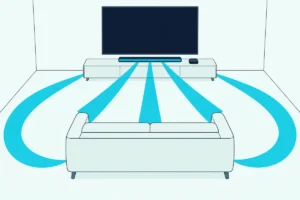
How to Mount a Soundbar to a TV: Attach It to the TV or Its Mount
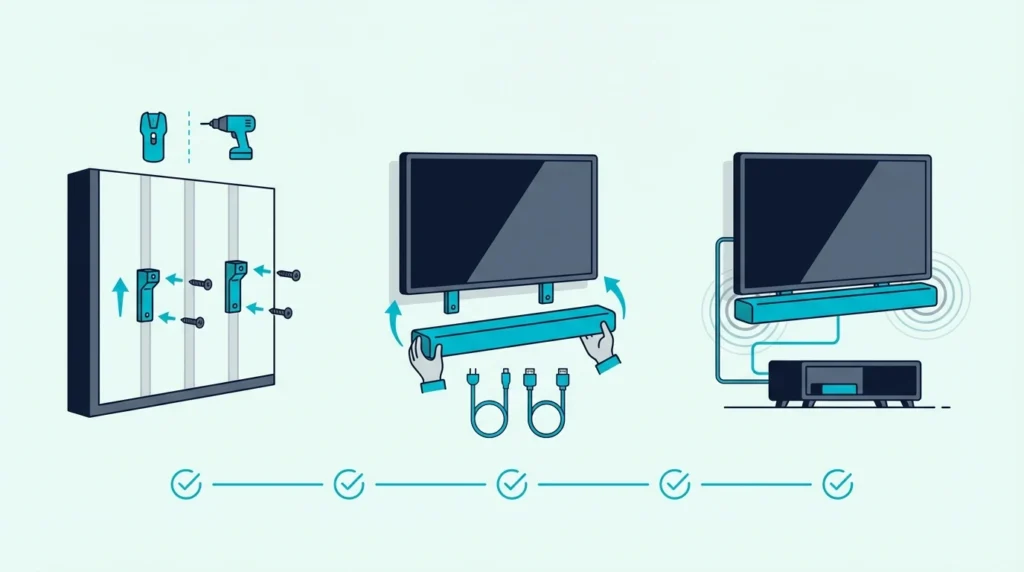
Learning how to mount a soundbar to a TV is easier than it looks, but only if you decide first whether to attach the bar to the TV itself or give it its own wall mount below the screen.
Most mounting mistakes happen before the first screw goes in.
People buy a bracket before checking the soundbar’s mounting holes or the TV mount layout.
They also miss the weight limit or the space needed for cables and upward-firing drivers.
That is how a simple project turns into a crooked bar, blocked Atmos channels, or a setup that rattles when the volume rises.
Get the mounting plan right and the result is cleaner.
The bar sits at the right height, and the setup looks intentional.
You also do not have to redo it after realizing the bracket or placement was wrong.
Start by choosing between a TV-mounted bracket and a separate wall mount. Then confirm bracket support, mounting compatibility, and cable clearance before you drill or tighten anything.
Now that the real mounting decision is clear, let us walk through how to mount a soundbar to a TV the right way.
To mount a soundbar to a TV, first confirm the bar works with a TV-mounted bracket.
Center it directly under the screen and leave room for cables plus any upward-firing drivers.
If the TV mount cannot support the bracket cleanly, or the bar has no usable mounting holes, a separate wall mount under the TV is usually the safer option.
Should You TV-Mount or Wall-Mount a Soundbar?
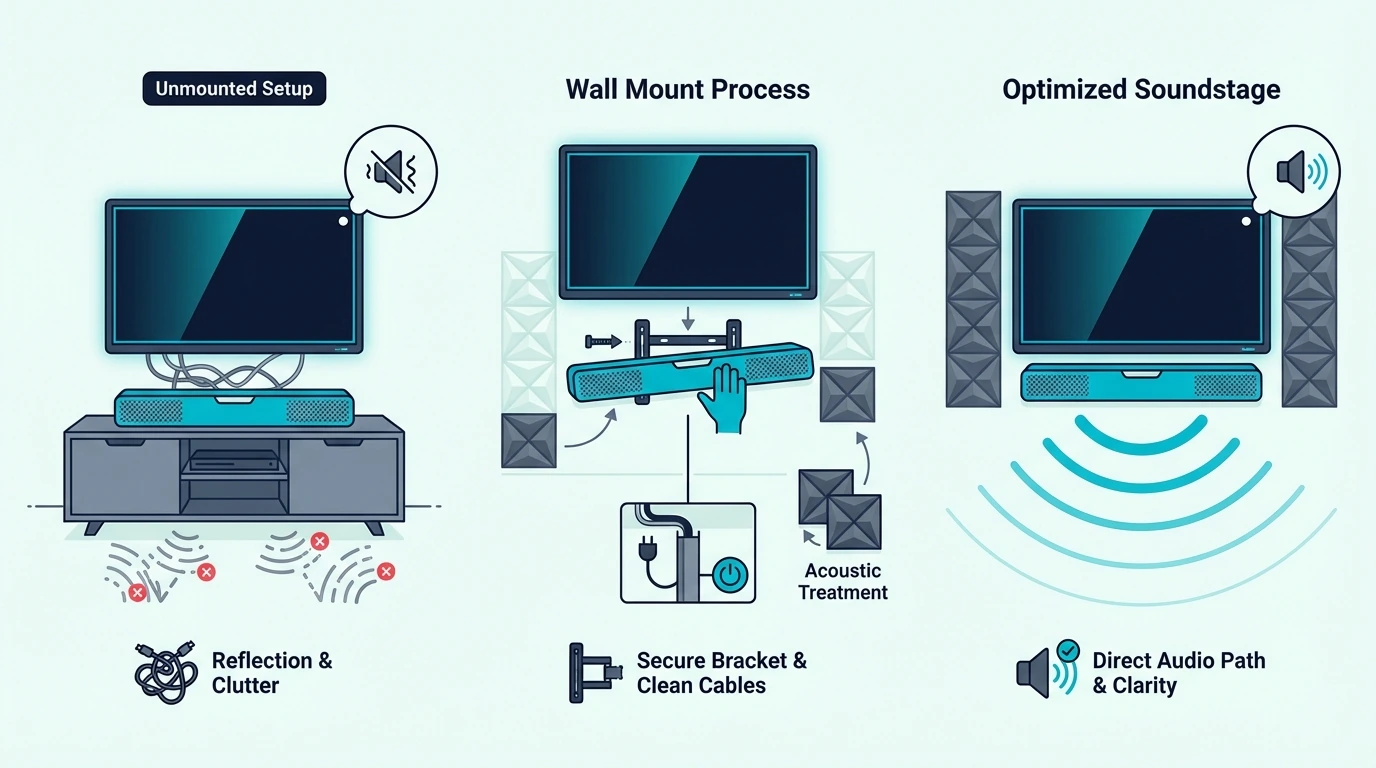
Now that the project is defined, the biggest question is not where the screws go. It is whether the soundbar should move with the TV or stay fixed on the wall.
That matters because TV-mounted and wall-mounted soundbars solve different problems.
A TV-mounted bar keeps the screen and sound system moving together on a swivel mount. Some of those brackets can also hold the bar above the screen, and our guide on whether you can mount a soundbar above the TV weighs that against the makers’ own placement rules.
A separate wall mount gives you better stability, more room, and cleaner placement under a fixed screen.
Check the soundbar’s mounting holes before you pick either route.
Confirm the bracket can handle the weight.
Leave space behind the TV for cables.
Make sure there is enough room below the screen so the bar will not block the picture or the remote sensor.
This decision also shapes which bars are easiest to live with long term.
Compact bars from the best soundbar roundup and the best budget soundbar guide are often easier to mount cleanly.
Oversized systems need more wall space and more connecting cables.
Can You Mount a Soundbar Directly to the TV?
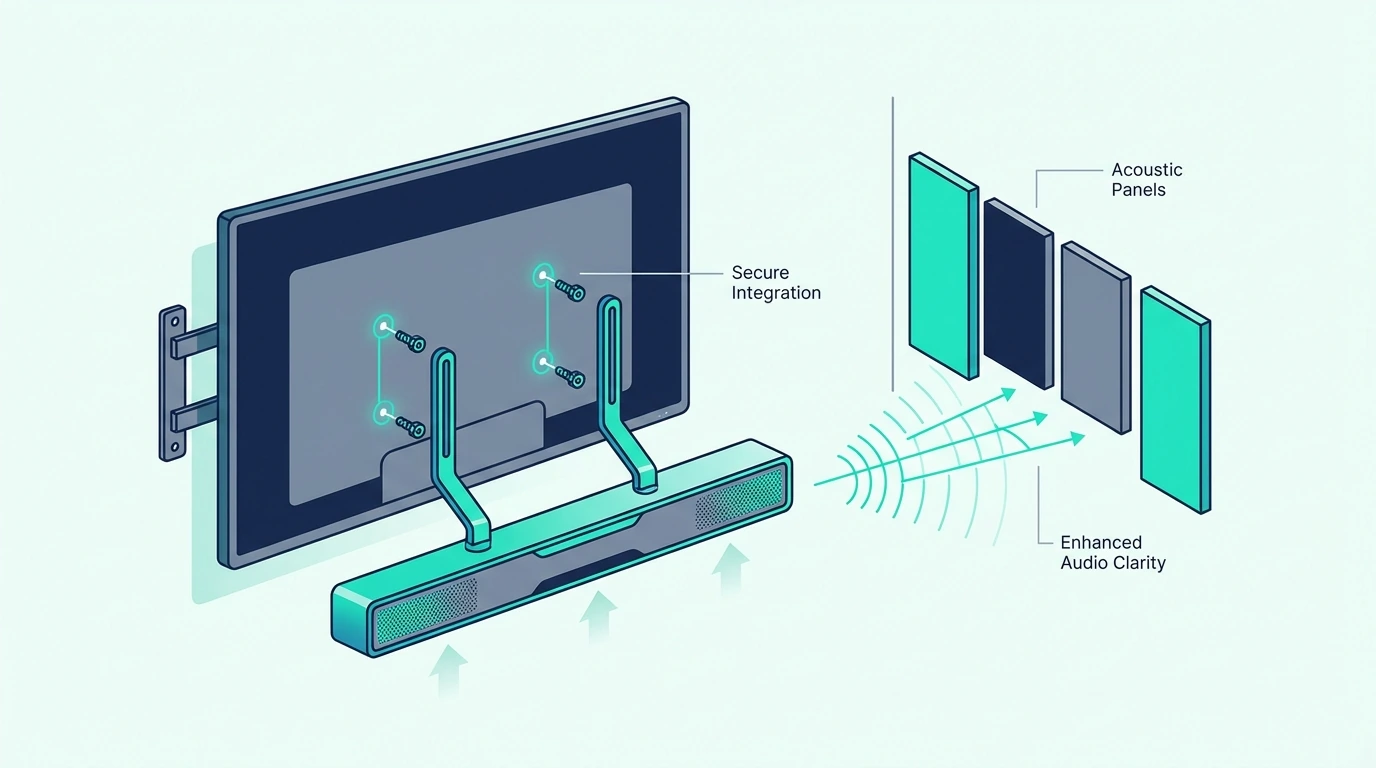
With the basic choice clear, yes, you can mount a soundbar directly to a TV in many cases.
It only works when the bracket and the bar are actually compatible.
LG shows how narrow that match can be: its SC9S bracket lists only the OLED C2, C3 and C4, as Burton Acoustix’s LG soundbar bracket guide sets out alongside the QNED sets LG’s WOW Bracket fits.
This is where many DIY installs go wrong.
A direct-to-TV setup usually attaches the bracket to the TV’s VESA hardware or TV-mount arms.
Samsung made its own version for its 2017 Sound+ bars, the WMN300SB kit, and mounting a Samsung soundbar to a Samsung TV covers the bars and TVs it fits.
Vizio’s version needs no bracket at all: its QuickFit bars clip under compatible Vizio TVs on two thumbscrews from the box, as mounting a Vizio soundbar to a Vizio TV explains.
The soundbar then hangs above or below the screen, so it moves with the TV instead of staying fixed on the wall.
That can be a clean solution when the TV is already on a wall mount or full-motion mount.
It also works well in smaller rooms where keeping the screen and soundbar aligned makes the setup look less cluttered.
A bracket like the Mounting Dream Soundbar Mount Bracket fits this kind of install well because it is designed for above- or under-TV mounting instead of a floating-shelf style.
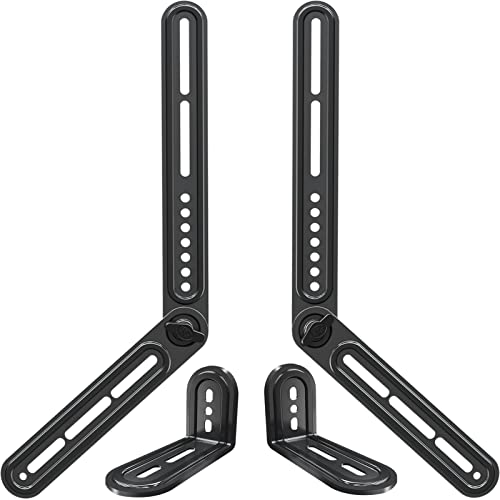
Mounting Dream Soundbar Mount Bracket
Burton Acoustix’s soundbar bracket picks set its 15 lb limit beside the USX MOUNT’s 17.6 lbs and a 20 lb Mounting Dream bracket, with the TV hole range each one covers.
Not every soundbar should be mounted this way.
Larger bars, bars with weak mounting holes, and Dolby Atmos models with upward-firing drivers often fit better on a separate wall mount below the TV.
That is why shoppers comparing bigger systems in the best Dolby Atmos soundbar guide, the best soundbars with subwoofers roundup, or the best soundbars for small rooms guide still need to think about placement before pure sound quality.
How to Mount a Soundbar to a TV Mount, Step by Step
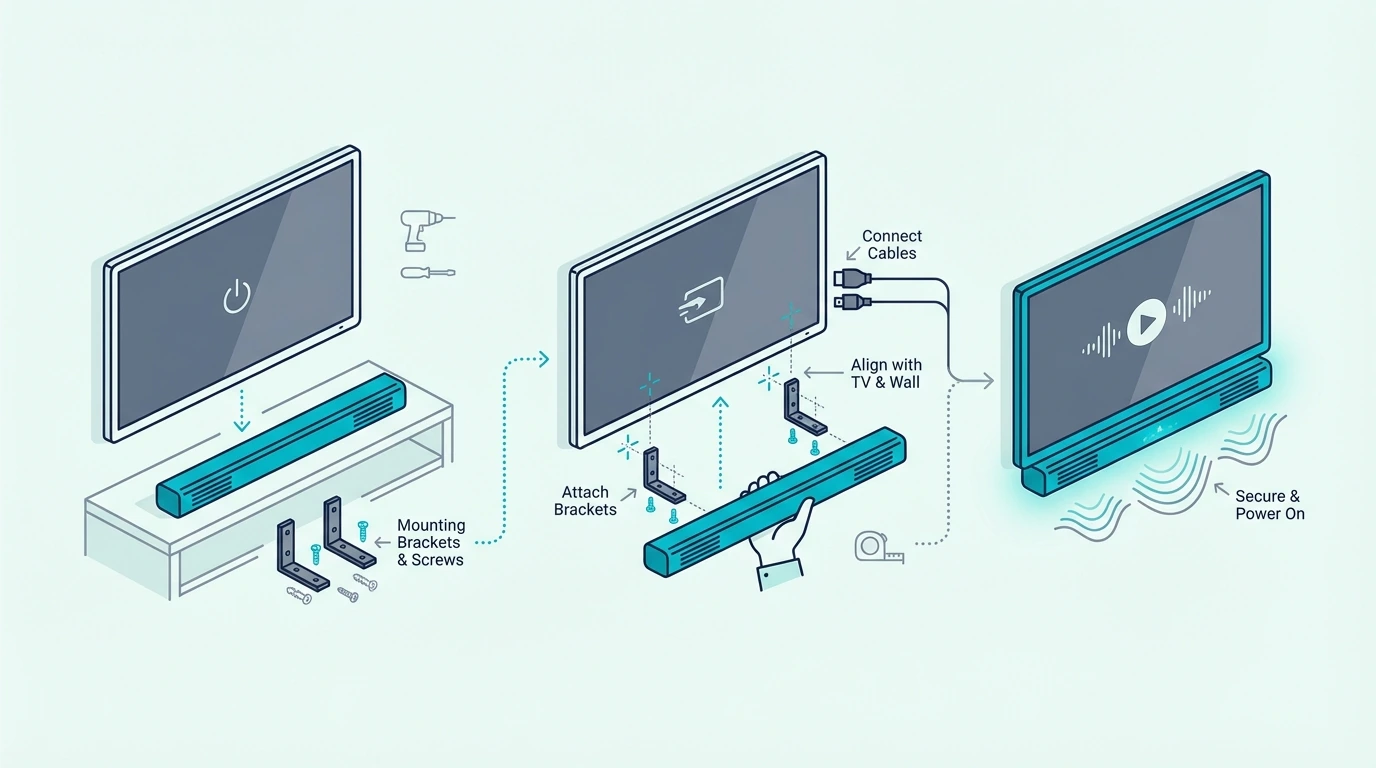
Now that direct mounting makes sense, the next step is the actual attachment process. This is where careful measuring matters more than rushing.
First, confirm the soundbar has usable mounting holes or a bracket-compatible underside.
Then check the TV mount or VESA area so you know where the soundbar wall mount will actually connect.
Second, loosely assemble the bracket before tightening anything fully.
Keep the bar centered under the TV.
Level it left to right.
Leave enough clearance so it does not cover the bottom bezel, the remote receiver, or the cable path.
Check the height too before you drill: where to put a soundbar for the best sound covers ear height, the gap below the TV and Dolby’s advice for Atmos bars.
Third, connect power and signal cables before the final tightening if access will get tight afterwards.
Where those cables then run down the wall is a separate job, and this guide to concealing the cords below a mounted TV sorts out which of them can go inside the wall.
This sounds obvious, but it is one of the easiest ways to create a frustrating reinstall.
If you are also choosing the bar around the install, the next useful references are the best soundbar roundup, the best budget soundbar guide, and the best soundbars for dialogue guide.
They help you avoid picking a bar that becomes awkward to place once the bracket is up.
When Is a Separate Wall Mount Better Than a TV-Mounted Bracket?
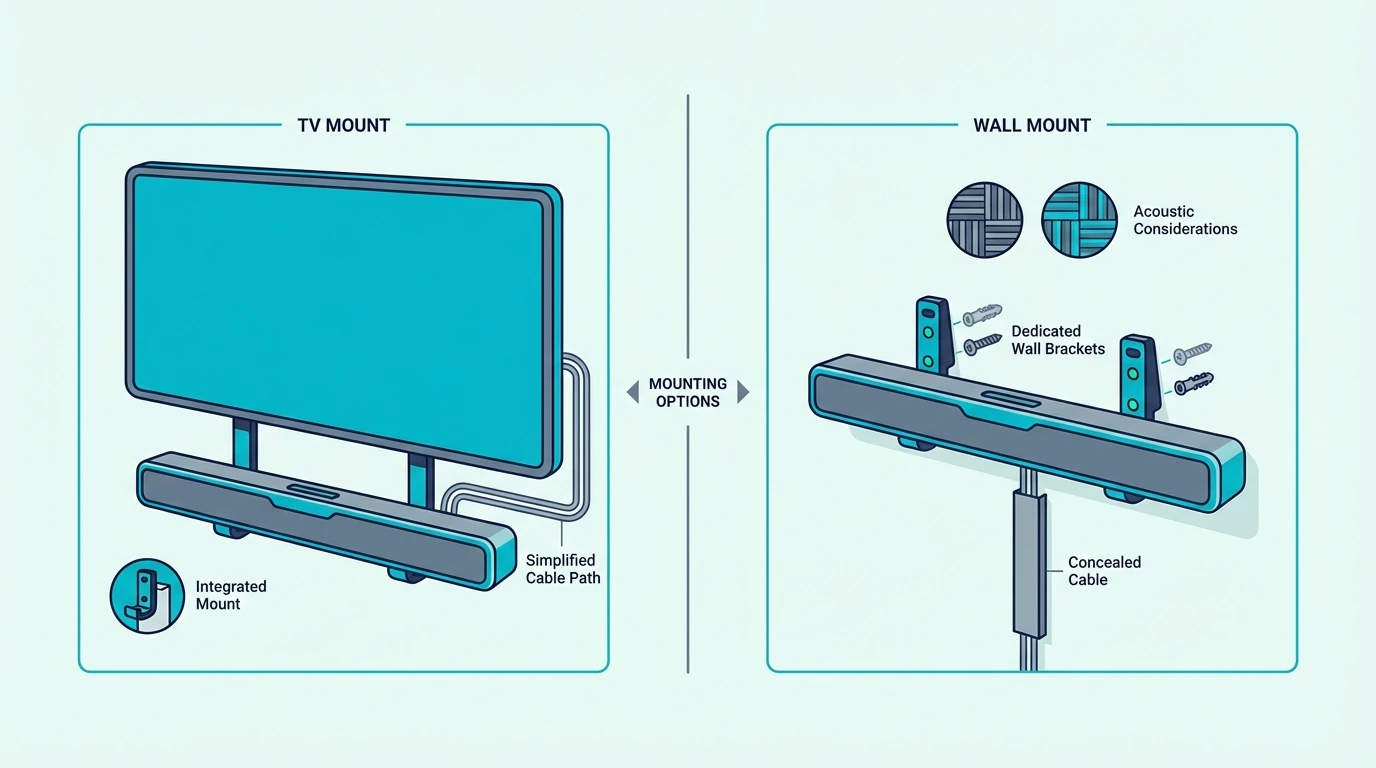
This is the real decision section because both methods work well when matched to the room.
The better option depends on how the TV moves, how large the soundbar is, and how much control you want over placement.
Mounting the soundbar to the TV is usually better when the TV sits on a full-motion mount and you want the screen and soundbar to move as one unit.
It keeps alignment simple and often looks cleaner in smaller bedrooms, apartments, or flexible viewing rooms.
Wall mounting the soundbar separately is usually better when the TV is fixed in place, the bar is heavier, or you need more precise space below the screen. Our walkthrough on how to mount a soundbar on the wall lists what each maker puts in the box, which screws and anchors to buy, and how much gap an Atmos bar needs.
A separate wall mount also gives you more flexibility when the soundbar’s mounting points are awkward or the cables need a cleaner route. For that cleaner route, Burton Acoustix’s guide to hiding a soundbar explains why the power should run through a listed in-wall kit rather than the bar’s own cord.
The best answer still comes back to placement.
If TV-mounted hardware forces the bar too high, too low, or too tight to the wall, separate wall mounting usually wins even if it takes a little more work.
That trade-off shows up most clearly with bigger bars from the best Samsung soundbar guide, the best LG soundbar roundup, and the best Sony soundbar guide.
Size and driver layout can make placement more sensitive than it first appears.
Where Should a Mounted Soundbar Sit Under the TV?
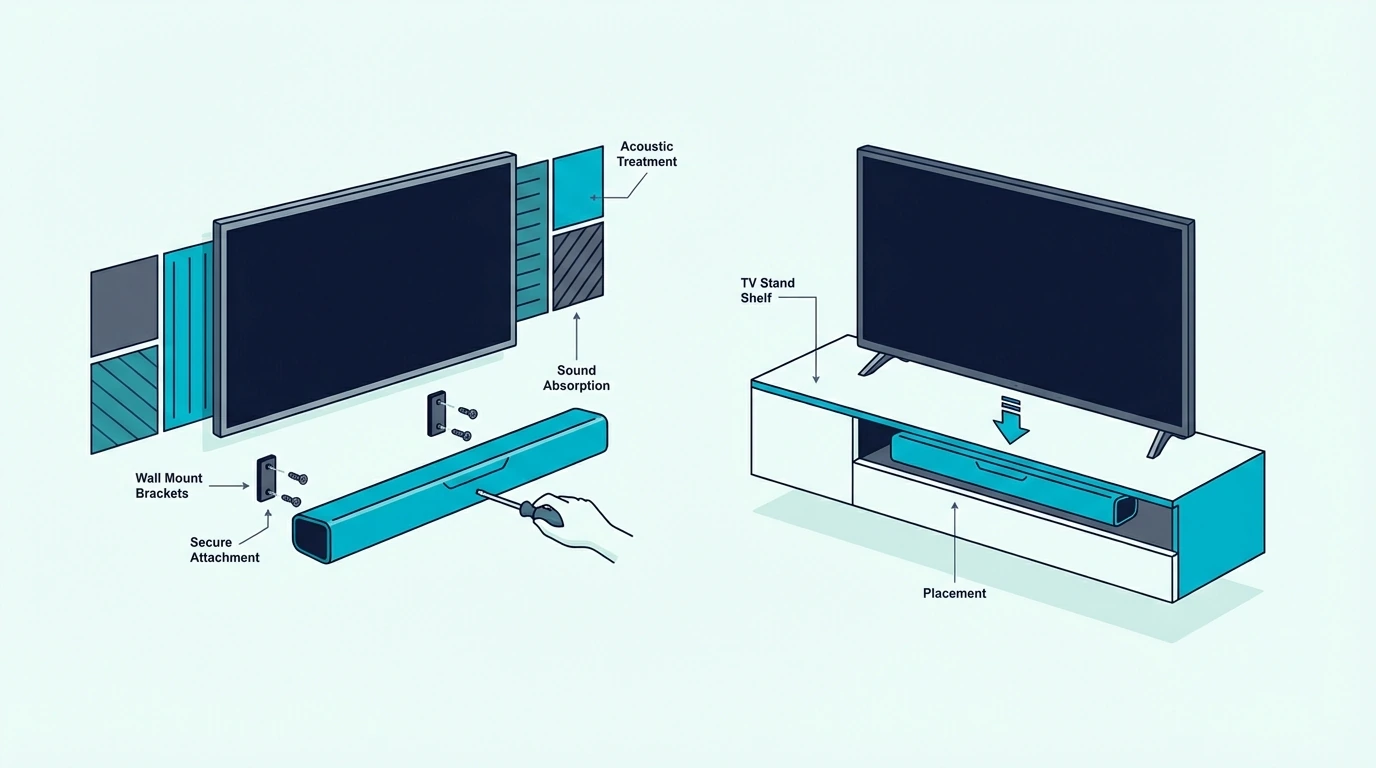
Once you know whether the bar should hang from the TV or the wall, placement height becomes the last big choice.
This is where a clean install can still underperform if the bar ends up jammed too close to the screen or too far below it.
In most rooms, the soundbar should sit centered under the TV with a small visual gap and enough room for airflow, cable bends, and any top-firing Atmos drivers.
Too high and it crowds the screen. Too low and the sound seems disconnected from the picture.
If the bar has upward-firing channels, do not tuck it into a cabinet lip or directly under a deep shelf.
Those soundbars need open space to bounce sound properly.
Tight placement can flatten the sound more than people expect.
If you are wall mounting on drywall, also think about stud placement and drywall anchors before you commit to the final height. A beautiful location is not the right location if the wall mounting hardware is unsupported.
This is also where the main soundbar hub and the best soundbars for dialogue guide help, because correct height and direct front-channel placement matter a lot when clear dialogue is your priority instead of just bass or volume.
The Bottom Line
How to mount soundbar to TV comes down to matching the bracket style to the room and to the soundbar itself.
If the bar is compatible and you want the screen and bar to move together, a TV-mounted bracket can work very well.
If the bar is larger, heavier, or more sensitive to placement, a separate wall mount below the TV is often the better answer.
The most important part is to decide the mounting method before drilling or tightening anything.
Check mounting holes, bracket support, cable clearance, and final height first.
Those details decide whether the install looks clean and sounds right.
If you want help choosing a bar that will be easier to place and live with after mounting, the best next pages are the best soundbar roundup, the best budget soundbar guide, and the broader soundbar hub.
Frequently Asked Questions
How far below the TV should the soundbar be mounted?
The soundbar should usually be mounted just below the TV with a small gap for cables, airflow, and any upward-firing drivers.
The goal is to keep the sound centered with the screen without blocking the picture or the remote sensor.
How should you mount an LG soundbar under a TV?
LG’s manuals for bars such as the S95TR, S80TR and S60T list a wall bracket and an installation guide in the box, but not the screws and wall plugs that hold the bracket to the wall, while the SC9S, SQ70TY and SQ75TR hang from listed LG OLED or QNED sets on brackets LG supplies.
Bars with speakers on top, such as the S95TR, S80TR and S95QR, need 10 cm (about 4 inches) of space below the screen when they’re mounted under it.